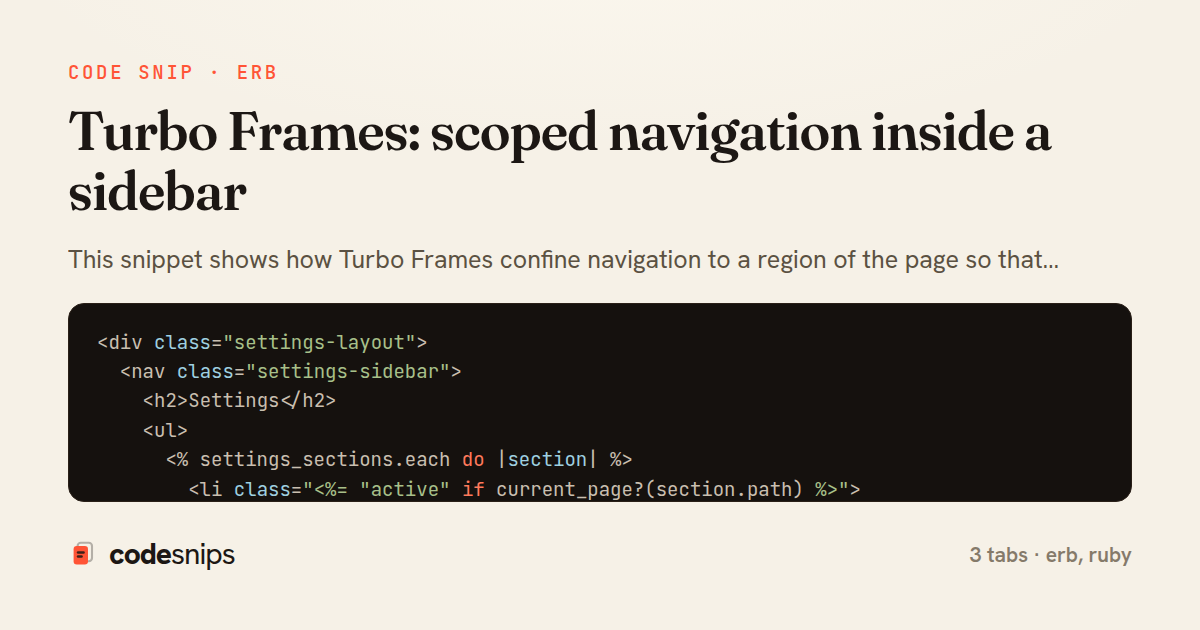
<div class="settings-layout">
  <nav class="settings-sidebar">
    <h2>Settings</h2>
    <ul>
      <% settings_sections.each do |section| %>
        <li class="<%= "active" if current_page?(section.path) %>">
          <%= link_to section.label, section.path,
                data: { turbo_frame: "settings_content" } %>
        </li>
      <% end %>

      <li>
        <%# Escapes the frame and reloads the whole document %>
        <%= link_to "Back to app", root_path,
              data: { turbo_frame: "_top" } %>
      </li>
    </ul>
  </nav>

  <main class="settings-content">
    <%= turbo_frame_tag :settings_content, data: { turbo_action: "advance" } do %>
      <%= render "settings/profile", user: @user %>
    <% end %>
  </main>
</div>
<%= turbo_frame_tag :settings_content, data: { turbo_action: "advance" } do %>
  <header class="content-header">
    <h1>Profile</h1>
    <p class="muted">Update how your account appears to others.</p>
  </header>

  <%= form_with model: user, url: settings_profile_path, method: :patch do |f| %>
    <div class="field">
      <%= f.label :name %>
      <%= f.text_field :name %>
    </div>

    <div class="field">
      <%= f.label :email %>
      <%= f.email_field :email %>
    </div>

    <div class="field">
      <%= f.label :bio %>
      <%= f.text_area :bio, rows: 4 %>
    </div>

    <%= f.submit "Save changes", class: "btn-primary" %>
  <% end %>
<% end %>
class SettingsController < ApplicationController
  before_action :set_user

  def index
    render :index
  end

  def profile
    render :profile, layout: !turbo_frame_request?
  end

  def update_profile
    if @user.update(profile_params)
      redirect_to settings_profile_path, notice: "Profile updated"
    else
      render :profile, layout: !turbo_frame_request?, status: :unprocessable_entity
    end
  end

  private

  def set_user
    @user = current_user
  end

  def turbo_frame_request?
    request.headers["Turbo-Frame"].present?
  end

  def profile_params
    params.require(:user).permit(:name, :email, :bio)
  end
end
This snippet shows how Turbo Frames confine navigation to a region of the page so that clicking links in a sidebar swaps only the main content area, without a full-page reload. The pattern gives an app SPA-like feel with zero custom JavaScript: the browser still issues normal HTTP requests, but Turbo intercepts the response and grafts only the matching <turbo-frame> into the DOM.
The key idea in settings/index.html.erb is that the whole layout is split into a persistent sidebar and a single turbo_frame_tag :settings_content that wraps the mutable content. Because the frame has a stable DOM id, any navigation targeting it replaces its innards while everything outside the frame — the sidebar, headers, scroll position — stays put. Each sidebar link sets data: { turbo_frame: "settings_content" }, which tells Turbo to route that link's response into the frame even though the link itself lives outside it. This decoupling is what makes the sidebar act as a router for the content pane.
In settings/profile.html.erb, the destination page wraps its body in a matching turbo_frame_tag :settings_content. Turbo matches frames by id: it pulls just that element out of the full HTML response and discards the rest, so the same template still renders correctly on a direct visit or hard refresh. The data-turbo-action="advance" attribute on the frame pushes a new history entry, keeping the URL bar and back button honest even though no full navigation happened.
SettingsController looks completely ordinary — it renders normal full templates and knows nothing about frames. That is the point: framing is a view-layer concern, so the controller stays reusable for API-style or full-page rendering. request.headers["Turbo-Frame"] is available if a lighter layout is desired for framed requests, shown here by skipping the application layout.
The main pitfalls are id mismatches (a response without the expected frame id yields an empty pane) and links that should escape the frame, which need data: { turbo_frame: "_top" }. This approach fits dashboards, settings screens, and master-detail UIs where most of the chrome is stable and only one panel changes.
Related snips
class CommentsController < ApplicationController
  before_action :set_post

  def create
    @comment = @post.comments.build(comment_params)
System test: asserting Turbo Stream responses
class Post < ApplicationRecord
  belongs_to :author, class_name: 'User'
  has_many :comments, dependent: :destroy

  scope :published, -> { where.not(published_at: nil).where('published_at <= ?', Time.current) }
  scope :draft, -> { where(published_at: nil) }
ActiveRecord scopes for reusable query logic
module Api
  module V1
    class UsersController < BaseController
      def show
        user = User.includes(:profile).find(params[:id])
ETags for conditional requests and caching
class PostsController < ApplicationController
  def index
    @posts = Post.includes(:author)
                 .order(created_at: :desc)
                 .page(params[:page])
                 .per(10)
Turbo Frames: infinite scroll with lazy-loading frame
require "csv"

class PeopleCsvStream
  include Enumerable

  HEADERS = %w[id full_name email signed_up_at plan].freeze
Resilient CSV Export as a Streamed Response
<form data-controller="query-sync" data-action="change->query-sync#apply">
  <select name="status" class="rounded border p-2">
    <option value="">Any</option>
    <option value="open">Open</option>
    <option value="closed">Closed</option>
  </select>
Filter UI that syncs query params via Stimulus (no front-end router)
Share this code
Here's the card — post it anywhere.