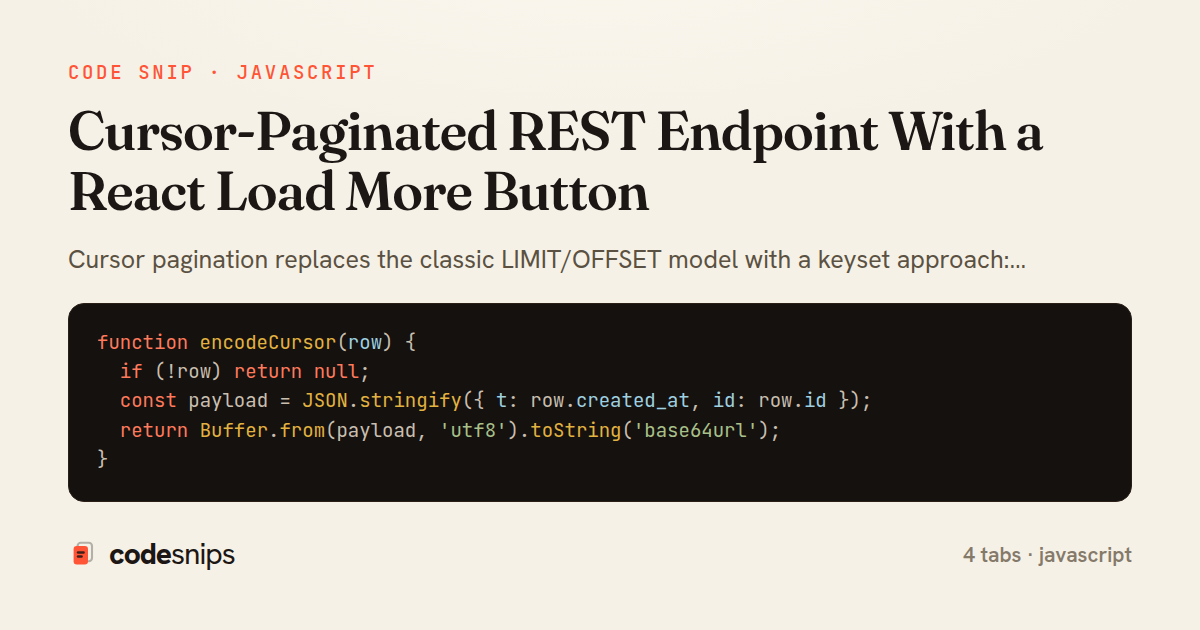
function encodeCursor(row) {
  if (!row) return null;
  const payload = JSON.stringify({ t: row.created_at, id: row.id });
  return Buffer.from(payload, 'utf8').toString('base64url');
}

function decodeCursor(token) {
  if (!token || typeof token !== 'string') return null;
  try {
    const json = Buffer.from(token, 'base64url').toString('utf8');
    const { t, id } = JSON.parse(json);
    if (!t || !id) return null;
    return { createdAt: t, id };
  } catch (err) {
    return null;
  }
}

module.exports = { encodeCursor, decodeCursor };
const express = require('express');
const db = require('./db');
const { encodeCursor, decodeCursor } = require('./cursor');
const router = express.Router();
const MAX_LIMIT = 50;
router.get('/feed', async (req, res, next) => {
try {
const limit = Math.min(parseInt(req.query.limit, 10) || 20, MAX_LIMIT);
const cursor = decodeCursor(req.query.cursor);
const params = [];
let where = '';
if (cursor) {
// row-value comparison keeps the composite key atomic
where = 'WHERE (created_at, id) < ($1, $2)';
params.push(cursor.createdAt, cursor.id);
}
params.push(limit + 1);
const rows = await db.query(
`SELECT id, title, created_at FROM posts
${where}
ORDER BY created_at DESC, id DESC
LIMIT $${params.length}`,
params
);
const hasMore = rows.length > limit;
const items = hasMore ? rows.slice(0, limit) : rows;
const nextCursor = hasMore ? encodeCursor(items[items.length - 1]) : null;
res.json({ items, nextCursor });
} catch (err) {
next(err);
}
});
module.exports = router;import { useCallback, useRef, useState } from 'react';
export function useCursorPagination(endpoint, { limit = 20 } = {}) {
const [items, setItems] = useState([]);
const [cursor, setCursor] = useState(null);
const [hasMore, setHasMore] = useState(true);
const [loading, setLoading] = useState(false);
const [error, setError] = useState(null);
const inFlight = useRef(null);
const loadMore = useCallback(async () => {
if (loading || !hasMore) return;
setLoading(true);
setError(null);
inFlight.current?.abort();
const controller = new AbortController();
inFlight.current = controller;
try {
const url = new URL(endpoint, window.location.origin);
url.searchParams.set('limit', String(limit));
if (cursor) url.searchParams.set('cursor', cursor);
const res = await fetch(url, { signal: controller.signal });
if (!res.ok) throw new Error(`Request failed: ${res.status}`);
const data = await res.json();
setItems((prev) => [...prev, ...data.items]);
setCursor(data.nextCursor);
setHasMore(Boolean(data.nextCursor));
} catch (err) {
if (err.name !== 'AbortError') setError(err);
} finally {
setLoading(false);
}
}, [endpoint, limit, cursor, hasMore, loading]);
return { items, hasMore, loading, error, loadMore };
}import { useEffect } from 'react';
import { useCursorPagination } from './useCursorPagination';
export default function Feed() {
const { items, hasMore, loading, error, loadMore } = useCursorPagination(
'/api/feed',
{ limit: 20 }
);
useEffect(() => {
loadMore();
}, []); // fetch the first page on mount
return (
<section className="feed">
<ul>
{items.map((post) => (
<li key={post.id}>
<h3>{post.title}</h3>
<time>{new Date(post.created_at).toLocaleString()}</time>
</li>
))}
</ul>
{error && <p className="feed__error">Failed to load: {error.message}</p>}
{hasMore ? (
<button className="feed__more" onClick={loadMore} disabled={loading}>
{loading ? 'Loading\u2026' : 'Load more'}
</button>
) : (
<p className="feed__end">You\u2019re all caught up.</p>
)}
</section>
);
}Cursor pagination replaces the classic LIMIT/OFFSET model with a keyset approach: instead of asking for "page 3", the client asks for rows after a specific record. This avoids the two big problems with offset paging — performance degradation on deep pages (the database still has to scan and discard all skipped rows) and drift, where inserts or deletes between requests cause rows to be skipped or repeated. The trade-off is that clients can no longer jump to an arbitrary page; they can only walk forward from a cursor, which is exactly what a Load More button needs.
In feed.routes.js, the endpoint orders by a stable, unique tuple (created_at, id). The id tie-breaker matters: ordering by created_at alone is ambiguous when timestamps collide, and an ambiguous sort makes the cursor unreliable. The incoming cursor is decoded with decodeCursor, and the query uses a row-value comparison (created_at, id) < (?, ?) so the composite key is compared atomically. It fetches limit + 1 rows as a cheap way to detect whether more data exists without a separate COUNT.
The cursor itself is opaque to the client. In cursor.js, encodeCursor packs the last row's sort fields into base64, and decodeCursor reverses it, returning null for missing or malformed input so a bad cursor degrades to "start from the beginning" rather than throwing. Keeping the cursor opaque means the server can change the underlying sort keys later without breaking clients that treated the token as a black box.
On the client, useCursorPagination owns the paging state: the accumulated items, the current cursor, a hasMore flag, and loading. Its loadMore function guards against concurrent calls with the loading check and appends new items rather than replacing them. Note the AbortController cleanup so an in-flight request from an unmounted component cannot call setState.
Feed.jsx wires the hook to UI: it renders the list and shows the button only when hasMore is true, disabling it while loading. A subtle correctness detail is that the server returns nextCursor as null once the final page is reached, which the hook translates into hasMore = false, so the button disappears exactly when the data runs out. This pattern is the right reach when a feed is append-only or naturally chronological and users rarely need random page access.
Related snips
class PostsController < ApplicationController
  def index
    @posts = Post.includes(:author)
                 .order(created_at: :desc)
                 .page(params[:page])
                 .per(10)
Turbo Frames: infinite scroll with lazy-loading frame
import axios, { AxiosError } from 'axios'
import { v4 as uuidv4 } from 'uuid'

const api = axios.create({
  baseURL: import.meta.env.VITE_API_URL || 'http://localhost:3000/api/v1',
  timeout: 15000,
Axios API client with interceptors
import { create } from 'zustand'
import { persist } from 'zustand/middleware'

interface FilterState {
  search: string
  category: string | null
Zustand for lightweight state management
import { randomBytes, createHash } from "crypto";
import jwt from "jsonwebtoken";
import { RefreshTokenStore } from "./store";

const ACCESS_SECRET = process.env.ACCESS_SECRET!;
const ACCESS_TTL = "15m";
JWT access + refresh token rotation (conceptual)
import React from "react";

type FallbackProps = {
  error: Error;
  reset: () => void;
};
React Error Boundary + error reporting hook
const withBundleAnalyzer = require('@next/bundle-analyzer')({
  enabled: process.env.ANALYZE === 'true',
  openAnalyzer: true,
});

/** @type {import('next').NextConfig} */
Next.js bundle analyzer for targeted performance work
Share this code
Here's the card — post it anywhere.