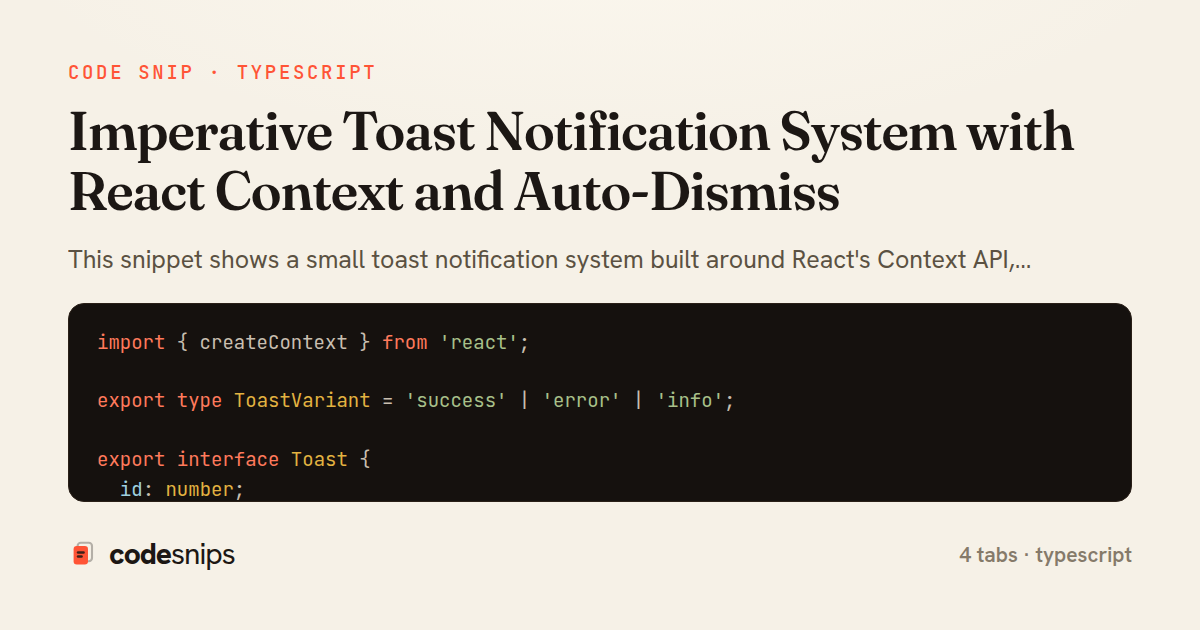
import { createContext } from 'react';

export type ToastVariant = 'success' | 'error' | 'info';

export interface Toast {
  id: number;
  variant: ToastVariant;
  message: string;
  duration?: number;
}

export interface ToastContextValue {
  toasts: Toast[];
  add: (toast: Omit<Toast, 'id'>) => number;
  remove: (id: number) => void;
}

export const ToastContext = createContext<ToastContextValue | null>(null);
import React, { useCallback, useMemo, useRef, useState } from 'react';
import { createPortal } from 'react-dom';
import { ToastContext, Toast } from './ToastContext';
export function ToastProvider({ children }: { children: React.ReactNode }) {
const [toasts, setToasts] = useState<Toast[]>([]);
const nextId = useRef(1);
const remove = useCallback((id: number) => {
setToasts((prev) => prev.filter((t) => t.id !== id));
}, []);
const add = useCallback(
(toast: Omit<Toast, 'id'>) => {
const id = nextId.current++;
setToasts((prev) => [...prev, { ...toast, id }]);
if (toast.duration && toast.duration > 0) {
window.setTimeout(() => remove(id), toast.duration);
}
return id;
},
[remove]
);
const value = useMemo(() => ({ toasts, add, remove }), [toasts, add, remove]);
return (
<ToastContext.Provider value={value}>
{children}
{createPortal(<ToastViewport toasts={toasts} onDismiss={remove} />, document.body)}
</ToastContext.Provider>
);
}
function ToastViewport({ toasts, onDismiss }: { toasts: Toast[]; onDismiss: (id: number) => void }) {
return (
<div className="toast-viewport" role="region" aria-label="Notifications">
{toasts.map((t) => (
<div key={t.id} className={`toast toast--${t.variant}`} role="status">
<span>{t.message}</span>
<button type="button" aria-label="Dismiss" onClick={() => onDismiss(t.id)}>
×
</button>
</div>
))}
</div>
);
}
import { useContext, useMemo } from 'react';
import { ToastContext } from './ToastContext';

export function useToast() {
  const ctx = useContext(ToastContext);
  if (!ctx) {
    throw new Error('useToast must be used within a <ToastProvider>');
  }

  const { add, remove } = ctx;

  return useMemo(
    () => ({
      success: (message: string, duration = 4000) =>
        add({ variant: 'success', message, duration }),
      error: (message: string, duration = 6000) =>
        add({ variant: 'error', message, duration }),
      info: (message: string, duration = 4000) =>
        add({ variant: 'info', message, duration }),
      dismiss: remove,
    }),
    [add, remove]
  );
}
import React, { useState } from 'react';
import { useToast } from './useToast';

export function SaveButton({ onSave }: { onSave: () => Promise<void> }) {
  const toast = useToast();
  const [saving, setSaving] = useState(false);

  async function handleClick() {
    setSaving(true);
    try {
      await onSave();
      toast.success('Changes saved');
    } catch (err) {
      const message = err instanceof Error ? err.message : 'Something went wrong';
      toast.error(message);
    } finally {
      setSaving(false);
    }
  }

  return (
    <button type="button" disabled={saving} onClick={handleClick}>
      {saving ? 'Saving…' : 'Save'}
    </button>
  );
}
This snippet shows a small toast notification system built around React's Context API, exposing both a declarative provider and an imperative toast()-style API that can be called from anywhere in the tree. The central idea is to keep toast state in one place (a provider) while letting consumers fire notifications without prop drilling or manually threading callbacks.
In ToastContext.ts, the shape of the context is defined with a ToastContextValue interface holding add and remove functions plus the current toasts array. The context defaults to null so that useToast can throw a clear error when a component tries to use toasts outside the provider — a common guard that turns a silent no-op into an actionable mistake. The Toast type carries an id, a variant, the message, and an optional duration.
ToastProvider.tsx owns the list in useState and generates stable ids with a useRef counter, avoiding Date.now() collisions when several toasts fire in the same tick. add is wrapped in useCallback and, when a duration is present, schedules removal with setTimeout; remove filters the toast out by id. Because add and remove are stable, the memoized value only changes when toasts changes, keeping consumers from re-rendering needlessly. The provider renders its children alongside a ToastViewport that portals into document.body, so toasts float above the app regardless of overflow or stacking-context issues in nested components.
useToast.ts reads the context and returns a friendly imperative surface: success, error, and info helpers built on top of add, each defaulting the variant and a sensible duration. This is where the imperative API lives — a caller writes toast.success('Saved') rather than mutating state directly.
The pattern's trade-off is that toasts live in React state, so firing them from outside React (e.g. a plain module) requires bridging through a component. The portal-based viewport and stable-callback memoization are the details that make it reliable at scale.
Related snips
export interface RetryOptions {
  retries: number;
  baseMs: number;
  maxMs: number;
  signal?: AbortSignal;
  onRetry?: (attempt: number, delay: number, err: unknown) => void;
Exponential backoff with jitter for retries
import axios, { AxiosError } from 'axios'
import { v4 as uuidv4 } from 'uuid'

const api = axios.create({
  baseURL: import.meta.env.VITE_API_URL || 'http://localhost:3000/api/v1',
  timeout: 15000,
Axios API client with interceptors
import { create } from 'zustand'
import { persist } from 'zustand/middleware'

interface FilterState {
  search: string
  category: string | null
Zustand for lightweight state management
import SwiftUI

struct ContentView: View {
    @State private var username = ""
    @State private var isLoggedIn = false
    @StateObject private var viewModel = LoginViewModel()
SwiftUI declarative UI with state management
import React from "react";

type FallbackProps = {
  error: Error;
  reset: () => void;
};
React Error Boundary + error reporting hook
<h1>Products</h1>

<%= form_with url: products_path, method: :get,
              data: { turbo_frame: "products_list", turbo_action: "advance" } do |f| %>
  <div class="filters">
    <%= f.text_field :q, value: params[:q], placeholder: "Search products" %>
Frame navigation that targets a specific frame via form_with
Share this code
Here's the card — post it anywhere.