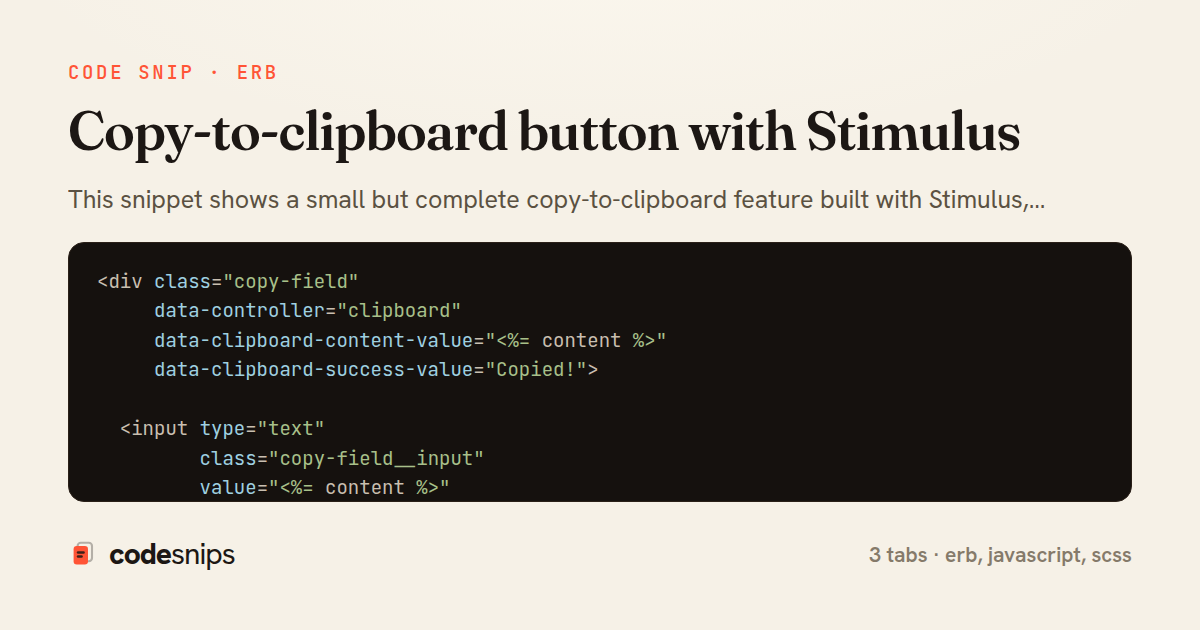
<div class="copy-field"
     data-controller="clipboard"
     data-clipboard-content-value="<%= content %>"
     data-clipboard-success-value="Copied!">

  <input type="text"
         class="copy-field__input"
         value="<%= content %>"
         readonly
         aria-label="Value to copy">

  <pre class="copy-field__preview"><code data-clipboard-target="source"><%= content %></code></pre>

  <button type="button"
          class="copy-field__button"
          data-clipboard-target="button"
          data-action="clipboard#copy">
    <%= label || "Copy" %>
  </button>
</div>
import { Controller } from "@hotwired/stimulus"

export default class extends Controller {
  static targets = ["button", "source"]
  static values = {
    content: String,
    success: { type: String, default: "Copied!" }
  }

  connect() {
    this.originalLabel = this.buttonTarget.textContent.trim()
  }

  disconnect() {
    if (this.timeout) clearTimeout(this.timeout)
  }

  copy(event) {
    event.preventDefault()
    const text = this.contentValue || this.sourceTarget.textContent

    if (navigator.clipboard && window.isSecureContext) {
      navigator.clipboard.writeText(text).then(() => this.copied())
    } else {
      this.fallbackCopy(text)
    }
  }

  fallbackCopy(text) {
    const area = document.createElement("textarea")
    area.value = text
    area.setAttribute("readonly", "")
    area.style.position = "absolute"
    area.style.left = "-9999px"
    document.body.appendChild(area)
    area.select()
    try {
      document.execCommand("copy")
      this.copied()
    } finally {
      area.remove()
    }
  }

  copied() {
    this.buttonTarget.textContent = this.successValue
    this.buttonTarget.setAttribute("aria-live", "polite")

    if (this.timeout) clearTimeout(this.timeout)
    this.timeout = setTimeout(() => {
      this.buttonTarget.textContent = this.originalLabel
    }, 2000)
  }
}
.copy-field {
  display: flex;
  align-items: stretch;
  gap: 0.5rem;

  &__input {
    flex: 1;
    font-family: var(--font-mono, monospace);
    padding: 0.4rem 0.6rem;
    border: 1px solid #d0d7de;
    border-radius: 6px;
  }

  &__preview {
    display: none; // input is the interactive source; preview is optional
  }

  &__button {
    cursor: pointer;
    padding: 0.4rem 0.9rem;
    border: 1px solid #d0d7de;
    border-radius: 6px;
    background: #f6f8fa;
    transition: background 120ms ease-in-out;

    &:hover {
      background: #eaeef2;
    }

    &:active {
      transform: translateY(1px);
    }
  }
}
This snippet shows a small but complete copy-to-clipboard feature built with Stimulus, the JavaScript framework that ships with Hotwire and Rails. It is split so the markup and behaviour stay cleanly separated: the ERB partial declares the controller and its targets/values declaratively, while the Stimulus controller holds the actual logic.
In _copy_button.html.erb, the wrapping div is annotated with data-controller="clipboard", which tells Stimulus to instantiate the controller when that element enters the DOM. The text to copy is passed through a value attribute, data-clipboard-content-value, rather than being read from the visible DOM — this keeps the source of truth explicit and works even when the displayed text is truncated or formatted. The <code> element is marked data-clipboard-target="source" as an alternative source, and the button carries data-clipboard-target="button" plus an action that maps its click event to the controller's copy method. The readonly input mirrors the value so screen-reader users and keyboard users can still select it.
In clipboard_controller.js, static targets and static values register the connections declared in the markup, giving typed accessors like this.contentValue and this.buttonTarget. The copy action prefers the modern asynchronous navigator.clipboard.writeText, which returns a promise, and falls back to fallbackCopy using a hidden textarea and document.execCommand for older or insecure (non-HTTPS) contexts where the Clipboard API is unavailable.
The feedback pattern is worth noting: copied swaps the button label to the successValue, then uses a tracked timeout so rapid repeated clicks reset the timer instead of stacking. disconnect clears that timeout to avoid a callback firing on a removed element, a common leak when Turbo swaps the page. This approach is idiomatic because it treats markup as configuration and JavaScript as behaviour, degrades gracefully, and remains resilient to Turbo navigation. It is the pattern to reach for whenever a discrete UI affordance needs a little transient client-side state.
Related snips
class CommentsController < ApplicationController
  before_action :set_post

  def create
    @comment = @post.comments.build(comment_params)
System test: asserting Turbo Stream responses
class Post < ApplicationRecord
  belongs_to :author, class_name: 'User'
  has_many :comments, dependent: :destroy

  scope :published, -> { where.not(published_at: nil).where('published_at <= ?', Time.current) }
  scope :draft, -> { where(published_at: nil) }
ActiveRecord scopes for reusable query logic
module Api
  module V1
    class UsersController < BaseController
      def show
        user = User.includes(:profile).find(params[:id])
ETags for conditional requests and caching
class PostsController < ApplicationController
  def index
    @posts = Post.includes(:author)
                 .order(created_at: :desc)
                 .page(params[:page])
                 .per(10)
Turbo Frames: infinite scroll with lazy-loading frame
<!DOCTYPE html>
<html lang="en">
<head>
  <meta charset="UTF-8">
  <meta name="viewport" content="width=device-width, initial-scale=1.0">
  <title>Semantic HTML Example</title>
Semantic HTML5 elements and accessibility best practices
require "csv"

class PeopleCsvStream
  include Enumerable

  HEADERS = %w[id full_name email signed_up_at plan].freeze
Resilient CSV Export as a Streamed Response
Share this code
Here's the card — post it anywhere.