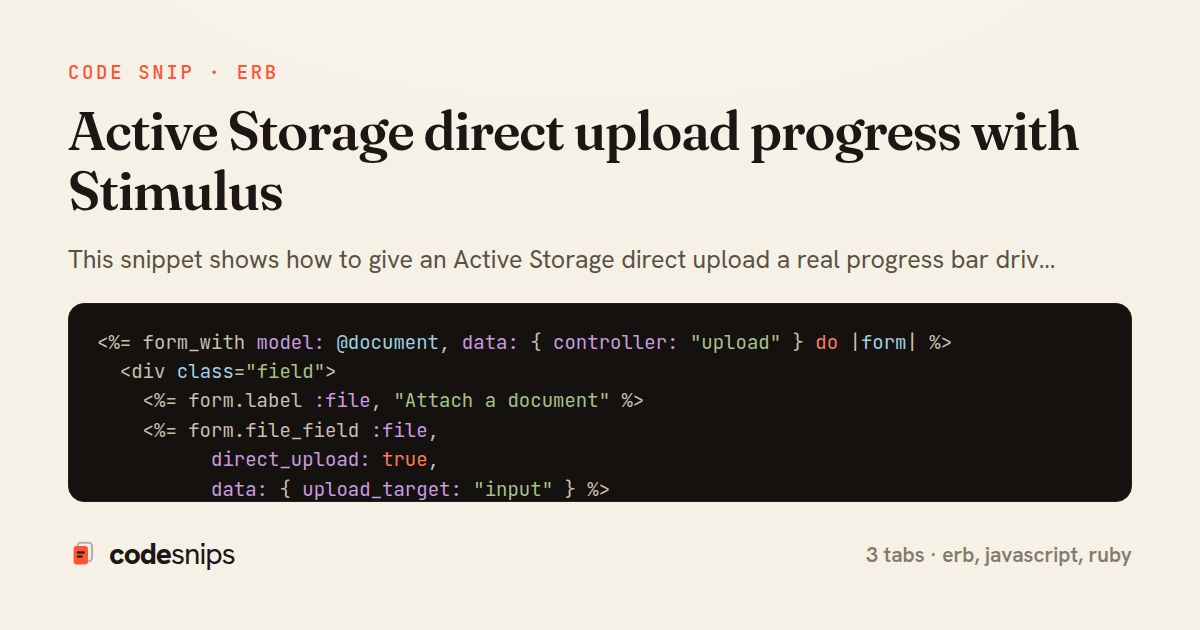
<%= form_with model: @document, data: { controller: "upload" } do |form| %>
  <div class="field">
    <%= form.label :file, "Attach a document" %>
    <%= form.file_field :file,
          direct_upload: true,
          data: { upload_target: "input" } %>
  </div>

  <div class="progress" data-upload-target="progress" hidden>
    <div class="progress__bar"
         data-upload-target="bar"
         role="progressbar"
         aria-valuemin="0"
         aria-valuemax="100"
         aria-valuenow="0"></div>
    <span class="progress__label" data-upload-target="label">0%</span>
  </div>

  <%= form.submit "Save", data: { upload_target: "submit" } %>
<% end %>
import { Controller } from "@hotwired/stimulus"

export default class extends Controller {
  static targets = ["input", "progress", "bar", "label", "submit"]

  connect() {
    this.onStart = this.start.bind(this)
    this.onProgress = this.progress.bind(this)
    this.onEnd = this.end.bind(this)
    this.onError = this.error.bind(this)

    this.inputTarget.addEventListener("direct-upload:start", this.onStart)
    this.inputTarget.addEventListener("direct-upload:progress", this.onProgress)
    this.inputTarget.addEventListener("direct-upload:end", this.onEnd)
    this.inputTarget.addEventListener("direct-upload:error", this.onError)
  }

  disconnect() {
    this.inputTarget.removeEventListener("direct-upload:start", this.onStart)
    this.inputTarget.removeEventListener("direct-upload:progress", this.onProgress)
    this.inputTarget.removeEventListener("direct-upload:end", this.onEnd)
    this.inputTarget.removeEventListener("direct-upload:error", this.onError)
  }

  start() {
    this.progressTarget.hidden = false
    this.submitTarget.disabled = true
    this.render(0)
  }

  progress(event) {
    this.render(Math.round(event.detail.progress))
  }

  end() {
    this.render(100)
    this.submitTarget.disabled = false
  }

  error(event) {
    event.preventDefault()
    this.submitTarget.disabled = false
    this.labelTarget.textContent = event.detail.error
  }

  render(value) {
    this.barTarget.style.width = `${value}%`
    this.barTarget.setAttribute("aria-valuenow", value)
    this.labelTarget.textContent = `${value}%`
  }
}
class DocumentsController < ApplicationController
  before_action :authenticate_user!

  def new
    @document = current_user.documents.new
  end

  def create
    @document = current_user.documents.new(document_params)

    if @document.save
      redirect_to @document, notice: "Document uploaded."
    else
      render :new, status: :unprocessable_entity
    end
  end

  private

  def document_params
    # :file arrives as a signed_id produced by the direct upload
    params.require(:document).permit(:title, :file)
  end
end
This snippet shows how to give an Active Storage direct upload a real progress bar driven entirely on the client with a Stimulus controller, without waiting for a full server round trip. Active Storage's DirectUpload object streams the file straight to the storage service (S3, GCS, or disk) and only submits the resulting signed_id with the form, so the browser knows the exact byte progress before Rails ever sees the request. The trick is to hook into that upload lifecycle and reflect it in the DOM.
The _form.html.erb tab wires everything up declaratively. The file_field is rendered with direct_upload: true, which makes Rails include the activestorage JS that dispatches direct-upload events. The surrounding div carries data-controller="upload" and the progress markup carries data-upload-target attributes, so the Stimulus controller can find the bar and label without any manual querySelector calls. Disabling the submit button up front prevents a user from posting the form while bytes are still in flight.
The upload_controller.js tab is the core. Active Storage emits four events on the <input> element: direct-upload:initialize, :start, :progress, and :end. The controller listens for them in connect() and tears the listeners down in disconnect() to avoid leaks when Turbo swaps the DOM. The progress handler reads event.detail.progress (a 0-100 float) and writes it to the bar's style.width and aria-valuenow, keeping the UI accessible. On :end it re-enables the submit button.
A subtle point: each file gets its own event because event.detail.id correlates the DOM data-direct-upload-id element that Active Storage injects, so multiple files can report independent progress. The direct-upload:error case is handled by surfacing event.detail.error and preventing default so Rails doesn't silently drop the failure.
The DocumentsController tab closes the loop: because the upload already happened, the controller simply calls document.file.attach(params.dig(:document, :file)) with the signed_id, which is a cheap metadata write rather than a file transfer. This pattern keeps large uploads responsive, offloads bandwidth from the app server, and gives users honest feedback, at the cost of relying on client JS and correctly configured CORS on the bucket.
Related snips
class CommentsController < ApplicationController
  before_action :set_post

  def create
    @comment = @post.comments.build(comment_params)
System test: asserting Turbo Stream responses
class Post < ApplicationRecord
  belongs_to :author, class_name: 'User'
  has_many :comments, dependent: :destroy

  scope :published, -> { where.not(published_at: nil).where('published_at <= ?', Time.current) }
  scope :draft, -> { where(published_at: nil) }
ActiveRecord scopes for reusable query logic
module Api
  module V1
    class UsersController < BaseController
      def show
        user = User.includes(:profile).find(params[:id])
ETags for conditional requests and caching
class PostsController < ApplicationController
  def index
    @posts = Post.includes(:author)
                 .order(created_at: :desc)
                 .page(params[:page])
                 .per(10)
Turbo Frames: infinite scroll with lazy-loading frame
require "csv"

class PeopleCsvStream
  include Enumerable

  HEADERS = %w[id full_name email signed_up_at plan].freeze
Resilient CSV Export as a Streamed Response
<form data-controller="query-sync" data-action="change->query-sync#apply">
  <select name="status" class="rounded border p-2">
    <option value="">Any</option>
    <option value="open">Open</option>
    <option value="closed">Closed</option>
  </select>
Filter UI that syncs query params via Stimulus (no front-end router)
Share this code
Here's the card — post it anywhere.