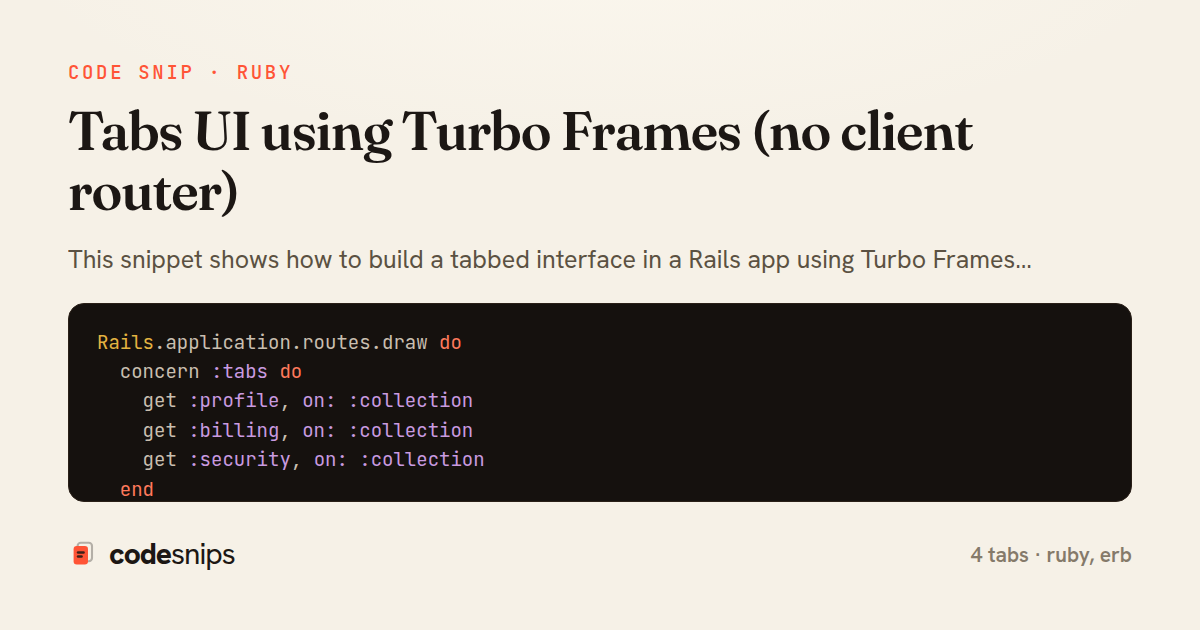
Rails.application.routes.draw do
  concern :tabs do
    get :profile, on: :collection
    get :billing, on: :collection
    get :security, on: :collection
  end

  resource :account, only: [:show], controller: "tabs" do
    concerns :tabs
  end

  root "tabs#show"
end
class TabsController < ApplicationController
  before_action :set_active_tab

  def show
    redirect_to profile_account_path
  end

  def profile
    @user = current_user
    render_panel :profile
  end

  def billing
    @invoices = current_user.invoices.recent
    render_panel :billing
  end

  def security
    @sessions = current_user.active_sessions
    render_panel :security
  end

  private

  def set_active_tab
    @active_tab = action_name.to_sym
  end

  def render_panel(name)
    if turbo_frame_request?
      render name, layout: false
    else
      render "account/show"
    end
  end
end
<% tabs = { profile: "Profile", billing: "Billing", security: "Security" } %>

<div class="account">
  <nav class="tabs" aria-label="Account sections">
    <% tabs.each do |key, label| %>
      <%= link_to label,
            url_for(controller: "tabs", action: key),
            data: { turbo_frame: "account-panel", turbo_action: "advance" },
            class: ("is-active" if @active_tab == key),
            "aria-current": ("page" if @active_tab == key) %>
    <% end %>
  </nav>

  <%= render "account/#{@active_tab}" %>
</div>
<%= turbo_frame_tag "account-panel" do %>
  <section class="panel">
    <h2>Profile</h2>

    <%= form_with model: @user, url: profile_account_path, method: :patch do |f| %>
      <div class="field">
        <%= f.label :name %>
        <%= f.text_field :name %>
      </div>

      <div class="field">
        <%= f.label :email %>
        <%= f.email_field :email %>
      </div>

      <%= f.submit "Save profile" %>
    <% end %>
  </section>
<% end %>
This snippet shows how to build a tabbed interface in a Rails app using Turbo Frames instead of a JavaScript router or a bespoke tab component. The core idea is that each tab is just a normal server-rendered page reachable by its own URL, and a single named turbo_frame swaps the visible panel when a tab link is clicked. Because the frame drives navigation, the browser back button, deep links, and server-side rendering all keep working without any client state to reconcile.
In routes.rb, the account section exposes distinct routes — profile, billing, and security — that are collected under a tabs concern. Each tab is a first-class endpoint, which is what makes bookmarking and refreshing a specific tab behave correctly. The advance_history_state idea is realized by the frame links updating the address bar.
In TabsController, each action renders only the content for that panel. The layout false combined with frame_request? keeps responses lean when they arrive inside the frame, while a full navigation still renders the wrapping layout. set_active_tab records which tab is current so the nav can highlight it, avoiding duplicated logic in every view.
In account/show.html.erb, the nav renders turbo_frame links whose data-turbo-frame targets the shared frame id account-panel. The links set data: { turbo_action: "advance" } so each click pushes a history entry, giving real back/forward behavior. The active tab gets an aria-current attribute for accessibility and styling.
In account/profile.html.erb, the panel content is wrapped in a turbo_frame_tag "account-panel" matching the nav's target. When any tab link is clicked, Turbo fetches the destination, extracts the matching frame, and swaps it in place — no full reload, no flicker of the surrounding chrome.
The main trade-off is a network round trip per tab switch, which is usually acceptable and can be softened with loading: "lazy" or fragment caching. The pattern shines when tab contents are heavy or independently cacheable, and when keeping URLs meaningful matters more than shaving milliseconds. Pitfalls to watch: the frame id must match exactly across pages, and links outside the frame need an explicit data-turbo-frame to target it.
Related snips
class CommentsController < ApplicationController
  before_action :set_post

  def create
    @comment = @post.comments.build(comment_params)
System test: asserting Turbo Stream responses
class Post < ApplicationRecord
  belongs_to :author, class_name: 'User'
  has_many :comments, dependent: :destroy

  scope :published, -> { where.not(published_at: nil).where('published_at <= ?', Time.current) }
  scope :draft, -> { where(published_at: nil) }
ActiveRecord scopes for reusable query logic
module Api
  module V1
    class UsersController < BaseController
      def show
        user = User.includes(:profile).find(params[:id])
ETags for conditional requests and caching
class PostsController < ApplicationController
  def index
    @posts = Post.includes(:author)
                 .order(created_at: :desc)
                 .page(params[:page])
                 .per(10)
Turbo Frames: infinite scroll with lazy-loading frame
require "csv"

class PeopleCsvStream
  include Enumerable

  HEADERS = %w[id full_name email signed_up_at plan].freeze
Resilient CSV Export as a Streamed Response
<form data-controller="query-sync" data-action="change->query-sync#apply">
  <select name="status" class="rounded border p-2">
    <option value="">Any</option>
    <option value="open">Open</option>
    <option value="closed">Closed</option>
  </select>
Filter UI that syncs query params via Stimulus (no front-end router)
Share this code
Here's the card — post it anywhere.