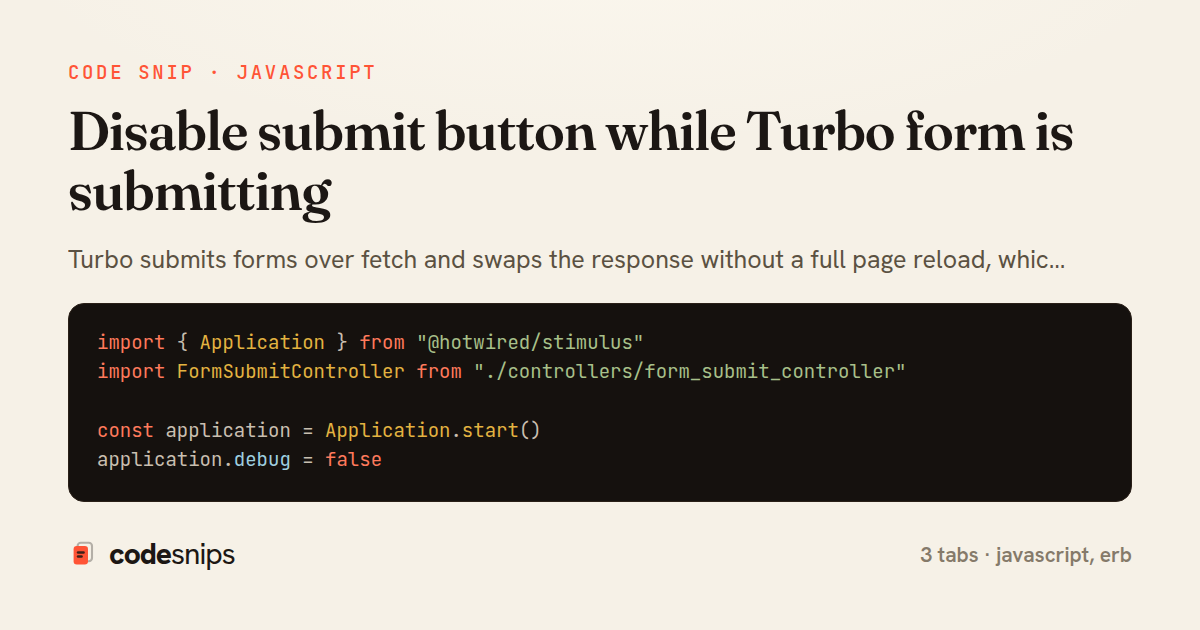
import { Application } from "@hotwired/stimulus"
import FormSubmitController from "./controllers/form_submit_controller"

const application = Application.start()
application.debug = false

application.register("form-submit", FormSubmitController)

export { application }
<%= form_with model: [@post, Comment.new],
              data: { controller: "form-submit" } do |f| %>
  <div class="field">
    <%= f.label :body, "Add a comment" %>
    <%= f.text_area :body, rows: 3, required: true %>
  </div>

  <%= f.submit "Post comment",
        data: {
          form_submit_target: "button",
          form_submit_submitting_value: "Posting\u2026"
        } %>
<% end %>
import { Controller } from "@hotwired/stimulus"

export default class extends Controller {
  static targets = ["button"]
  static values = { submitting: String }

  connect() {
    this.originalLabel = null
  }

  submitStart() {
    if (!this.hasButtonTarget) return

    const button = this.buttonTarget
    this.originalLabel = button.value || button.innerText
    button.disabled = true

    if (this.submittingValue) {
      this.setLabel(button, this.submittingValue)
    }
  }

  submitEnd() {
    if (!this.hasButtonTarget) return

    const button = this.buttonTarget
    button.disabled = false

    if (this.originalLabel !== null) {
      this.setLabel(button, this.originalLabel)
      this.originalLabel = null
    }
  }

  setLabel(button, text) {
    if (button.tagName === "INPUT") {
      button.value = text
    } else {
      button.innerText = text
    }
  }
}
Turbo submits forms over fetch and swaps the response without a full page reload, which means the browser never shows its native "navigating" state. Without extra handling a user can click Submit twice before the server responds, producing duplicate records. The files here wire up a small Stimulus controller that disables the submit button for the duration of a Turbo form submission and restores it afterward, giving reliable double-submit protection that works even when the form re-renders in place.
The new comment form tab shows the ERB. The <%= form_with %> helper attaches data-controller="form-submit" so Stimulus binds a controller instance to the form element. The submit button carries data-form-submit-target="button" so the controller can find it, plus a data-disable-with-style label stored in data-form-submit-submitting-value that the controller swaps in while the request is in flight.
The form_submit_controller.js tab contains the logic. Rather than listening for click events, it listens to Turbo's own lifecycle events, turbo:submit-start and turbo:submit-end, which fire on the form element itself. On submitStart the controller sets disabled = true on the target button, remembers the original label in originalLabel, and shows the pending text so the UI reflects that work is happening. On submitEnd it reverses both changes. Using Turbo events instead of the raw submit event matters because Turbo can cancel or short-circuit a submission; the submit-end event is guaranteed to fire once the request settles, whether it succeeds or fails, so the button never gets stuck disabled.
The controller reads the pending label via a Stimulus value (submittingValue) so the message is configurable per form from the template, keeping the JavaScript generic. Storing originalLabel on the instance avoids hardcoding "Post comment" in two places.
The application.js tab registers the controller with the Stimulus application so the data-controller attribute resolves. This pattern is preferable to disable_with when the form uses Turbo Streams, because it correctly handles validation errors that re-render the form: submit-end restores the button so the user can correct input and resubmit. One pitfall to watch is buttons that submit multiple forms or live outside the <form> element — the target must resolve inside the controlled element for the events to reach it.
Related snips
class CommentsController < ApplicationController
  before_action :set_post

  def create
    @comment = @post.comments.build(comment_params)
System test: asserting Turbo Stream responses
class Post < ApplicationRecord
  belongs_to :author, class_name: 'User'
  has_many :comments, dependent: :destroy

  scope :published, -> { where.not(published_at: nil).where('published_at <= ?', Time.current) }
  scope :draft, -> { where(published_at: nil) }
ActiveRecord scopes for reusable query logic
module Api
  module V1
    class UsersController < BaseController
      def show
        user = User.includes(:profile).find(params[:id])
ETags for conditional requests and caching
class PostsController < ApplicationController
  def index
    @posts = Post.includes(:author)
                 .order(created_at: :desc)
                 .page(params[:page])
                 .per(10)
Turbo Frames: infinite scroll with lazy-loading frame
<!DOCTYPE html>
<html lang="en">
<head>
  <meta charset="UTF-8">
  <meta name="viewport" content="width=device-width, initial-scale=1.0">
  <title>Semantic HTML Example</title>
Semantic HTML5 elements and accessibility best practices
require "csv"

class PeopleCsvStream
  include Enumerable

  HEADERS = %w[id full_name email signed_up_at plan].freeze
Resilient CSV Export as a Streamed Response
Share this code
Here's the card — post it anywhere.