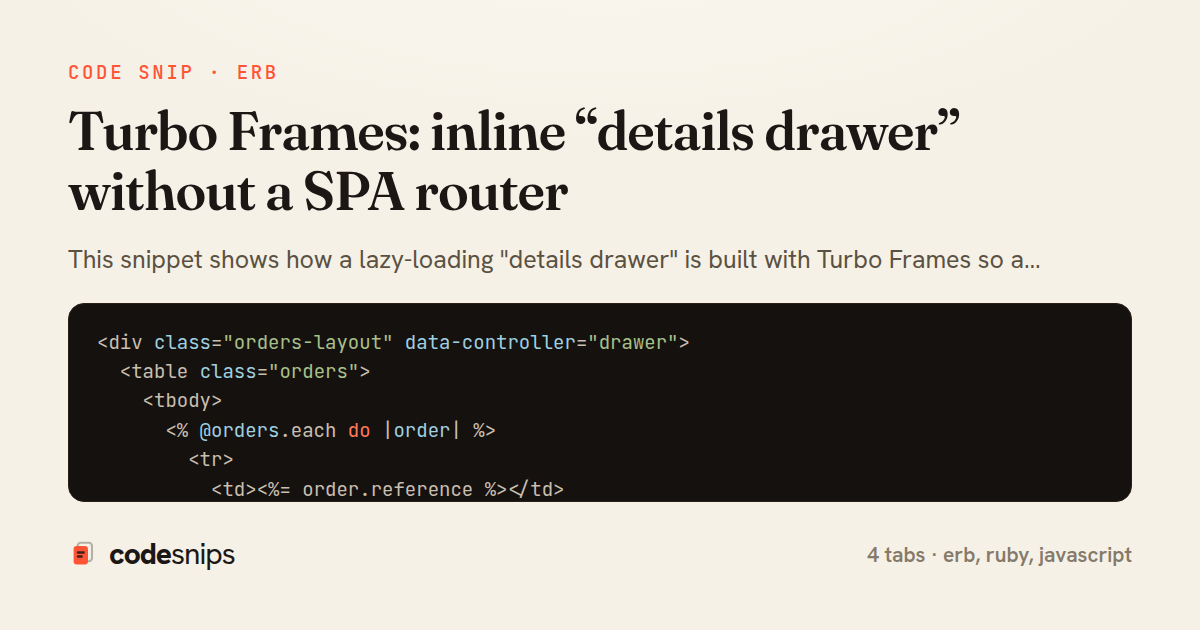
<div class="orders-layout" data-controller="drawer">
  <table class="orders">
    <tbody>
      <% @orders.each do |order| %>
        <tr>
          <td><%= order.reference %></td>
          <td><%= number_to_currency(order.total) %></td>
          <td>
            <%= link_to "View details",
                  order_path(order),
                  data: { turbo_frame: "drawer", action: "drawer#open" } %>
          </td>
        </tr>
      <% end %>
    </tbody>
  </table>

  <%# The drawer starts empty and is filled lazily by the clicked link. %>
  <%= turbo_frame_tag :drawer, class: "drawer", data: { drawer_target: "panel" } %>
</div>
class OrdersController < ApplicationController
  def index
    @orders = current_account.orders.recent.limit(50)
  end

  def show
    @order = current_account.orders.find(params[:id])
    # No respond_to / no format branching: Turbo pulls only the matching
    # <turbo-frame id="drawer"> out of this normal HTML response.
  end
end
<%= turbo_frame_tag :drawer, class: "drawer drawer--open" do %>
<header class="drawer__head">
<h2>Order <%= @order.reference %></h2>
<button type="button" data-action="drawer#close" aria-label="Close">×</button>
</header>
<dl class="drawer__meta">
<dt>Placed</dt>
<dd><%= @order.placed_at.to_fs(:long) %></dd>
<dt>Status</dt>
<dd><%= @order.status.humanize %></dd>
<dt>Total</dt>
<dd><%= number_to_currency(@order.total) %></dd>
</dl>
<table class="drawer__lines">
<% @order.line_items.each do |item| %>
<tr>
<td><%= item.name %></td>
<td><%= item.quantity %></td>
<td><%= number_to_currency(item.subtotal) %></td>
</tr>
<% end %>
</table>
<% end %>
import { Controller } from "@hotwired/stimulus"

export default class extends Controller {
  static targets = ["panel"]

  connect() {
    this.onKeydown = this.onKeydown.bind(this)
    document.addEventListener("keydown", this.onKeydown)
  }

  disconnect() {
    document.removeEventListener("keydown", this.onKeydown)
  }

  open() {
    // Turbo replaces the frame's contents; this only reveals the panel.
    this.element.classList.add("orders-layout--drawer-open")
  }

  close() {
    this.element.classList.remove("orders-layout--drawer-open")
    if (this.hasPanelTarget) this.panelTarget.innerHTML = ""
  }

  onKeydown(event) {
    if (event.key === "Escape") this.close()
  }
}
This snippet shows how a lazy-loading "details drawer" is built with Turbo Frames so a click on a row swaps in richly-rendered detail content without any client-side router, JSON API, or SPA framework. The core idea is that a Turbo Frame is a scoped region of the DOM that intercepts links and forms targeting it, fetches the response over HTTP, and replaces only the matching <turbo-frame> element by id — leaving the rest of the page, including scroll position and unrelated state, untouched.
In orders/index.html.erb, the list is ordinary server-rendered markup, but each row link carries data-turbo-frame: "drawer". That attribute tells Turbo to route the response of that GET into the frame named drawer rather than doing a full-page visit. The empty turbo_frame_tag :drawer at the bottom is the target: it starts collapsed and only fills in once a row is clicked, which keeps the initial index cheap.
The OrdersController is deliberately dull, and that is the point. show just loads the record and renders normally — there is no branching on request format, no respond_to, no separate drawer endpoint. Turbo sends a standard Accept: text/html request; Rails returns the whole page, and Turbo extracts only the <turbo-frame id="drawer"> fragment from that response, discarding everything else. This means the same URL works as a full page on hard navigation and as a frame swap inside the list, which is why deep links and back-button behavior keep working for free.
In orders/show.html.erb, the detail content is wrapped in a matching turbo_frame_tag :drawer. The frame ids on both sides must agree or Turbo cannot find the fragment to graft in. A small Stimulus controller in drawer_controller.js handles pure presentation — toggling an open class and closing on Escape — without owning any data-fetching logic.
The trade-off is that frame content is a subset of a real page, so shared layout must live outside the frame, and error responses need a matching frame to render into. Reach for this pattern when a modest amount of contextual detail should load on demand while the surrounding page stays put, and a full SPA would be overkill.
Related snips
class CommentsController < ApplicationController
  before_action :set_post

  def create
    @comment = @post.comments.build(comment_params)
System test: asserting Turbo Stream responses
class Post < ApplicationRecord
  belongs_to :author, class_name: 'User'
  has_many :comments, dependent: :destroy

  scope :published, -> { where.not(published_at: nil).where('published_at <= ?', Time.current) }
  scope :draft, -> { where(published_at: nil) }
ActiveRecord scopes for reusable query logic
module Api
  module V1
    class UsersController < BaseController
      def show
        user = User.includes(:profile).find(params[:id])
ETags for conditional requests and caching
class PostsController < ApplicationController
  def index
    @posts = Post.includes(:author)
                 .order(created_at: :desc)
                 .page(params[:page])
                 .per(10)
Turbo Frames: infinite scroll with lazy-loading frame
require "csv"

class PeopleCsvStream
  include Enumerable

  HEADERS = %w[id full_name email signed_up_at plan].freeze
Resilient CSV Export as a Streamed Response
<form data-controller="query-sync" data-action="change->query-sync#apply">
  <select name="status" class="rounded border p-2">
    <option value="">Any</option>
    <option value="open">Open</option>
    <option value="closed">Closed</option>
  </select>
Filter UI that syncs query params via Stimulus (no front-end router)
Share this code
Here's the card — post it anywhere.