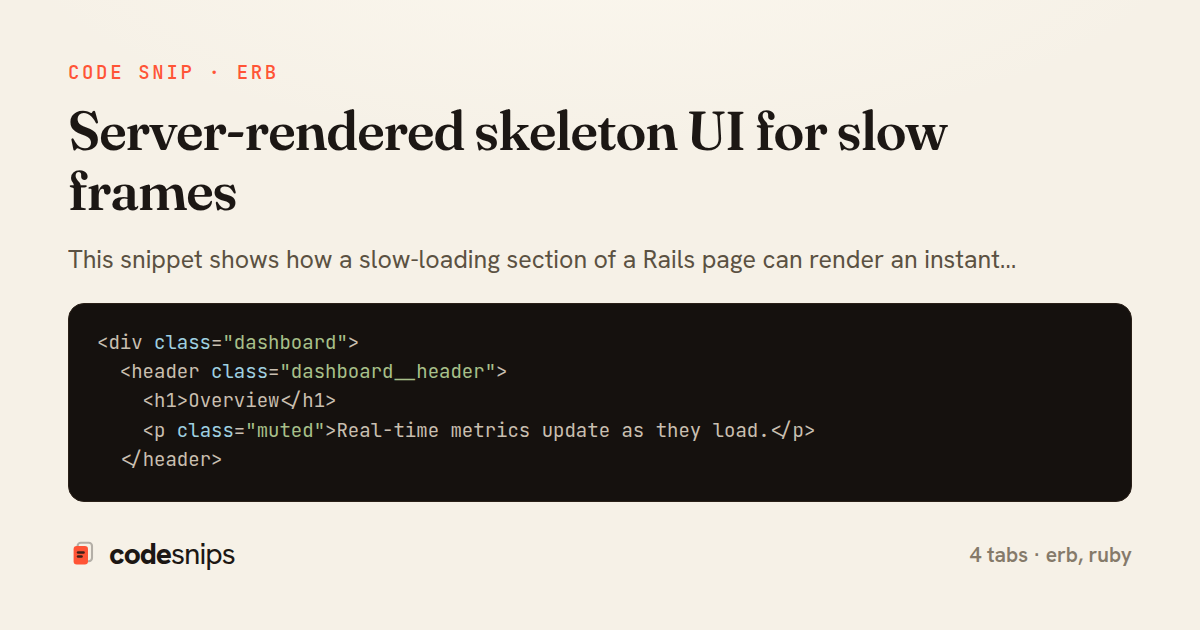
<div class="dashboard">
  <header class="dashboard__header">
    <h1>Overview</h1>
    <p class="muted">Real-time metrics update as they load.</p>
  </header>

  <section class="cards">
    <%= turbo_frame_tag "account_metrics",
          src: metrics_path(range: @range),
          loading: :lazy do %>
      <%= render "metrics/skeleton", rows: 4 %>
    <% end %>
  </section>

  <section class="activity">
    <%= render "dashboard/recent_activity", events: @events %>
  </section>
</div>
<div class="skeleton" role="status" aria-busy="true" aria-label="Loading metrics">
  <div class="skeleton__title animate-pulse"></div>

  <div class="skeleton__grid">
    <% (rows || 4).times do %>
      <div class="skeleton__card">
        <div class="skeleton__bar animate-pulse" style="width: 40%"></div>
        <div class="skeleton__bar animate-pulse skeleton__bar--lg"></div>
        <div class="skeleton__bar animate-pulse" style="width: 65%"></div>
      </div>
    <% end %>
  </div>
</div>
class MetricsController < ApplicationController
  ALLOWED_RANGES = %w[7d 30d 90d].freeze

  def show
    range = ALLOWED_RANGES.include?(params[:range]) ? params[:range] : "30d"
    @metrics = Analytics.for(current_account, range: range) # deliberately slow aggregation

    fresh_when(@metrics, public: false)
    response.headers["Cache-Control"] = "private, max-age=30"

    render partial: "metrics/frame", locals: { metrics: @metrics, range: range }
  end
end
<%= turbo_frame_tag "account_metrics" do %>
  <div class="cards__grid">
    <% metrics.each do |metric| %>
      <article class="card">
        <h3 class="card__label"><%= metric.label %></h3>
        <p class="card__value"><%= number_with_delimiter(metric.value) %></p>
        <p class="card__delta <%= metric.up? ? "is-up" : "is-down" %>">
          <%= number_to_percentage(metric.delta, precision: 1) %>
        </p>
      </article>
    <% end %>
  </div>
<% end %>
This snippet shows how a slow-loading section of a Rails page can render an instant placeholder using a lazy turbo_frame_tag and a server-rendered skeleton, so the user sees structure immediately while the real data is fetched in a second request.
The technique rests on Turbo Frames' loading: :lazy attribute combined with a src URL. When the page containing dashboard#index renders, the frame is empty except for its placeholder content; Turbo does not request src until the frame scrolls into view. This decouples the fast shell of the page from an expensive query, keeping first paint quick regardless of how slow the analytics computation is.
In dashboard/index.html.erb, the frame is given an explicit id and a src pointing at the metrics endpoint. The block passed to turbo_frame_tag is the placeholder: it renders the _skeleton partial, which draws greyed-out bars matching the eventual layout. Because the skeleton is a shared partial, both the initial render and any future re-render stay visually consistent.
The _skeleton.html.erb partial is intentionally dumb — it emits a fixed number of pulsing blocks via a simple times loop and relies on a CSS animate-pulse class for the shimmer. Matching the skeleton's dimensions to the real content prevents layout shift when the frame swaps in, which is the main pitfall of naive spinners.
In MetricsController, the show action runs the genuinely slow Analytics.for call and renders a frame-shaped response. Crucially it renders the SAME turbo_frame_tag id, so Turbo matches the incoming frame to the placeholder and replaces it in place. The Cache-Control header lets the browser and any CDN reuse the computed fragment briefly, smoothing repeat loads.
The trade-off is an extra HTTP round trip per lazy frame, so this pattern suits sections that are expensive or below the fold, not tiny cheap widgets. It also degrades gracefully: without JavaScript, the frame's src still loads eagerly. Reaching for this approach makes sense when a single slow query would otherwise block the entire page from painting.
Related snips
class CommentsController < ApplicationController
  before_action :set_post

  def create
    @comment = @post.comments.build(comment_params)
System test: asserting Turbo Stream responses
class Post < ApplicationRecord
  belongs_to :author, class_name: 'User'
  has_many :comments, dependent: :destroy

  scope :published, -> { where.not(published_at: nil).where('published_at <= ?', Time.current) }
  scope :draft, -> { where(published_at: nil) }
ActiveRecord scopes for reusable query logic
module Api
  module V1
    class UsersController < BaseController
      def show
        user = User.includes(:profile).find(params[:id])
ETags for conditional requests and caching
class PostsController < ApplicationController
  def index
    @posts = Post.includes(:author)
                 .order(created_at: :desc)
                 .page(params[:page])
                 .per(10)
Turbo Frames: infinite scroll with lazy-loading frame
require "csv"

class PeopleCsvStream
  include Enumerable

  HEADERS = %w[id full_name email signed_up_at plan].freeze
Resilient CSV Export as a Streamed Response
<form data-controller="query-sync" data-action="change->query-sync#apply">
  <select name="status" class="rounded border p-2">
    <option value="">Any</option>
    <option value="open">Open</option>
    <option value="closed">Closed</option>
  </select>
Filter UI that syncs query params via Stimulus (no front-end router)
Share this code
Here's the card — post it anywhere.