python
50 lines · 1 tab
Priya Sharma
Jan 2026
1 tab
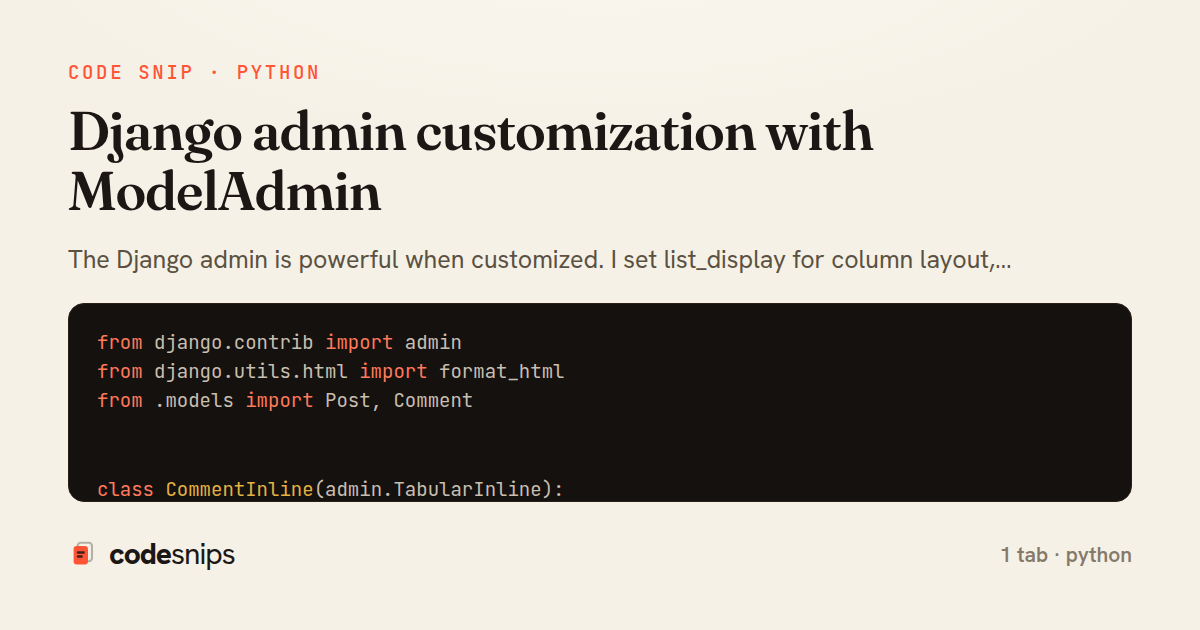
from django.contrib import admin
from django.utils.html import format_html
from .models import Post, Comment


class CommentInline(admin.TabularInline):
    model = Comment
    extra = 0
    readonly_fields = ['author', 'created_at']
    can_delete = False


@admin.register(Post)
class PostAdmin(admin.ModelAdmin):
    list_display = ['title', 'author', 'status', 'comment_count', 'published_at']
    list_filter = ['status', 'created_at', 'author']
    search_fields = ['title', 'content']
    readonly_fields = ['created_at', 'updated_at']
    date_hierarchy = 'published_at'

    fieldsets = [
        ('Content', {
            'fields': ['title', 'content', 'author']
        }),
        ('Publishing', {
            'fields': ['status', 'published_at']
        }),
        ('Metadata', {
            'fields': ['created_at', 'updated_at'],
            'classes': ['collapse']
        }),
    ]

    inlines = [CommentInline]

    @admin.display(description='Comments')
    def comment_count(self, obj):
        count = obj.comments.count()
        return format_html('<strong>{}</strong>', count)

    def get_queryset(self, request):
        """Optimize queries."""
        return super().get_queryset(request).select_related('author').prefetch_related('comments')

    actions = ['publish_posts']

    @admin.action(description='Publish selected posts')
    def publish_posts(self, request, queryset):
        updated = queryset.update(status='published')
        self.message_user(request, f'{updated} posts published successfully.')
1 file · python
Explain with highlit
The Django admin is powerful when customized. I set list_display for column layout, list_filter and search_fields for finding records. Using readonly_fields, I prevent editing certain fields. The fieldsets organize the form layout. For computed values, I add methods decorated with @admin.display. Inline models show related objects on the same page. I override get_queryset() to optimize queries with select_related(). Custom admin actions batch-process selected objects. The admin is not just for developers—with good UX, it's a viable CMS for content teams.
Related snips
python
import os
import stat

for root, _dirs, files in os.walk('/etc'):
    for name in files:
        path = os.path.join(root, name)
Python security audit script for exposed risky filesystem state
python
auditing
host-security
by Kai Nakamura
1 tab
python
class Product(models.Model):
    name = models.CharField(max_length=200)
    slug = models.SlugField(blank=True)
    price = models.DecimalField(max_digits=10, decimal_places=2)
    cost = models.DecimalField(max_digits=10, decimal_places=2)
    margin = models.DecimalField(max_digits=5, decimal_places=2, blank=True)
Django model signals vs overriding save
django
python
models
by Priya Sharma
2 tabs
python
from django.urls import path
from . import views

app_name = 'blog'

urlpatterns = [
Django URL namespacing and reverse lookups
django
python
urls
by Priya Sharma
3 tabs
python
import graphene
from graphene_django import DjangoObjectType
from blog.models import Post, Comment


class PostType(DjangoObjectType):
Django GraphQL with Graphene
django
python
graphql
by Priya Sharma
2 tabs
python
from django.db.models import Count, Avg, Sum, Q, F
from django.views.generic import TemplateView
from products.models import Product, Order, OrderItem


class DashboardView(TemplateView):
Django aggregation with annotate for statistics
django
python
database
by Priya Sharma
1 tab
python
from rest_framework import permissions


class IsOwner(permissions.BasePermission):
    """Allow only object owner to access."""
Django REST Framework permissions and authorization
django
python
rest
by Priya Sharma
2 tabs
Share this code
Here's the card — post it anywhere.