python
38 lines · 2 tabs
Priya Sharma
Jan 2026
2 tabs
from django.conf import settings
from datetime import datetime


def site_settings(request):
    """Add site-wide settings to template context."""
    return {
        'site_name': settings.SITE_NAME,
        'current_year': datetime.now().year,
        'google_analytics_id': getattr(settings, 'GOOGLE_ANALYTICS_ID', None),
    }


def user_preferences(request):
    """Add user-specific preferences if authenticated."""
    if request.user.is_authenticated:
        return {
            'dark_mode': request.user.profile.dark_mode,
            'language': request.user.profile.language,
        }
    return {}
TEMPLATES = [
    {
        'BACKEND': 'django.template.backends.django.DjangoTemplates',
        'DIRS': [BASE_DIR / 'templates'],
        'APP_DIRS': True,
        'OPTIONS': {
            'context_processors': [
                'django.template.context_processors.debug',
                'django.template.context_processors.request',
                'django.contrib.auth.context_processors.auth',
                'django.contrib.messages.context_processors.messages',
                'core.context_processors.site_settings',  # Custom
                'core.context_processors.user_preferences',  # Custom
            ],
        },
    },
]
2 files · python
Explain with highlit
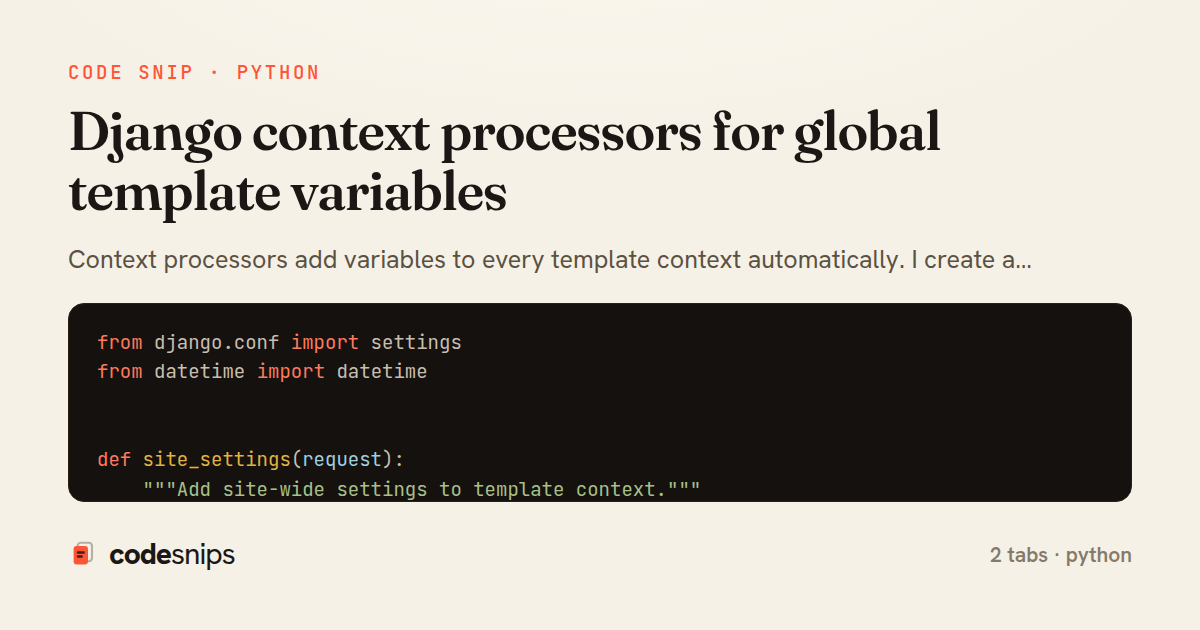
Context processors add variables to every template context automatically. I create a function that takes request and returns a dict. This is perfect for site-wide settings like site name, current year, or user preferences. I add my processor to TEMPLATES['OPTIONS']['context_processors'] in settings. Unlike middleware, processors only run when rendering templates. I keep processors lightweight since they run on every template render. For expensive data, I use caching inside the processor. This reduces duplication across views that all need the same context variables.
Related snips
python
import os
import stat

for root, _dirs, files in os.walk('/etc'):
    for name in files:
        path = os.path.join(root, name)
Python security audit script for exposed risky filesystem state
python
auditing
host-security
by Kai Nakamura
1 tab
python
class Product(models.Model):
    name = models.CharField(max_length=200)
    slug = models.SlugField(blank=True)
    price = models.DecimalField(max_digits=10, decimal_places=2)
    cost = models.DecimalField(max_digits=10, decimal_places=2)
    margin = models.DecimalField(max_digits=5, decimal_places=2, blank=True)
Django model signals vs overriding save
django
python
models
by Priya Sharma
2 tabs
python
from django.urls import path
from . import views

app_name = 'blog'

urlpatterns = [
Django URL namespacing and reverse lookups
django
python
urls
by Priya Sharma
3 tabs
python
import graphene
from graphene_django import DjangoObjectType
from blog.models import Post, Comment


class PostType(DjangoObjectType):
Django GraphQL with Graphene
django
python
graphql
by Priya Sharma
2 tabs
python
from django.db.models import Count, Avg, Sum, Q, F
from django.views.generic import TemplateView
from products.models import Product, Order, OrderItem


class DashboardView(TemplateView):
Django aggregation with annotate for statistics
django
python
database
by Priya Sharma
1 tab
python
from rest_framework import permissions


class IsOwner(permissions.BasePermission):
    """Allow only object owner to access."""
Django REST Framework permissions and authorization
django
python
rest
by Priya Sharma
2 tabs
Share this code
Here's the card — post it anywhere.