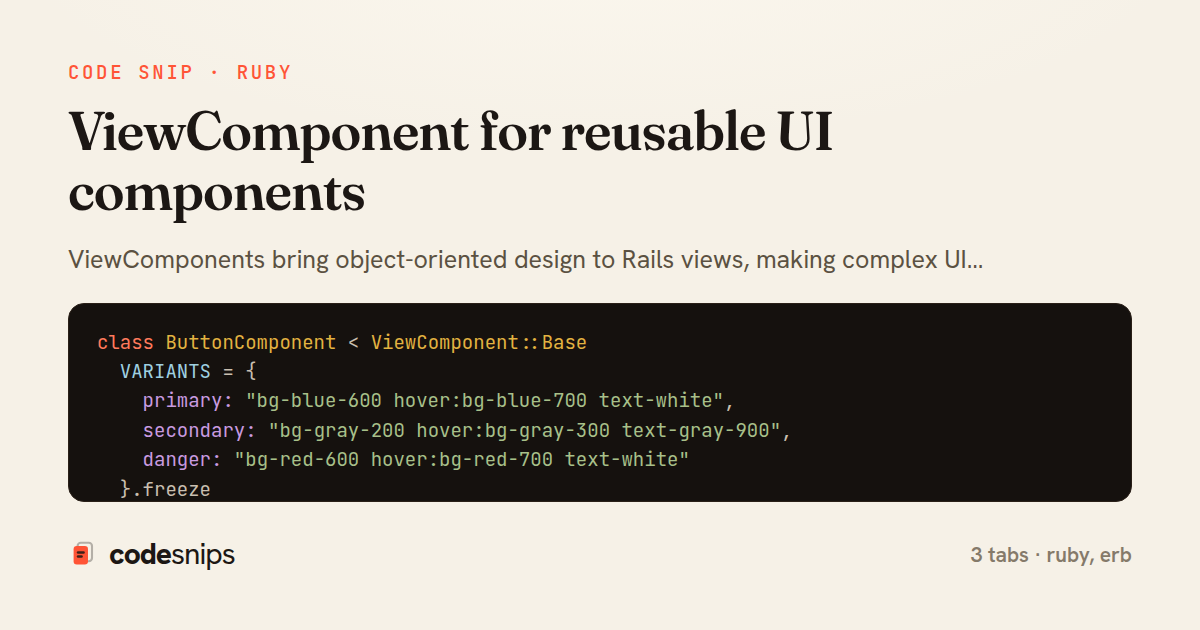
class ButtonComponent < ViewComponent::Base
  VARIANTS = {
    primary: "bg-blue-600 hover:bg-blue-700 text-white",
    secondary: "bg-gray-200 hover:bg-gray-300 text-gray-900",
    danger: "bg-red-600 hover:bg-red-700 text-white"
  }.freeze

  SIZES = {
    sm: "px-3 py-1.5 text-sm",
    md: "px-4 py-2 text-base",
    lg: "px-6 py-3 text-lg"
  }.freeze

  def initialize(variant: :primary, size: :md, type: :button, **options)
    @variant = variant
    @size = size
    @type = type
    @options = options
  end

  def call
    content_tag :button, content, **html_options
  end

  private

  def html_options
    {
      type: @type,
      class: class_names
    }.merge(@options)
  end

  def class_names
    [
      "rounded font-medium transition-colors",
      VARIANTS[@variant],
      SIZES[@size],
      @options[:class]
    ].compact.join(" ")
  end
end
<%= content %>
<article class="post">
  <h1><%= @post.title %></h1>
  <%= simple_format @post.body %>

  <div class="flex gap-3 mt-6">
    <%= render ButtonComponent.new(variant: :primary) do %>
      <i class="fas fa-heart"></i> Like
    <% end %>

    <%= render ButtonComponent.new(variant: :secondary) do %>
      <i class="fas fa-share"></i> Share
    <% end %>

    <% if can? :destroy, @post %>
      <%= render ButtonComponent.new(
        variant: :danger,
        type: :button,
        data: { action: "click->modal#show" }
      ) do %>
        <i class="fas fa-trash"></i> Delete
      <% end %>
    <% end %>
  </div>
</article>
ViewComponents bring object-oriented design to Rails views, making complex UI elements testable and reusable. Each component is a Ruby class paired with a template, encapsulating both logic and presentation. I use components for buttons, cards, modals, form inputs—anything that appears multiple times with slight variations. Components accept parameters in their constructor, making them explicit about dependencies unlike partials that rely on instance variables. Testing is straightforward: instantiate the component, render it, and assert on the output. Components also integrate seamlessly with Stimulus controllers and can render slots for flexible composition. For design systems, components ensure consistency across the application.
Related snips
class CommentsController < ApplicationController
  before_action :set_post

  def create
    @comment = @post.comments.build(comment_params)
System test: asserting Turbo Stream responses
class Post < ApplicationRecord
  belongs_to :author, class_name: 'User'
  has_many :comments, dependent: :destroy

  scope :published, -> { where.not(published_at: nil).where('published_at <= ?', Time.current) }
  scope :draft, -> { where(published_at: nil) }
ActiveRecord scopes for reusable query logic
module Api
  module V1
    class UsersController < BaseController
      def show
        user = User.includes(:profile).find(params[:id])
ETags for conditional requests and caching
class PostsController < ApplicationController
  def index
    @posts = Post.includes(:author)
                 .order(created_at: :desc)
                 .page(params[:page])
                 .per(10)
Turbo Frames: infinite scroll with lazy-loading frame
require "csv"

class PeopleCsvStream
  include Enumerable

  HEADERS = %w[id full_name email signed_up_at plan].freeze
Resilient CSV Export as a Streamed Response
<form data-controller="query-sync" data-action="change->query-sync#apply">
  <select name="status" class="rounded border p-2">
    <option value="">Any</option>
    <option value="open">Open</option>
    <option value="closed">Closed</option>
  </select>
Filter UI that syncs query params via Stimulus (no front-end router)
Share this code
Here's the card — post it anywhere.