erb
38 lines · 2 tabs
Jordan Lee
Jan 2026
2 tabs
<%= turbo_refreshes_with method: :morph, scroll: :preserve %>

<div class="posts-index">
  <div class="sticky top-0 bg-white border-b" id="search-bar">
    <%= form_with url: posts_path, method: :get, data: { turbo_frame: "_top", turbo_action: "morph" } do |f| %>
      <%= f.search_field :q,
          value: params[:q],
          placeholder: "Search posts...",
          class: "form-input",
          data: { action: "input->debounce#submit" } %>
    <% end %>
  </div>

  <!-- Video player that should persist across navigations -->
  <div id="persistent-player" class="mb-6">
    <video id="promo-video" controls>
      <source src="<%= asset_path('promo.mp4') %>" type="video/mp4">
    </video>
  </div>

  <div id="posts-list">
    <%= render @posts %>
  </div>

  <div id="pagination">
    <%= paginate @posts %>
  </div>
</div>
<article id="<%= dom_id(post) %>" class="post-card">
  <h2>
    <%= link_to post.title, post_path(post), data: { turbo_action: "morph" } %>
  </h2>
  <p class="text-gray-600"><%= post.excerpt %></p>
  <div class="post-meta">
    <span><%= post.author.name %></span>
    <span><%= time_ago_in_words post.created_at %> ago</span>
  </div>
</article>
2 files · erb
Explain with highlit
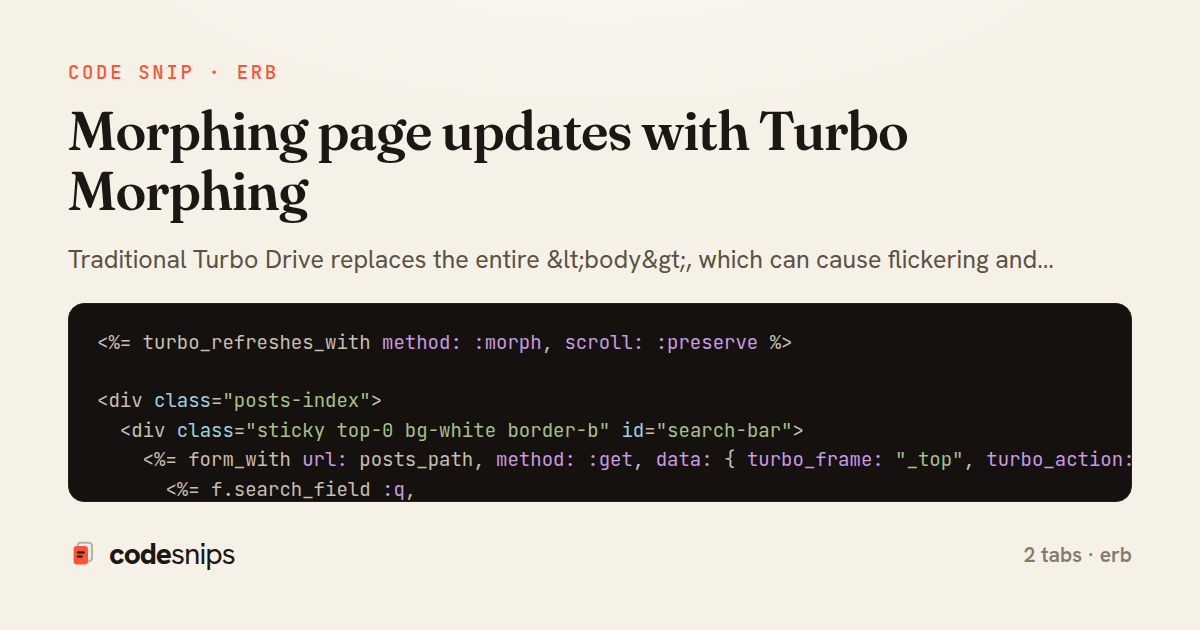
Traditional Turbo Drive replaces the entire <body>, which can cause flickering and lose scroll position. Turbo Morphing (using idiomorph algorithm) intelligently diffs the DOM and updates only changed elements, preserving focus, scroll, and transient state like video playback. I enable morphing with data-turbo-action='morph' on links or forms. This is particularly valuable for pages with persistent elements like media players, chat widgets, or partially filled forms. Morphing works best when element IDs are stable across renders—I use dom_id(record) helpers to ensure consistency. The tradeoff is slightly more CPU usage for diffing, but the improved UX is worth it for interactive pages.
Related snips
ruby
class CommentsController < ApplicationController
  before_action :set_post

  def create
    @comment = @post.comments.build(comment_params)
System test: asserting Turbo Stream responses
rails
hotwire
turbo
by codesnips
4 tabs
ruby
class PostsController < ApplicationController
  def index
    @posts = Post.includes(:author)
                 .order(created_at: :desc)
                 .page(params[:page])
                 .per(10)
Turbo Frames: infinite scroll with lazy-loading frame
rails
turbo
hotwire
by codesnips
4 tabs
ruby
require "csv"

class PeopleCsvStream
  include Enumerable

  HEADERS = %w[id full_name email signed_up_at plan].freeze
Resilient CSV Export as a Streamed Response
rails
performance
streaming
by codesnips
3 tabs
erb
<form data-controller="query-sync" data-action="change->query-sync#apply">
  <select name="status" class="rounded border p-2">
    <option value="">Any</option>
    <option value="open">Open</option>
    <option value="closed">Closed</option>
  </select>
Filter UI that syncs query params via Stimulus (no front-end router)
rails
hotwire
stimulus
by Henry Kim
2 tabs
ruby
class TasksController < ApplicationController
  def destroy
    @task = Task.find(params[:id])
    @task.destroy!

    respond_to do |format|
Remove deleted items instantly with turbo_stream.remove
rails
hotwire
turbo
by Henry Kim
2 tabs
ruby
Rails.application.configure do
  config.after_initialize do
    Bullet.enable = true
    Bullet.alert = false
    Bullet.bullet_logger = true
    Bullet.console = true
N+1 query detection with Bullet gem
rails
performance
activerecord
by Alex Kumar
2 tabs
Share this code
Here's the card — post it anywhere.