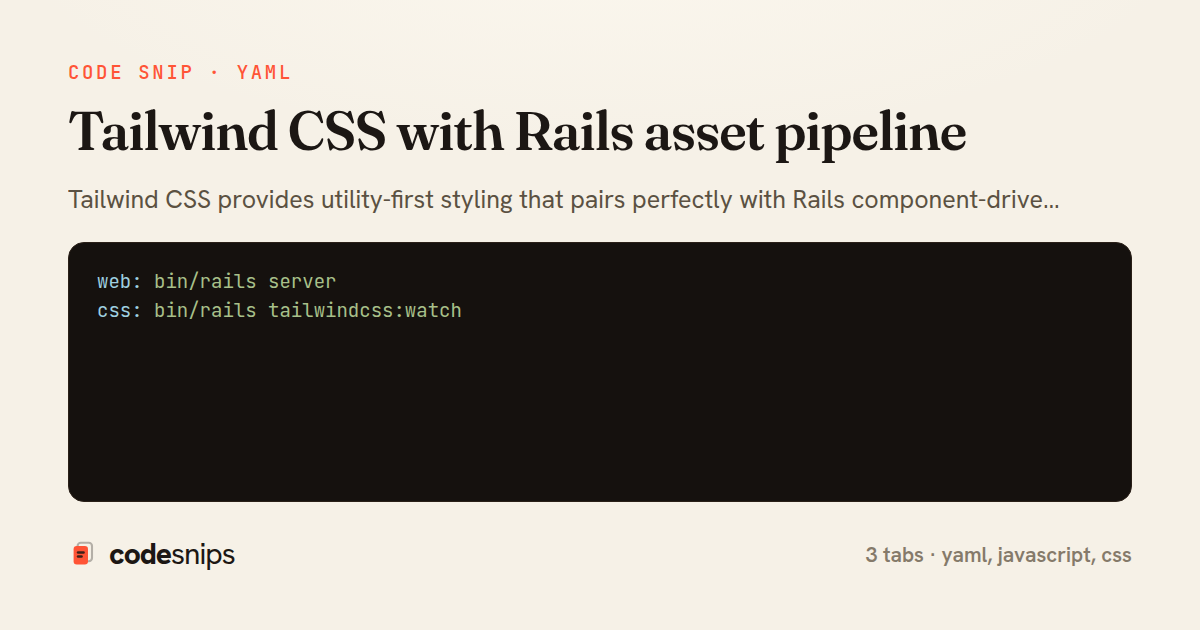
web: bin/rails server
css: bin/rails tailwindcss:watch
module.exports = {
  content: [
    './app/views/**/*.html.erb',
    './app/helpers/**/*.rb',
    './app/javascript/**/*.js',
    './app/components/**/*.{rb,erb}'
  ],
  theme: {
    extend: {
      colors: {
        primary: {
          50: '#eff6ff',
          100: '#dbeafe',
          500: '#3b82f6',
          600: '#2563eb',
          700: '#1d4ed8',
        }
      },
      fontFamily: {
        sans: ['Inter', 'system-ui', 'sans-serif'],
      }
    },
  },
  plugins: [
    require('@tailwindcss/forms'),
    require('@tailwindcss/typography'),
  ],
}
@tailwind base;
@tailwind components;
@tailwind utilities;

@layer components {
  .btn {
    @apply px-4 py-2 rounded font-medium transition-colors;
  }

  .btn-primary {
    @apply bg-primary-600 text-white hover:bg-primary-700;
  }

  .btn-secondary {
    @apply bg-gray-200 text-gray-900 hover:bg-gray-300;
  }

  .form-input {
    @apply block w-full rounded border-gray-300 shadow-sm focus:border-primary-500 focus:ring-primary-500;
  }
}
Tailwind CSS provides utility-first styling that pairs perfectly with Rails component-driven architecture. I configure Tailwind to scan templates for class names and generate only the CSS being used. The standalone CLI runs during development with --watch to rebuild on file changes. For production, I run the build step during asset precompilation. Custom utilities, components, and theme values live in tailwind.config.js. I use @apply sparingly—mostly for third-party library overrides—preferring utility classes in templates for better visibility. The purge configuration ensures production bundles are tiny. Tailwind's design system constraints (spacing scale, color palette) enforce consistency without requiring strict style guides.
Related snips
class CommentsController < ApplicationController
  before_action :set_post

  def create
    @comment = @post.comments.build(comment_params)
System test: asserting Turbo Stream responses
class Post < ApplicationRecord
  belongs_to :author, class_name: 'User'
  has_many :comments, dependent: :destroy

  scope :published, -> { where.not(published_at: nil).where('published_at <= ?', Time.current) }
  scope :draft, -> { where(published_at: nil) }
ActiveRecord scopes for reusable query logic
module Api
  module V1
    class UsersController < BaseController
      def show
        user = User.includes(:profile).find(params[:id])
ETags for conditional requests and caching
class PostsController < ApplicationController
  def index
    @posts = Post.includes(:author)
                 .order(created_at: :desc)
                 .page(params[:page])
                 .per(10)
Turbo Frames: infinite scroll with lazy-loading frame
require "csv"

class PeopleCsvStream
  include Enumerable

  HEADERS = %w[id full_name email signed_up_at plan].freeze
Resilient CSV Export as a Streamed Response
<form data-controller="query-sync" data-action="change->query-sync#apply">
  <select name="status" class="rounded border p-2">
    <option value="">Any</option>
    <option value="open">Open</option>
    <option value="closed">Closed</option>
  </select>
Filter UI that syncs query params via Stimulus (no front-end router)
Share this code
Here's the card — post it anywhere.