import React from 'react'
import ReactDOM from 'react-dom/client'
import { QueryClient, QueryClientProvider } from '@tanstack/react-query'
import { ReactQueryDevtools } from '@tanstack/react-query-devtools'
import App from './App'
import './index.css'

const queryClient = new QueryClient({
  defaultOptions: {
    queries: {
      staleTime: 60 * 1000, // 1 minute
      cacheTime: 5 * 60 * 1000, // 5 minutes
      retry: 1,
      refetchOnWindowFocus: false,
    },
  },
})

ReactDOM.createRoot(document.getElementById('root')!).render(
  <React.StrictMode>
    <QueryClientProvider client={queryClient}>
      <App />
      <ReactQueryDevtools initialIsOpen={false} />
    </QueryClientProvider>
  </React.StrictMode>,
)
import { useQuery, useMutation, useQueryClient } from '@tanstack/react-query'
import api from '@/services/api'
import { Post } from '@/types'

export function usePosts(page = 1) {
  return useQuery({
    queryKey: ['posts', page],
    queryFn: async () => {
      const { data } = await api.get<{ posts: Post[] }>('/posts', {
        params: { page },
      })
      return data.posts
    },
  })
}

export function useCreatePost() {
  const queryClient = useQueryClient()

  return useMutation({
    mutationFn: async (post: Partial<Post>) => {
      const { data } = await api.post<Post>('/posts', { post })
      return data
    },
    onSuccess: () => {
      queryClient.invalidateQueries({ queryKey: ['posts'] })
    },
  })
}
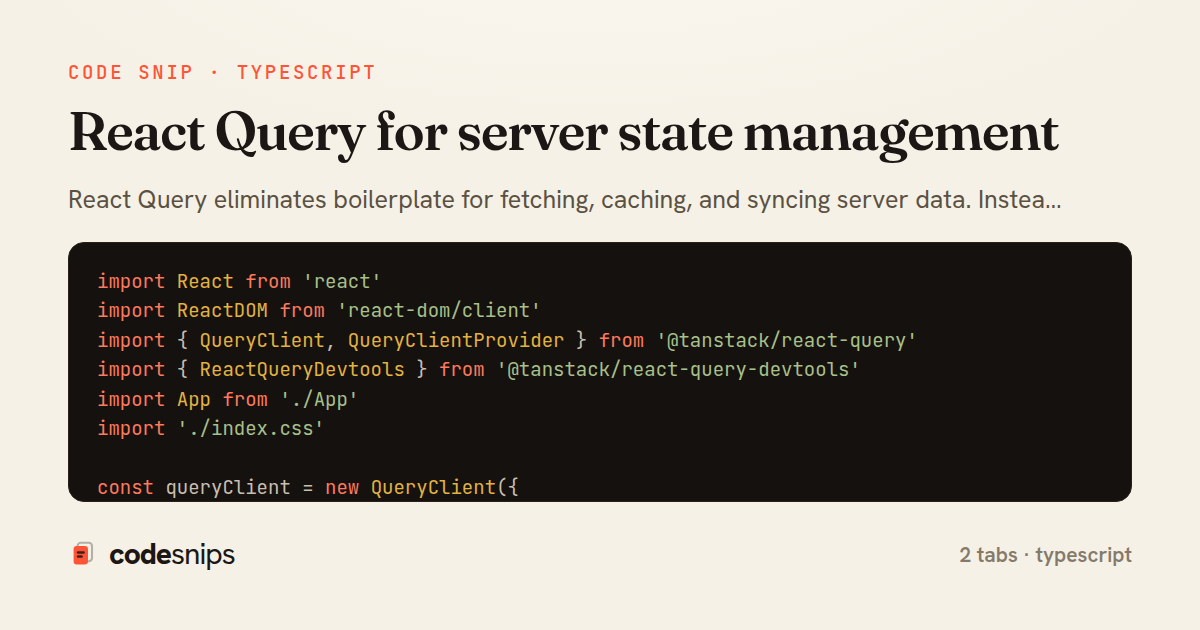
React Query eliminates boilerplate for fetching, caching, and syncing server data. Instead of managing loading/error/data states manually with useState, I define queries with useQuery that handle caching, background refetching, and stale data automatically. Mutations use useMutation for create/update/delete operations with optimistic updates and automatic cache invalidation. The queryClient configuration sets global defaults for retry behavior, stale time, and cache time. React Query's devtools provide visibility into query states and cache contents during development. This library has completely changed how I build data-heavy UIs—complex CRUD apps that used to require Redux now need almost zero state management code.
Related snips
export interface RetryOptions {
  retries: number;
  baseMs: number;
  maxMs: number;
  signal?: AbortSignal;
  onRetry?: (attempt: number, delay: number, err: unknown) => void;
Exponential backoff with jitter for retries
import axios, { AxiosError } from 'axios'
import { v4 as uuidv4 } from 'uuid'

const api = axios.create({
  baseURL: import.meta.env.VITE_API_URL || 'http://localhost:3000/api/v1',
  timeout: 15000,
Axios API client with interceptors
import { create } from 'zustand'
import { persist } from 'zustand/middleware'

interface FilterState {
  search: string
  category: string | null
Zustand for lightweight state management
import SwiftUI

struct ContentView: View {
    @State private var username = ""
    @State private var isLoggedIn = false
    @StateObject private var viewModel = LoginViewModel()
SwiftUI declarative UI with state management
import React from "react";

type FallbackProps = {
  error: Error;
  reset: () => void;
};
React Error Boundary + error reporting hook
const withBundleAnalyzer = require('@next/bundle-analyzer')({
  enabled: process.env.ANALYZE === 'true',
  openAnalyzer: true,
});

/** @type {import('next').NextConfig} */
Next.js bundle analyzer for targeted performance work
Share this code
Here's the card — post it anywhere.