typescript
31 lines · 1 tab
Maya Patel
Jan 2026
1 tab
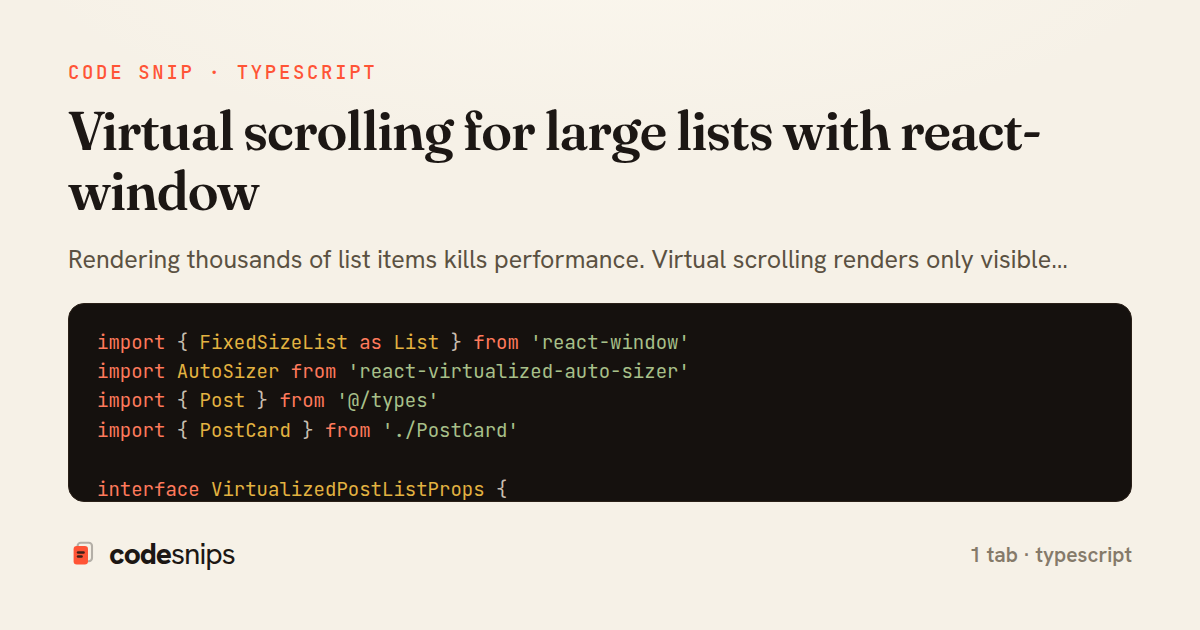
import { FixedSizeList as List } from 'react-window'
import AutoSizer from 'react-virtualized-auto-sizer'
import { Post } from '@/types'
import { PostCard } from './PostCard'

interface VirtualizedPostListProps {
  posts: Post[]
}

export function VirtualizedPostList({ posts }: VirtualizedPostListProps) {
  const Row = ({ index, style }: { index: number; style: React.CSSProperties }) => (
    <div style={style}>
      <PostCard post={posts[index]} />
    </div>
  )

  return (
    <AutoSizer>
      {({ height, width }) => (
        <List
          height={height}
          itemCount={posts.length}
          itemSize={250} // Fixed height per item
          width={width}
        >
          {Row}
        </List>
      )}
    </AutoSizer>
  )
}
1 file · typescript
Explain with highlit
Rendering thousands of list items kills performance. Virtual scrolling renders only visible items plus a buffer, dramatically reducing DOM nodes. The react-window library provides FixedSizeList and VariableSizeList components that handle viewport calculations. I wrap list items in the virtualizer's child component and provide item height. For variable heights, I estimate initial heights and measure actual heights on render. Virtual scrolling works well with React Query's infinite queries—fetch pages on demand as users scroll. The trade-off is losing browser find-in-page and accessibility features, so I only virtualize truly large lists. For most cases, pagination or infinite scroll is simpler.
Related snips
ruby
require "csv"

class PeopleCsvStream
  include Enumerable

  HEADERS = %w[id full_name email signed_up_at plan].freeze
Resilient CSV Export as a Streamed Response
rails
performance
streaming
by codesnips
3 tabs
ruby
Rails.application.configure do
  config.after_initialize do
    Bullet.enable = true
    Bullet.alert = false
    Bullet.bullet_logger = true
    Bullet.console = true
N+1 query detection with Bullet gem
rails
performance
activerecord
by Alex Kumar
2 tabs
ruby
json.array! @posts do |post|
  json.cache! ['v1', post], expires_in: 1.hour do
    json.id post.id
    json.title post.title
    json.excerpt post.excerpt
    json.published_at post.published_at
Fragment caching for expensive JSON serialization
rails
caching
performance
by Alex Kumar
1 tab
typescript
import axios, { AxiosError } from 'axios'
import { v4 as uuidv4 } from 'uuid'

const api = axios.create({
  baseURL: import.meta.env.VITE_API_URL || 'http://localhost:3000/api/v1',
  timeout: 15000,
Axios API client with interceptors
react
axios
api
by Maya Patel
1 tab
typescript
import { create } from 'zustand'
import { persist } from 'zustand/middleware'

interface FilterState {
  search: string
  category: string | null
Zustand for lightweight state management
react
zustand
state-management
by Maya Patel
2 tabs
go
package deps

import (
  "net"
  "net/http"
  "time"
HTTP client tuned for production: timeouts, transport, and connection reuse
go
http
client
by Leah Thompson
1 tab
Share this code
Here's the card — post it anywhere.