Maya Patel
Jan 2026
3 tabs
import React, { createContext, useContext, useEffect, useState, ReactNode } from 'react'

type Theme = 'light' | 'dark'

interface ThemeContextType {
  theme: Theme
  toggleTheme: () => void
}

const ThemeContext = createContext<ThemeContextType | undefined>(undefined)

export function ThemeProvider({ children }: { children: ReactNode }) {
  const [theme, setTheme] = useState<Theme>(() => {
    const stored = localStorage.getItem('theme') as Theme | null
    if (stored) return stored

    // Detect system preference
    if (window.matchMedia('(prefers-color-scheme: dark)').matches) {
      return 'dark'
    }
    return 'light'
  })

  useEffect(() => {
    const root = document.documentElement
    root.classList.remove('light', 'dark')
    root.classList.add(theme)
    localStorage.setItem('theme', theme)
  }, [theme])

  // Sync across tabs
  useEffect(() => {
    const handleStorage = (e: StorageEvent) => {
      if (e.key === 'theme' && e.newValue) {
        setTheme(e.newValue as Theme)
      }
    }

    window.addEventListener('storage', handleStorage)
    return () => window.removeEventListener('storage', handleStorage)
  }, [])

  const toggleTheme = () => {
    setTheme((prev) => (prev === 'light' ? 'dark' : 'light'))
  }

  return (
    <ThemeContext.Provider value={{ theme, toggleTheme }}>
      {children}
    </ThemeContext.Provider>
  )
}

export function useTheme() {
  const context = useContext(ThemeContext)
  if (!context) {
    throw new Error('useTheme must be used within ThemeProvider')
  }
  return context
}
import { useTheme } from '@/contexts/ThemeContext'

export function ThemeToggle() {
  const { theme, toggleTheme } = useTheme()

  return (
    <button
      onClick={toggleTheme}
      className="p-2 rounded-lg bg-gray-200 dark:bg-gray-700 hover:bg-gray-300 dark:hover:bg-gray-600"
      aria-label={`Switch to ${theme === 'light' ? 'dark' : 'light'} mode`}
    >
      {theme === 'light' ? (
        <i className="fas fa-moon text-gray-700" />
      ) : (
        <i className="fas fa-sun text-yellow-400" />
      )}
    </button>
  )
}
module.exports = {
  darkMode: 'class',
  content: ['./src/**/*.{js,jsx,ts,tsx}'],
  theme: {
    extend: {},
  },
  plugins: [],
}
3 files · typescript, javascript
Explain with highlit
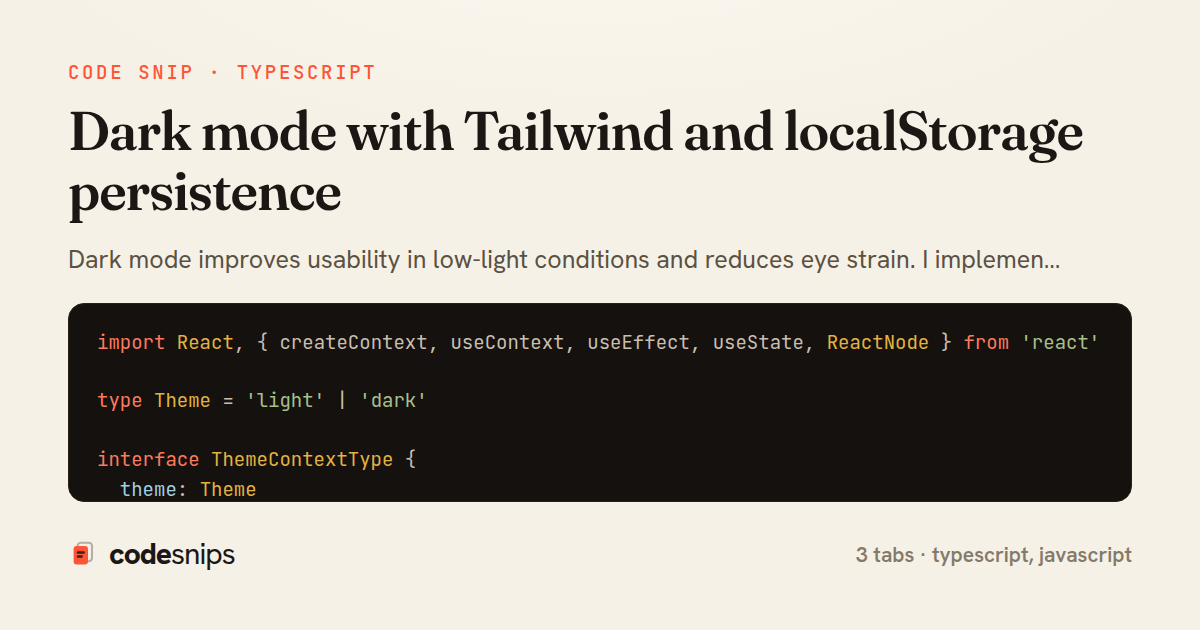
Dark mode improves usability in low-light conditions and reduces eye strain. I implement theme switching with Tailwind's dark: variant and CSS custom properties for colors. The theme preference persists in localStorage and syncs across tabs with storage events. A context provider manages theme state globally, and a toggle component lets users switch modes. The initial theme detection checks localStorage first, then falls back to the system preference via prefers-color-scheme media query. I apply the theme class to the HTML element to enable Tailwind's dark mode. This pattern respects user preferences while providing manual override capability.
Related snips
typescript
export interface RetryOptions {
  retries: number;
  baseMs: number;
  maxMs: number;
  signal?: AbortSignal;
  onRetry?: (attempt: number, delay: number, err: unknown) => void;
Exponential backoff with jitter for retries
typescript
reliability
retry
by codesnips
2 tabs
typescript
import axios, { AxiosError } from 'axios'
import { v4 as uuidv4 } from 'uuid'

const api = axios.create({
  baseURL: import.meta.env.VITE_API_URL || 'http://localhost:3000/api/v1',
  timeout: 15000,
Axios API client with interceptors
react
axios
api
by Maya Patel
1 tab
typescript
import { create } from 'zustand'
import { persist } from 'zustand/middleware'

interface FilterState {
  search: string
  category: string | null
Zustand for lightweight state management
react
zustand
state-management
by Maya Patel
2 tabs
typescript
import React from "react";

type FallbackProps = {
  error: Error;
  reset: () => void;
};
React Error Boundary + error reporting hook
react
frontend
error-boundary
by codesnips
3 tabs
javascript
const withBundleAnalyzer = require('@next/bundle-analyzer')({
  enabled: process.env.ANALYZE === 'true',
  openAnalyzer: true,
});

/** @type {import('next').NextConfig} */
Next.js bundle analyzer for targeted performance work
nextjs
performance
tooling
by codesnips
4 tabs
typescript
import { Navigate, useLocation } from 'react-router-dom'
import { useAuth } from '@/contexts/AuthContext'

interface ProtectedRouteProps {
  children: React.ReactNode
}
React Router with protected routes
react
react-router
routing
by Maya Patel
2 tabs
Share this code
Here's the card — post it anywhere.