typescript
80 lines · 1 tab
Maya Patel
Jan 2026
1 tab
import { useState } from 'react'
import {
  DndContext,
  closestCenter,
  KeyboardSensor,
  PointerSensor,
  useSensor,
  useSensors,
  DragEndEvent,
} from '@dnd-kit/core'
import {
  arrayMove,
  SortableContext,
  sortableKeyboardCoordinates,
  verticalListSortingStrategy,
  useSortable,
} from '@dnd-kit/sortable'
import { CSS } from '@dnd-kit/utilities'
import { Post } from '@/types'

function SortablePost({ post }: { post: Post }) {
  const { attributes, listeners, setNodeRef, transform, transition } = useSortable({
    id: post.id,
  })

  const style = {
    transform: CSS.Transform.toString(transform),
    transition,
  }

  return (
    <div ref={setNodeRef} style={style} {...attributes} {...listeners} className="bg-white p-4 rounded shadow mb-2 cursor-move">
      <h3 className="font-bold">{post.title}</h3>
      <p className="text-gray-600 text-sm">{post.excerpt}</p>
    </div>
  )
}

export function SortablePosts({ initialPosts }: { initialPosts: Post[] }) {
  const [posts, setPosts] = useState(initialPosts)

  const sensors = useSensors(
    useSensor(PointerSensor),
    useSensor(KeyboardSensor, {
      coordinateGetter: sortableKeyboardCoordinates,
    })
  )

  const handleDragEnd = async (event: DragEndEvent) => {
    const { active, over } = event

    if (over && active.id !== over.id) {
      setPosts((items) => {
        const oldIndex = items.findIndex((item) => item.id === active.id)
        const newIndex = items.findIndex((item) => item.id === over.id)

        const newOrder = arrayMove(items, oldIndex, newIndex)

        // Persist to backend
        updatePostOrder(newOrder.map((p) => p.id))

        return newOrder
      })
    }
  }

  return (
    <DndContext sensors={sensors} collisionDetection={closestCenter} onDragEnd={handleDragEnd}>
      <SortableContext items={posts.map((p) => p.id)} strategy={verticalListSortingStrategy}>
        {posts.map((post) => (
          <SortablePost key={post.id} post={post} />
        ))}
      </SortableContext>
    </DndContext>
  )
}

async function updatePostOrder(postIds: string[]) {
  // API call to persist order
}
1 file · typescript
Explain with highlit
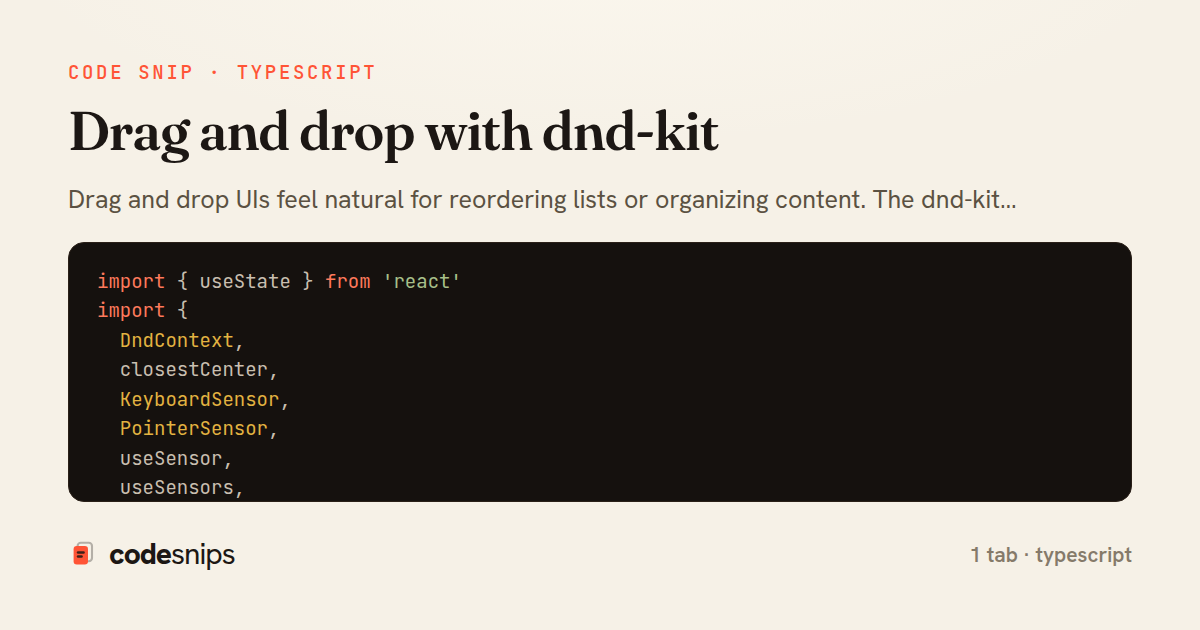
Drag and drop UIs feel natural for reordering lists or organizing content. The dnd-kit library provides accessible, performant drag and drop with full keyboard support. I use DndContext to wrap draggable areas, useSortable for sortable list items, and SortableContext to manage ordering. The library handles touch events, mouse events, and keyboard navigation automatically. When items are dropped, I update local state optimistically and persist the new order to Rails via API. Animations during drag make interactions feel smooth. The accessibility features mean keyboard-only users can reorder items with arrow keys and space/enter, meeting WCAG standards.
Related snips
typescript
export interface RetryOptions {
  retries: number;
  baseMs: number;
  maxMs: number;
  signal?: AbortSignal;
  onRetry?: (attempt: number, delay: number, err: unknown) => void;
Exponential backoff with jitter for retries
typescript
reliability
retry
by codesnips
2 tabs
typescript
import axios, { AxiosError } from 'axios'
import { v4 as uuidv4 } from 'uuid'

const api = axios.create({
  baseURL: import.meta.env.VITE_API_URL || 'http://localhost:3000/api/v1',
  timeout: 15000,
Axios API client with interceptors
react
axios
api
by Maya Patel
1 tab
typescript
import { create } from 'zustand'
import { persist } from 'zustand/middleware'

interface FilterState {
  search: string
  category: string | null
Zustand for lightweight state management
react
zustand
state-management
by Maya Patel
2 tabs
typescript
import React from "react";

type FallbackProps = {
  error: Error;
  reset: () => void;
};
React Error Boundary + error reporting hook
react
frontend
error-boundary
by codesnips
3 tabs
javascript
const withBundleAnalyzer = require('@next/bundle-analyzer')({
  enabled: process.env.ANALYZE === 'true',
  openAnalyzer: true,
});

/** @type {import('next').NextConfig} */
Next.js bundle analyzer for targeted performance work
nextjs
performance
tooling
by codesnips
4 tabs
typescript
import { Navigate, useLocation } from 'react-router-dom'
import { useAuth } from '@/contexts/AuthContext'

interface ProtectedRouteProps {
  children: React.ReactNode
}
React Router with protected routes
react
react-router
routing
by Maya Patel
2 tabs
Share this code
Here's the card — post it anywhere.