typescript
55 lines · 1 tab
Maya Patel
Jan 2026
1 tab
import { useState } from 'react'
import { useQuery } from '@tanstack/react-query'
import { useDebounce } from '@/hooks/useDebounce'
import api from '@/services/api'

export function SearchInput() {
  const [searchTerm, setSearchTerm] = useState('')
  const debouncedSearchTerm = useDebounce(searchTerm, 300)

  const { data: results, isLoading } = useQuery({
    queryKey: ['search', debouncedSearchTerm],
    queryFn: async () => {
      if (!debouncedSearchTerm) return []
      const { data } = await api.get('/search', {
        params: { q: debouncedSearchTerm },
      })
      return data
    },
    enabled: debouncedSearchTerm.length > 2,
  })

  return (
    <div className="relative">
      <input
        type="search"
        value={searchTerm}
        onChange={(e) => setSearchTerm(e.target.value)}
        placeholder="Search..."
        className="w-full px-4 py-2 pl-10 border rounded-lg"
      />
      <i className="fas fa-search absolute left-3 top-1/2 transform -translate-y-1/2 text-gray-400" />

      {isLoading && (
        <div className="absolute right-3 top-1/2 transform -translate-y-1/2">
          <div className="animate-spin rounded-full h-4 w-4 border-b-2 border-blue-600" />
        </div>
      )}

      {results && results.length > 0 && (
        <div className="absolute top-full mt-2 w-full bg-white rounded-lg shadow-lg border max-h-96 overflow-y-auto">
          {results.map((result: any) => (
            <a
              key={result.id}
              href={`/posts/${result.id}`}
              className="block px-4 py-3 hover:bg-gray-50 border-b last:border-b-0"
            >
              <h4 className="font-medium">{result.title}</h4>
              <p className="text-sm text-gray-600">{result.excerpt}</p>
            </a>
          ))}
        </div>
      )}
    </div>
  )
}
1 file · typescript
Explain with highlit
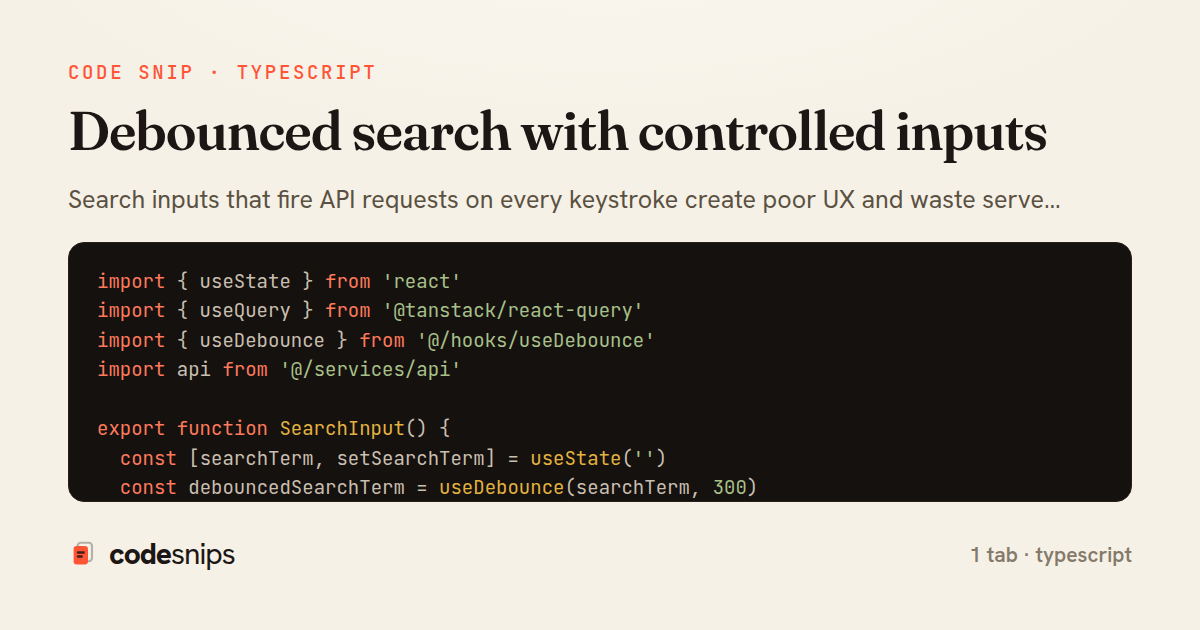
Search inputs that fire API requests on every keystroke create poor UX and waste server resources. Debouncing delays the search until typing pauses, reducing requests dramatically. I combine a controlled input component with a custom useDebounce hook that returns the debounced value. When the debounced value changes, React Query triggers a new search request. The input feels instantly responsive because it's controlled, while the search happens asynchronously after the debounce delay. I set the delay to 300-500ms based on input type—longer for expensive searches, shorter for simple filters. This pattern is essential for autocomplete, live search, and any input-driven queries.
Related snips
typescript
export interface RetryOptions {
  retries: number;
  baseMs: number;
  maxMs: number;
  signal?: AbortSignal;
  onRetry?: (attempt: number, delay: number, err: unknown) => void;
Exponential backoff with jitter for retries
typescript
reliability
retry
by codesnips
2 tabs
ruby
require "csv"

class PeopleCsvStream
  include Enumerable

  HEADERS = %w[id full_name email signed_up_at plan].freeze
Resilient CSV Export as a Streamed Response
rails
performance
streaming
by codesnips
3 tabs
erb
<form data-controller="query-sync" data-action="change->query-sync#apply">
  <select name="status" class="rounded border p-2">
    <option value="">Any</option>
    <option value="open">Open</option>
    <option value="closed">Closed</option>
  </select>
Filter UI that syncs query params via Stimulus (no front-end router)
rails
hotwire
stimulus
by Henry Kim
2 tabs
ruby
Rails.application.configure do
  config.after_initialize do
    Bullet.enable = true
    Bullet.alert = false
    Bullet.bullet_logger = true
    Bullet.console = true
N+1 query detection with Bullet gem
rails
performance
activerecord
by Alex Kumar
2 tabs
javascript
import { Controller } from "@hotwired/stimulus"

export default class extends Controller {
  static targets = ["form"]
  static values = { delay: { type: Number, default: 250 } }
Debounced live search with Stimulus + Turbo Streams
rails
hotwire
stimulus
by codesnips
4 tabs
ruby
json.array! @posts do |post|
  json.cache! ['v1', post], expires_in: 1.hour do
    json.id post.id
    json.title post.title
    json.excerpt post.excerpt
    json.published_at post.published_at
Fragment caching for expensive JSON serialization
rails
caching
performance
by Alex Kumar
1 tab
Share this code
Here's the card — post it anywhere.