typescript
41 lines · 1 tab
Maya Patel
Jan 2026
1 tab
import { Link } from 'react-router-dom'
import { useQueryClient } from '@tanstack/react-query'
import api from '@/services/api'
import { PostId } from '@/types'

interface PostLinkProps {
  postId: PostId
  children: React.ReactNode
}

export function PostLink({ postId, children }: PostLinkProps) {
  const queryClient = useQueryClient()
  let prefetchTimeout: NodeJS.Timeout

  const prefetchPost = () => {
    prefetchTimeout = setTimeout(() => {
      queryClient.prefetchQuery({
        queryKey: ['posts', postId],
        queryFn: () => api.get(`/posts/${postId}`).then((res) => res.data),
        staleTime: 5 * 60 * 1000, // Consider fresh for 5 minutes
      })
    }, 100) // Small delay to avoid prefetching during quick mouseovers
  }

  const cancelPrefetch = () => {
    if (prefetchTimeout) {
      clearTimeout(prefetchTimeout)
    }
  }

  return (
    <Link
      to={`/posts/${postId}`}
      onMouseEnter={prefetchPost}
      onMouseLeave={cancelPrefetch}
      className="text-blue-600 hover:underline"
    >
      {children}
    </Link>
  )
}
1 file · typescript
Explain with highlit
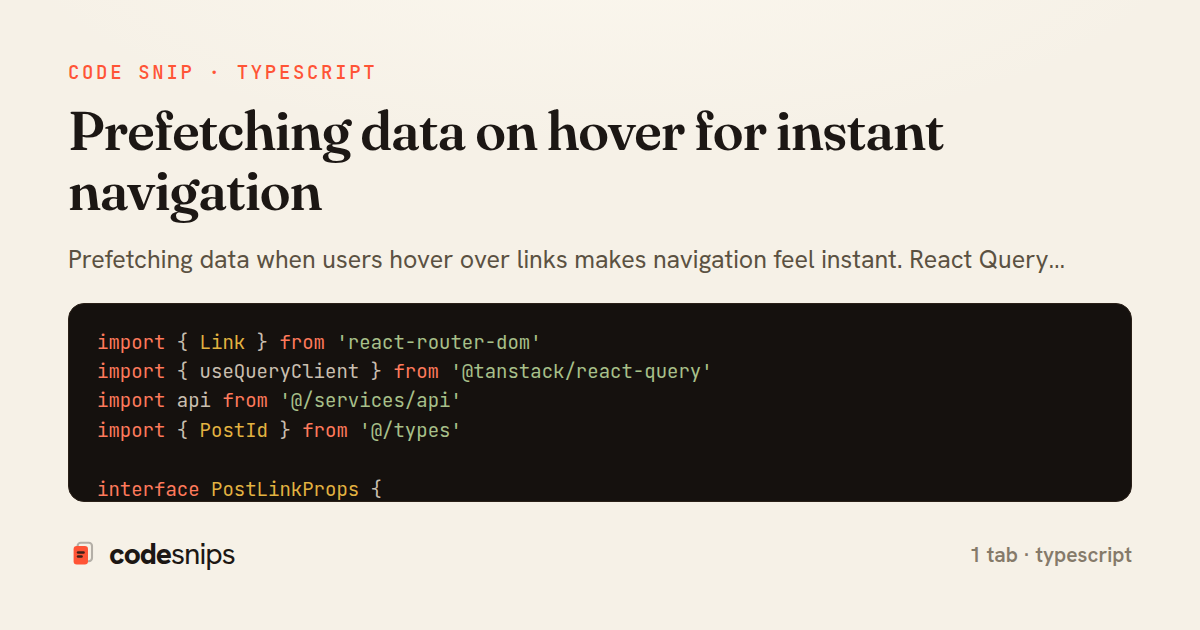
Prefetching data when users hover over links makes navigation feel instant. React Query's prefetchQuery loads data into cache before users click. When they navigate, the data is already available and renders immediately. I use the onMouseEnter event on links to trigger prefetching, with a small delay to avoid unnecessary requests when users quickly mouse over links. This technique works best for detail pages or frequently accessed routes. The cache ensures prefetched data doesn't go to waste if users don't navigate—it's available for subsequent visits. Combined with React Router, this creates an experience that rivals native apps.
Related snips
ruby
require "csv"

class PeopleCsvStream
  include Enumerable

  HEADERS = %w[id full_name email signed_up_at plan].freeze
Resilient CSV Export as a Streamed Response
rails
performance
streaming
by codesnips
3 tabs
ruby
Rails.application.configure do
  config.after_initialize do
    Bullet.enable = true
    Bullet.alert = false
    Bullet.bullet_logger = true
    Bullet.console = true
N+1 query detection with Bullet gem
rails
performance
activerecord
by Alex Kumar
2 tabs
ruby
json.array! @posts do |post|
  json.cache! ['v1', post], expires_in: 1.hour do
    json.id post.id
    json.title post.title
    json.excerpt post.excerpt
    json.published_at post.published_at
Fragment caching for expensive JSON serialization
rails
caching
performance
by Alex Kumar
1 tab
typescript
import axios, { AxiosError } from 'axios'
import { v4 as uuidv4 } from 'uuid'

const api = axios.create({
  baseURL: import.meta.env.VITE_API_URL || 'http://localhost:3000/api/v1',
  timeout: 15000,
Axios API client with interceptors
react
axios
api
by Maya Patel
1 tab
typescript
import { create } from 'zustand'
import { persist } from 'zustand/middleware'

interface FilterState {
  search: string
  category: string | null
Zustand for lightweight state management
react
zustand
state-management
by Maya Patel
2 tabs
go
package deps

import (
  "net"
  "net/http"
  "time"
HTTP client tuned for production: timeouts, transport, and connection reuse
go
http
client
by Leah Thompson
1 tab
Share this code
Here's the card — post it anywhere.