rust
15 lines · 1 tab
Marcus Chen
Jan 2026
1 tab
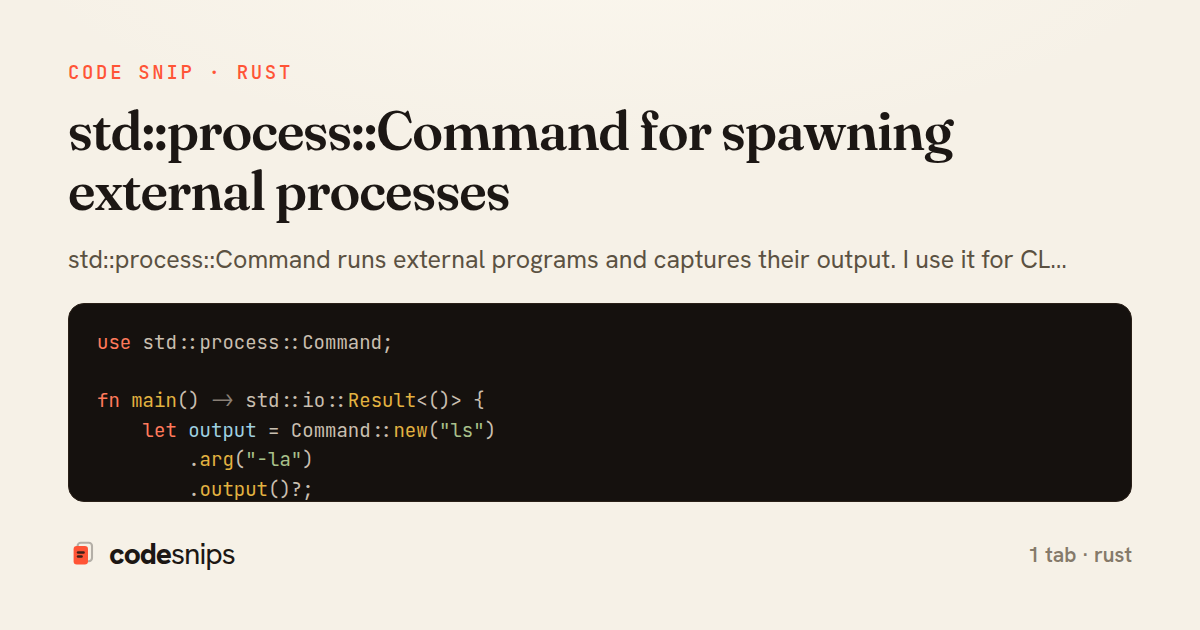
use std::process::Command;

fn main() -> std::io::Result<()> {
    let output = Command::new("ls")
        .arg("-la")
        .output()?;

    if output.status.success() {
        let stdout = String::from_utf8_lossy(&output.stdout);
        println!("{}", stdout);
    } else {
        eprintln!("Command failed");
    }
    Ok(())
}
1 file · rust
Explain with highlit
std::process::Command runs external programs and captures their output. I use it for CLI tools that wrap other commands, build scripts, or integration tests. Methods like .arg(), .env(), and .current_dir() configure the process. .output() runs and waits, returning stdout/stderr. .spawn() starts the process without waiting. For streaming output, use .stdout(Stdio::piped()) and read from the child's handles. Always check the exit status. I use Command for running formatters, compilers, or shell scripts from Rust. It's safer than shell-ing out because you control arguments explicitly, avoiding injection vulnerabilities.
Related snips
rust
struct Config<'a> {
    name: &'a str,
    value: &'a str,
}

fn parse_config(line: &str) -> Config {
Lifetime annotations for flexible borrowing in structs
rust
lifetimes
borrowing
by Marcus Chen
1 tab
rust
use crossbeam::channel::unbounded;
use std::thread;

fn main() {
    let (tx, rx) = unbounded();
Crossbeam for advanced concurrent data structures
rust
concurrency
lock-free
by Marcus Chen
1 tab
rust
use tracing::{info, instrument};

#[instrument]
fn process_request(user_id: u64) {
    info!(user_id, "Processing request");
    // Work happens here
tracing for structured logging and distributed tracing
rust
observability
tracing
by Marcus Chen
1 tab
rust
use std::sync::mpsc;
use std::thread;

fn main() {
    let (tx, rx) = mpsc::channel();
Channels (mpsc) for message passing between threads
rust
concurrency
channels
by Marcus Chen
1 tab
rust
use clap::Parser;

#[derive(Parser, Debug)]
#[command(author, version, about)]
struct Args {
    #[arg(short, long)]
clap for CLI argument parsing with derive macros
rust
cli
clap
by Marcus Chen
1 tab
rust
macro_rules! create_function {
    ($func_name:ident) => {
        fn $func_name() {
            println!("Called {}", stringify!($func_name));
        }
    };
Declarative macros (macro_rules!) for code generation
rust
macros
metaprogramming
by Marcus Chen
1 tab
Share this code
Here's the card — post it anywhere.