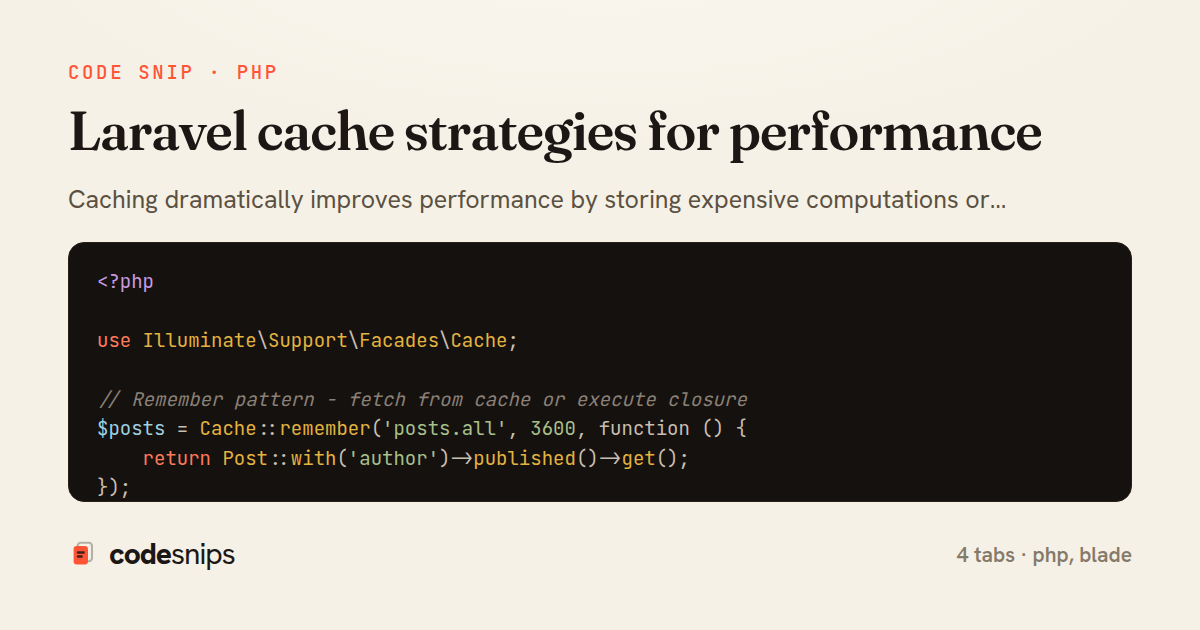
<?php

use Illuminate\Support\Facades\Cache;

// Remember pattern - fetch from cache or execute closure
$posts = Cache::remember('posts.all', 3600, function () {
    return Post::with('author')->published()->get();
});

// Cache forever
Cache::forever('settings', $settings);

// Put value with TTL
Cache::put('key', 'value', now()->addMinutes(10));

// Get with default
$value = Cache::get('key', 'default');

// Get and delete
$value = Cache::pull('key');

// Check existence
if (Cache::has('key')) {
    // ...
}

// Increment/decrement
Cache::increment('post:views:' . $postId);
Cache::decrement('inventory:' . $productId, 5);

// Delete
Cache::forget('key');

// Clear all cache
Cache::flush();
<?php

use Illuminate\Support\Facades\Cache;

// Cache with tags (Redis/Memcached only)
Cache::tags(['posts', 'featured'])->put('posts.featured', $posts, 3600);

$posts = Cache::tags(['posts'])->remember('posts.recent', 3600, function () {
    return Post::latest()->take(10)->get();
});

// Invalidate all items with tag
Cache::tags(['posts'])->flush();

// Multiple tags
Cache::tags(['posts', 'author:' . $authorId])->flush();
<?php

namespace App\Models;

use Illuminate\Database\Eloquent\Model;
use Illuminate\Support\Facades\Cache;

class Post extends Model
{
    protected static function booted(): void
    {
        // Clear cache when model changes
        static::saved(function ($post) {
            Cache::tags(['posts'])->flush();
            Cache::forget('post:' . $post->id);
        });

        static::deleted(function ($post) {
            Cache::tags(['posts'])->flush();
            Cache::forget('post:' . $post->id);
        });
    }

    public static function getCached(int $id): ?self
    {
        return Cache::remember("post:{$id}", 3600, function () use ($id) {
            return static::with(['author', 'tags'])->find($id);
        });
    }

    public static function allCached()
    {
        return Cache::tags(['posts'])->remember('posts.all', 3600, function () {
            return static::with('author')->published()->get();
        });
    }
}
{{-- Cache entire section --}}
@cache('sidebar', now()->addHour())
    <div class="sidebar">
        {{-- Expensive sidebar content --}}
    </div>
@endcache

{{-- Cache with dynamic key --}}
@cache('post-' . $post->id . '-comments', now()->addMinutes(30))
    @foreach($post->comments as $comment)
        {{-- Comment markup --}}
    @endforeach
@endcache
Caching dramatically improves performance by storing expensive computations or database queries. Laravel supports multiple cache drivers—Redis, Memcached, file, database. I use Cache::remember() to fetch or compute and cache values with expiration. Cache tags group related items for bulk invalidation. The forever() method caches indefinitely until manually cleared. Model caching via packages like laravel-cacheable auto-caches queries. For query results, I cache collections with Cache::tags(['posts'])->remember(). Cache invalidation happens in model observers when data changes. The cache() helper provides a fluent API. Fragment caching in Blade with @cache caches view partials. Proper caching can reduce database load by 80%+ while keeping data fresh.
Related snips
require "csv"

class PeopleCsvStream
  include Enumerable

  HEADERS = %w[id full_name email signed_up_at plan].freeze
Resilient CSV Export as a Streamed Response
Rails.application.configure do
  config.after_initialize do
    Bullet.enable = true
    Bullet.alert = false
    Bullet.bullet_logger = true
    Bullet.console = true
N+1 query detection with Bullet gem
json.array! @posts do |post|
  json.cache! ['v1', post], expires_in: 1.hour do
    json.id post.id
    json.title post.title
    json.excerpt post.excerpt
    json.published_at post.published_at
Fragment caching for expensive JSON serialization
<?php

namespace App\Providers;

use App\Contracts\PaymentGateway;
use App\Services\StripePaymentGateway;
Laravel service container and dependency injection
import { randomBytes, createHash } from "crypto";
import jwt from "jsonwebtoken";
import { RefreshTokenStore } from "./store";

const ACCESS_SECRET = process.env.ACCESS_SECRET!;
const ACCESS_TTL = "15m";
JWT access + refresh token rotation (conceptual)
package deps

import (
  "net"
  "net/http"
  "time"
HTTP client tuned for production: timeouts, transport, and connection reuse
Share this code
Here's the card — post it anywhere.