php
138 lines · 3 tabs
Carlos Mendez
Jan 2026
3 tabs
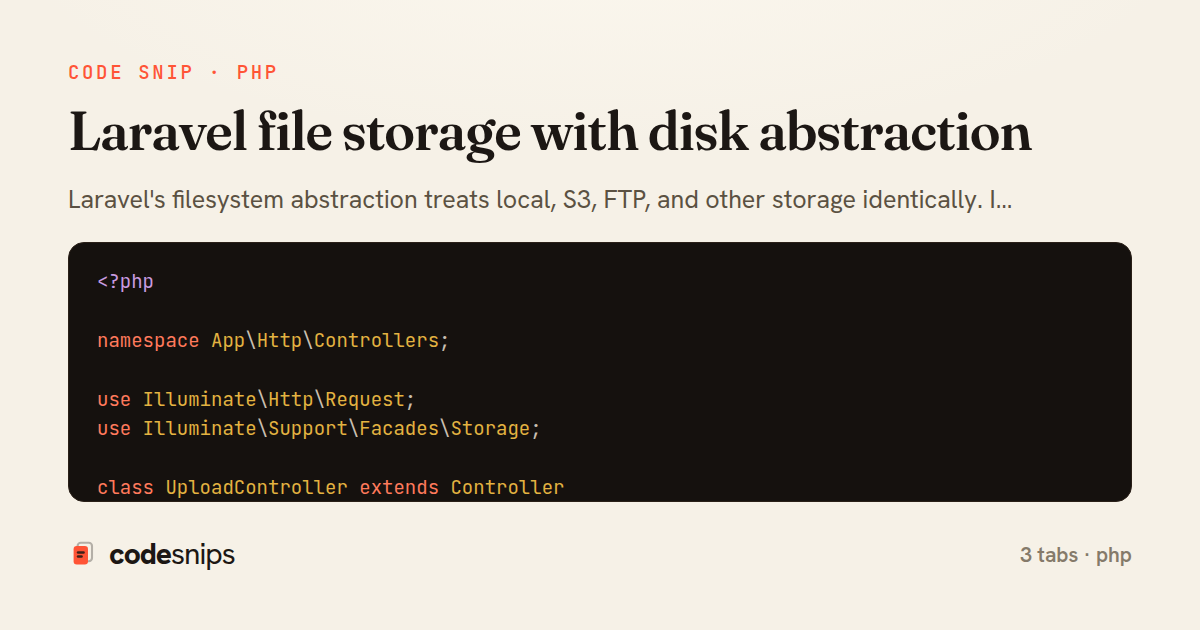
<?php

namespace App\Http\Controllers;

use Illuminate\Http\Request;
use Illuminate\Support\Facades\Storage;

class UploadController extends Controller
{
    public function store(Request $request)
    {
        $request->validate([
            'file' => 'required|file|max:10240', // 10MB
            'avatar' => 'nullable|image|max:2048',
        ]);

        // Store to default disk
        $path = $request->file('file')->store('uploads');

        // Store to specific disk with custom name
        $avatarPath = $request->file('avatar')->storeAs(
            'avatars',
            $request->user()->id . '.jpg',
            'public'
        );

        // Store with automatic hashing
        $hashedPath = $request->file('file')->store('documents', 's3');

        // Get file URL
        $url = Storage::disk('public')->url($avatarPath);

        // Temporary URL for private files (S3)
        $temporaryUrl = Storage::disk('s3')->temporaryUrl(
            $hashedPath,
            now()->addMinutes(5)
        );

        return response()->json([
            'path' => $path,
            'url' => $url,
            'temporary_url' => $temporaryUrl,
        ]);
    }

    public function download(string $path)
    {
        if (!Storage::exists($path)) {
            abort(404);
        }

        return Storage::download($path);
    }

    public function delete(string $path)
    {
        Storage::delete($path);

        // Delete multiple files
        Storage::delete(['file1.jpg', 'file2.jpg']);

        // Delete directory
        Storage::deleteDirectory('old-uploads');

        return response()->json(['message' => 'File deleted']);
    }
}
<?php

use Illuminate\Support\Facades\Storage;

// Check existence
if (Storage::exists('file.jpg')) {
    // File exists
}

// Get file contents
$contents = Storage::get('file.txt');

// Put contents
Storage::put('file.txt', 'Contents');

// Prepend to file
Storage::prepend('file.log', 'Prepended Text');

// Append to file
Storage::append('file.log', 'Appended Text');

// Copy file
Storage::copy('old.txt', 'new.txt');

// Move file
Storage::move('old.txt', 'new.txt');

// Get file size
$size = Storage::size('file.jpg');

// Get last modified time
$time = Storage::lastModified('file.jpg');

// List files
$files = Storage::files('directory');
$allFiles = Storage::allFiles('directory');

// List directories
$directories = Storage::directories('directory');
$allDirectories = Storage::allDirectories('directory');

// Make directory
Storage::makeDirectory('new-directory');
<?php

return [
    'default' => env('FILESYSTEM_DISK', 'local'),

    'disks' => [
        'local' => [
            'driver' => 'local',
            'root' => storage_path('app'),
        ],

        'public' => [
            'driver' => 'local',
            'root' => storage_path('app/public'),
            'url' => env('APP_URL').'/storage',
            'visibility' => 'public',
        ],

        's3' => [
            'driver' => 's3',
            'key' => env('AWS_ACCESS_KEY_ID'),
            'secret' => env('AWS_SECRET_ACCESS_KEY'),
            'region' => env('AWS_DEFAULT_REGION'),
            'bucket' => env('AWS_BUCKET'),
            'url' => env('AWS_URL'),
        ],
    ],
];
3 files · php
Explain with highlit
Laravel's filesystem abstraction treats local, S3, FTP, and other storage identically. I configure disks in config/filesystems.php with drivers and credentials. The Storage facade provides methods like put(), get(), delete() that work across all disks. File uploads use store() or storeAs() to save to configured disks. Public disks generate accessible URLs via url(), while private disks use temporary URLs with expiration. I switch environments by changing disk configuration—local in dev, S3 in production. Disk visibility controls public/private access. File streaming handles large files without memory issues. This abstraction makes storage backend changes trivial without code modifications.
Related snips
php
<?php

namespace App\Providers;

use App\Contracts\PaymentGateway;
use App\Services\StripePaymentGateway;
Laravel service container and dependency injection
laravel
dependency-injection
service-container
by Carlos Mendez
2 tabs
go
package files

import (
  "context"
  "time"
Presigned S3 upload URLs (AWS SDK v2)
go
aws
s3
by Leah Thompson
1 tab
json
{
  "private": true,
  "scripts": {
    "dev": "vite",
    "build": "vite build"
  },
Laravel mix/Vite for asset compilation
laravel
vite
assets
by Carlos Mendez
4 tabs
json
{
  "Version": "2012-10-17",
  "Statement": [
    {
      "Sid": "DenyInsecureTransport",
      "Effect": "Deny",
S3 bucket policy that enforces TLS and blocks public reads
s3
aws
tls
by Kai Nakamura
1 tab
ruby
# Installation
# rails active_storage:install
# rails db:migrate

# config/storage.yml
local:
ActiveStorage for file uploads and attachments
ruby
rails
active-storage
by Sarah Mitchell
2 tabs
php
<?php

use Illuminate\Database\Migrations\Migration;
use Illuminate\Database\Schema\Blueprint;
use Illuminate\Support\Facades\Schema;
Laravel database migrations for schema management
laravel
migrations
database
by Carlos Mendez
3 tabs
Share this code
Here's the card — post it anywhere.