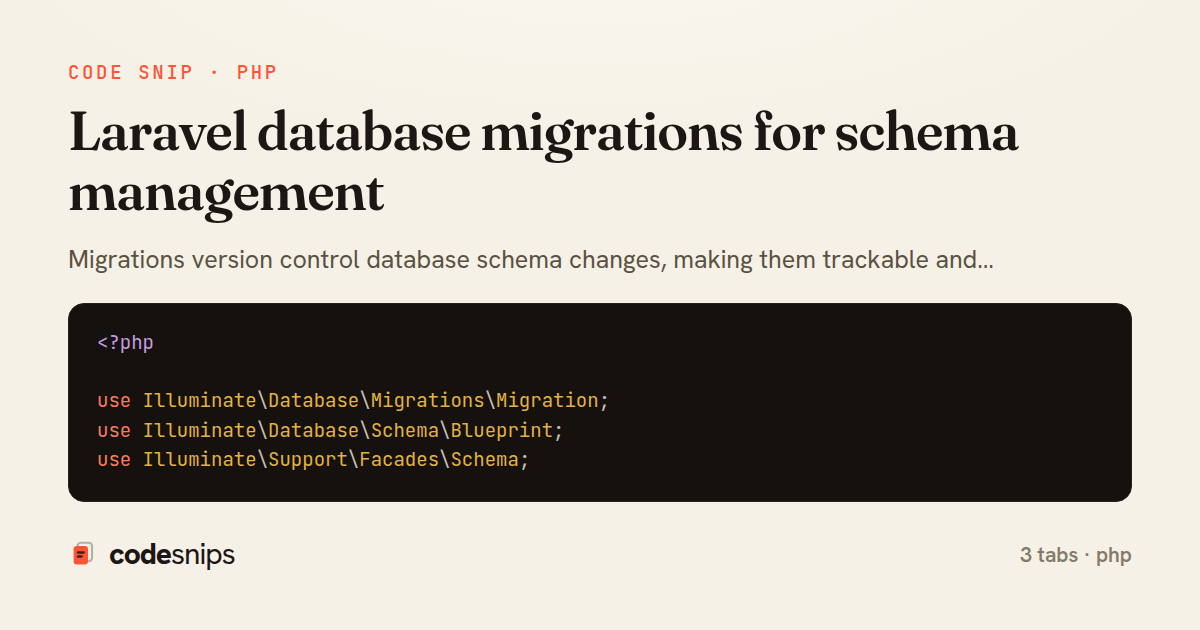
<?php

use Illuminate\Database\Migrations\Migration;
use Illuminate\Database\Schema\Blueprint;
use Illuminate\Support\Facades\Schema;

return new class extends Migration
{
    public function up(): void
    {
        Schema::create('posts', function (Blueprint $table) {
            $table->id();
            $table->foreignId('user_id')->constrained()->cascadeOnDelete();
            $table->string('title');
            $table->string('slug')->unique();
            $table->text('body');
            $table->string('excerpt')->nullable();
            $table->string('status')->default('draft');
            $table->boolean('is_featured')->default(false);
            $table->integer('views')->default(0);
            $table->timestamp('published_at')->nullable();
            $table->timestamps();
            $table->softDeletes();

            // Indexes
            $table->index(['status', 'published_at']);
            $table->index('user_id');
            $table->fullText(['title', 'body']); // MySQL only
        });
    }

    public function down(): void
    {
        Schema::dropIfExists('posts');
    }
};
<?php

use Illuminate\Database\Migrations\Migration;
use Illuminate\Database\Schema\Blueprint;
use Illuminate\Support\Facades\Schema;

return new class extends Migration
{
    public function up(): void
    {
        Schema::table('posts', function (Blueprint $table) {
            $table->foreignId('category_id')
                ->nullable()
                ->after('user_id')
                ->constrained()
                ->nullOnDelete();
        });
    }

    public function down(): void
    {
        Schema::table('posts', function (Blueprint $table) {
            $table->dropForeign(['category_id']);
            $table->dropColumn('category_id');
        });
    }
};
<?php

use Illuminate\Database\Migrations\Migration;
use Illuminate\Database\Schema\Blueprint;
use Illuminate\Support\Facades\Schema;

return new class extends Migration
{
    public function up(): void
    {
        Schema::create('post_tag', function (Blueprint $table) {
            $table->foreignId('post_id')->constrained()->cascadeOnDelete();
            $table->foreignId('tag_id')->constrained()->cascadeOnDelete();
            $table->integer('order')->default(0);
            $table->timestamps();

            $table->primary(['post_id', 'tag_id']);
        });
    }

    public function down(): void
    {
        Schema::dropIfExists('post_tag');
    }
};
Migrations version control database schema changes, making them trackable and reversible. Each migration file contains up() and down() methods defining changes and rollbacks. I use the Schema builder's fluent API to create tables, add columns, define indexes, and set foreign keys. Running php artisan migrate executes pending migrations in order. The --step flag enables selective rollbacks. Migration files never edit after committing—create new ones to modify schema. For data migrations, I use seeders or separate migration files. Anonymous migrations reduce file clutter. Database-specific features use DB::statement() for raw SQL. Schema dumps capture current state for faster fresh installs. Migrations enable team collaboration without manual schema coordination.
Related snips
type User {
    id: ID!
    name: String!
    email: String!
    posts: [Post!]!
    createdAt: String!
GraphQL API with Spring Boot
# Vulnerable: user input is concatenated directly into SQL.
email = params[:email]
password = params[:password]

sql = "SELECT * FROM users WHERE email = '#{email}' AND password_hash = '#{password}'"
user = ActiveRecord::Base.connection.execute(sql).first
SQL injection prevention with unsafe and safe query patterns
<?php

namespace App\Providers;

use App\Contracts\PaymentGateway;
use App\Services\StripePaymentGateway;
Laravel service container and dependency injection
class AddSettingsToAccounts < ActiveRecord::Migration[7.1]
  disable_ddl_transaction!

  def change
    add_column :accounts, :settings, :jsonb, null: false, default: {}
Postgres JSONB Partial Index for Feature Flags
-- EXPLAIN ANALYZE (actual execution statistics)
EXPLAIN ANALYZE
SELECT u.username, COUNT(o.id) AS order_count
FROM users u
LEFT JOIN orders o ON u.id = o.user_id
WHERE u.created_at >= '2024-01-01'
Advanced query optimization techniques
{
  "private": true,
  "scripts": {
    "dev": "vite",
    "build": "vite build"
  },
Laravel mix/Vite for asset compilation
Share this code
Here's the card — post it anywhere.