swift
124 lines · 2 tabs
Sofia Martinez
Jan 2026
2 tabs
import SwiftUI

struct PostDetailView: View {
    @StateObject private var viewModel: PostDetailViewModel

    init(postId: Int) {
        _viewModel = StateObject(wrappedValue: PostDetailViewModel(postId: postId))
    }

    var body: some View {
        ScrollView {
            VStack(alignment: .leading, spacing: 16) {
                if viewModel.isLoading {
                    ProgressView()
                } else if let post = viewModel.post {
                    Text(post.title)
                        .font(.title)
                        .fontWeight(.bold)

                    HStack {
                        Image(systemName: "person.circle")
                        Text(post.author.name)
                            .font(.subheadline)
                        Spacer()
                        Text(post.createdAt, style: .date)
                            .font(.caption)
                            .foregroundColor(.secondary)
                    }

                    Divider()

                    Text(post.body)
                        .font(.body)

                    HStack(spacing: 20) {
                        Button(action: viewModel.toggleLike) {
                            Label("\(viewModel.likesCount)", systemImage: viewModel.isLiked ? "heart.fill" : "heart")
                        }
                        .foregroundColor(viewModel.isLiked ? .red : .primary)

                        Label("\(post.commentsCount)", systemImage: "bubble.left")
                    }
                    .padding(.top)

                    CommentsSection(comments: viewModel.comments)
                } else if let error = viewModel.errorMessage {
                    Text(error)
                        .foregroundColor(.red)
                }
            }
            .padding()
        }
        .navigationTitle("Post")
        .onAppear {
            viewModel.loadPost()
        }
    }
}
import Foundation
import Combine

class PostDetailViewModel: ObservableObject {
    @Published var post: Post?
    @Published var comments: [Comment] = []
    @Published var isLoading = false
    @Published var errorMessage: String?
    @Published var isLiked = false
    @Published var likesCount = 0

    private let postId: Int
    private let networkService: NetworkService
    private var cancellables = Set<AnyCancellable>()

    init(postId: Int, networkService: NetworkService = .shared) {
        self.postId = postId
        self.networkService = networkService
    }

    func loadPost() {
        isLoading = true
        errorMessage = nil

        Publishers.Zip(
            networkService.fetchPost(id: postId),
            networkService.fetchComments(postId: postId)
        )
        .sink(
            receiveCompletion: { [weak self] completion in
                self?.isLoading = false
                if case .failure(let error) = completion {
                    self?.errorMessage = error.localizedDescription
                }
            },
            receiveValue: { [weak self] post, comments in
                self?.post = post
                self?.comments = comments
                self?.isLiked = post.likedByCurrentUser
                self?.likesCount = post.likesCount
            }
        )
        .store(in: &cancellables)
    }

    func toggleLike() {
        guard let post = post else { return }

        // Optimistic update
        isLiked.toggle()
        likesCount += isLiked ? 1 : -1

        networkService.toggleLike(postId: post.id)
            .sink(
                receiveCompletion: { [weak self] completion in
                    if case .failure = completion {
                        // Rollback on error
                        self?.isLiked.toggle()
                        self?.likesCount += (self?.isLiked ?? false) ? -1 : 1
                    }
                },
                receiveValue: { _ in }
            )
            .store(in: &cancellables)
    }
}
2 files · swift
Explain with highlit
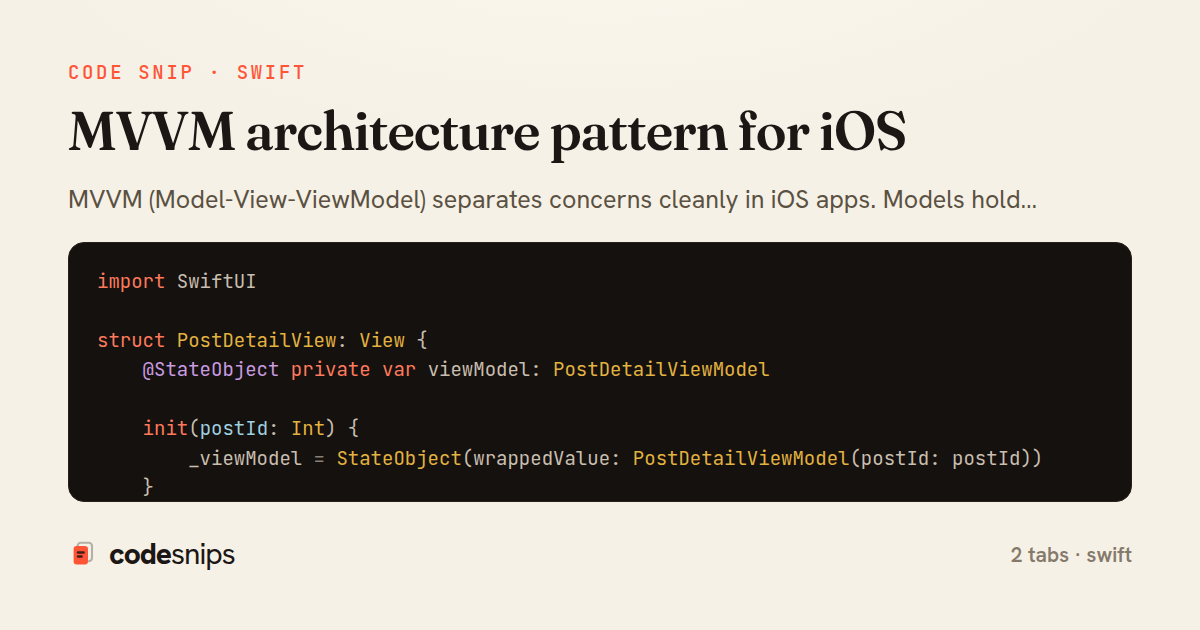
MVVM (Model-View-ViewModel) separates concerns cleanly in iOS apps. Models hold data, Views display UI, and ViewModels mediate between them with business logic and state. Views bind to ViewModel properties using Combine or SwiftUI's property wrappers. ViewModels expose @Published properties that Views observe. This separation makes code testable—ViewModels can be unit tested without UI, and Views become thin presentation layers. I keep ViewModels framework-agnostic, importing only Foundation, not UIKit or SwiftUI. Navigation and coordination logic goes in Coordinators. This architecture scales well from small to large apps while maintaining clear boundaries.
Related snips
ruby
class Post < ApplicationRecord
  belongs_to :author, class_name: 'User'
  has_many :comments, dependent: :destroy

  scope :published, -> { where.not(published_at: nil).where('published_at <= ?', Time.current) }
  scope :draft, -> { where(published_at: nil) }
ActiveRecord scopes for reusable query logic
rails
activerecord
patterns
by Alex Kumar
1 tab
swift
import Combine
import Foundation

class SearchViewModel: ObservableObject {
    @Published var searchQuery = ""
    @Published var results: [SearchResult] = []
Combine operators for data transformation
swift
combine
reactive
by Sofia Martinez
1 tab
swift
import SwiftUI

struct ContentView: View {
    @State private var username = ""
    @State private var isLoggedIn = false
    @StateObject private var viewModel = LoginViewModel()
SwiftUI declarative UI with state management
swift
swiftui
ios
by Sofia Martinez
2 tabs
swift
import SwiftUI

struct CardModifier: ViewModifier {
    var backgroundColor: Color = .white
    var cornerRadius: CGFloat = 12
    var shadowRadius: CGFloat = 5
Custom SwiftUI view modifiers for reusability
swift
swiftui
ios
by Sofia Martinez
2 tabs
swift
import Foundation
import UIKit

class ImageProcessor {
    // Background processing with main thread updates
    func processImage(_ image: UIImage, completion: @escaping (UIImage?) -> Void) {
Grand Central Dispatch for concurrency
swift
gcd
concurrency
by Sofia Martinez
1 tab
swift
import SwiftUI

enum Route: Hashable {
    case postDetail(id: Int)
    case userProfile(id: Int)
    case settings
Navigation patterns with NavigationStack
swift
swiftui
navigation
by Sofia Martinez
2 tabs
Share this code
Here's the card — post it anywhere.