import SwiftUI

struct AccessiblePostCard: View {
    let post: Post
    @State private var isLiked = false

    var body: some View {
        VStack(alignment: .leading, spacing: 12) {
            Text(post.title)
                .font(.headline)

            Text(post.body)
                .font(.body)
                .lineLimit(3)

            HStack {
                Button(action: toggleLike) {
                    Image(systemName: isLiked ? "heart.fill" : "heart")
                        .foregroundColor(isLiked ? .red : .gray)
                }
                .accessibilityLabel(isLiked ? "Unlike post" : "Like post")
                .accessibilityHint("Double tap to \(isLiked ? "remove" : "add") like")

                Text("\(post.likesCount) likes")
                    .accessibilityHidden(true) // Included in button label

                Spacer()

                Text(post.createdAt, style: .relative)
                    .font(.caption)
                    .accessibilityLabel("Posted \(post.createdAt, style: .relative)")
            }
        }
        .padding()
        .background(Color.white)
        .cornerRadius(12)
        .shadow(radius: 2)
        .accessibilityElement(children: .contain)
        .accessibilityLabel("Post by \(post.author.name)")
        .accessibilityValue(post.title)
    }

    private func toggleLike() {
        isLiked.toggle()

        // Announce change to VoiceOver
        UIAccessibility.post(
            notification: .announcement,
            argument: isLiked ? "Post liked" : "Post unliked"
        )
    }
}

struct AccessibleFormView: View {
    @State private var username = ""
    @State private var email = ""
    @State private var agreedToTerms = false
    @Environment(\.accessibilityReduceMotion) var reduceMotion

    var body: some View {
        Form {
            Section {
                TextField("Username", text: $username)
                    .accessibilityLabel("Username")
                    .accessibilityHint("Enter your username")

                TextField("Email", text: $email)
                    .keyboardType(.emailAddress)
                    .accessibilityLabel("Email address")
                    .accessibilityHint("Enter your email address")
            }

            Section {
                Toggle(isOn: $agreedToTerms) {
                    Text("I agree to the terms and conditions")
                }
                .accessibilityLabel("Agree to terms")
                .accessibilityValue(agreedToTerms ? "Agreed" : "Not agreed")
            }

            Section {
                Button("Submit") {
                    submitForm()
                }
                .disabled(username.isEmpty || email.isEmpty || !agreedToTerms)
                .accessibilityLabel("Submit form")
                .accessibilityHint(formIsValid ? "Double tap to submit" : "Complete all fields to enable")
            }
        }
        .navigationTitle("Sign Up")
    }

    private var formIsValid: Bool {
        !username.isEmpty && !email.isEmpty && agreedToTerms
    }

    private func submitForm() {
        // Submit logic
        UIAccessibility.post(
            notification: .announcement,
            argument: "Form submitted successfully"
        )
    }
}

struct DynamicTypeExample: View {
    @Environment(\.sizeCategory) var sizeCategory

    var body: some View {
        VStack(alignment: .leading, spacing: 16) {
            Text("Title")
                .font(.title)

            Text("This text automatically scales with user's Dynamic Type settings")
                .font(.body)

            // Custom scaling
            Text("Custom scaled text")
                .font(.system(size: scaledSize))
        }
        .padding()
    }

    private var scaledSize: CGFloat {
        switch sizeCategory {
        case .extraSmall, .small, .medium:
            return 14
        case .large, .extraLarge:
            return 16
        case .extraExtraLarge, .extraExtraExtraLarge:
            return 18
        default:
            return 20
        }
    }
}
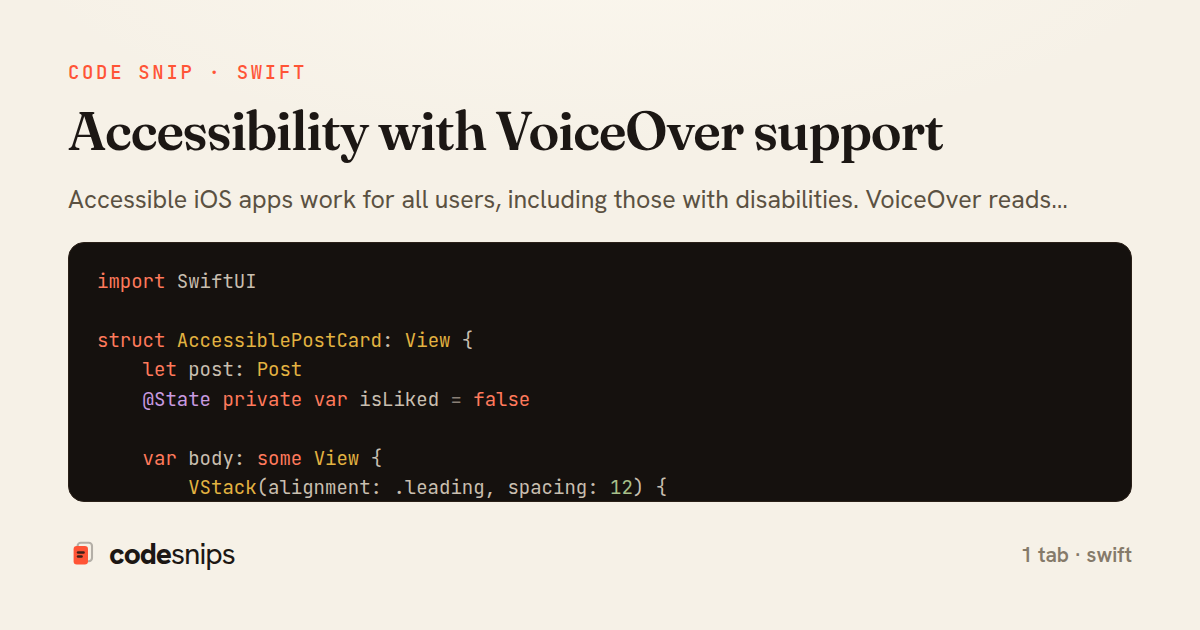
Accessible iOS apps work for all users, including those with disabilities. VoiceOver reads UI elements, requiring proper labels and hints. I set .accessibilityLabel() for non-text elements like images and buttons, describing what they represent. .accessibilityHint() explains what happens when activated. .accessibilityValue() provides dynamic content like slider positions. Grouping related elements with .accessibilityElement(children: .combine) creates logical reading order. .accessibilityHidden() hides decorative elements from VoiceOver. Dynamic Type respects user text size preferences. Testing with VoiceOver enabled catches issues. Accessibility isn't optional—it's required by law in many jurisdictions and expands your audience.
Related snips
<!DOCTYPE html>
<html lang="en">
<head>
  <meta charset="UTF-8">
  <meta name="viewport" content="width=device-width, initial-scale=1.0">
  <title>Semantic HTML Example</title>
Semantic HTML5 elements and accessibility best practices
import Combine
import Foundation

class SearchViewModel: ObservableObject {
    @Published var searchQuery = ""
    @Published var results: [SearchResult] = []
Combine operators for data transformation
import SwiftUI

struct ContentView: View {
    @State private var username = ""
    @State private var isLoggedIn = false
    @StateObject private var viewModel = LoginViewModel()
SwiftUI declarative UI with state management
<!DOCTYPE html>
<html lang="en">
<head>
  <meta charset="UTF-8">
  <title>Form Validation Example</title>
  <style>
HTML forms with validation and accessibility
import { Application } from "@hotwired/stimulus"
import FormSubmitController from "./controllers/form_submit_controller"

const application = Application.start()
application.debug = false
Disable submit button while Turbo form is submitting
import SwiftUI

struct CardModifier: ViewModifier {
    var backgroundColor: Color = .white
    var cornerRadius: CGFloat = 12
    var shadowRadius: CGFloat = 5
Custom SwiftUI view modifiers for reusability
Share this code
Here's the card — post it anywhere.