package com.example.myapp.utils

import android.app.NotificationChannel
import android.app.NotificationChannelGroup
import android.app.NotificationManager
import android.app.PendingIntent
import android.content.Context
import android.content.Intent
import android.graphics.Color
import android.os.Build
import androidx.core.app.NotificationCompat
import androidx.core.app.NotificationManagerCompat
import com.example.myapp.R
import com.example.myapp.ui.MainActivity

class NotificationHelper(private val context: Context) {

    companion object {
        const val CHANNEL_ID_POSTS = "posts_channel"
        const val CHANNEL_ID_COMMENTS = "comments_channel"
        const val CHANNEL_ID_MESSAGES = "messages_channel"
        const val CHANNEL_GROUP_ID_SOCIAL = "social_group"
        const val NOTIFICATION_ID_POST = 1001
    }

    init {
        createNotificationChannels()
    }

    private fun createNotificationChannels() {
        if (Build.VERSION.SDK_INT >= Build.VERSION_CODES.O) {
            val notificationManager = context.getSystemService(Context.NOTIFICATION_SERVICE)
                as NotificationManager

            // Create channel group
            val group = NotificationChannelGroup(
                CHANNEL_GROUP_ID_SOCIAL,
                "Social"
            )
            notificationManager.createNotificationChannelGroup(group)

            // Posts channel - High importance
            val postsChannel = NotificationChannel(
                CHANNEL_ID_POSTS,
                "New Posts",
                NotificationManager.IMPORTANCE_HIGH
            ).apply {
                description = "Notifications for new posts from people you follow"
                enableLights(true)
                lightColor = Color.BLUE
                enableVibration(true)
                vibrationPattern = longArrayOf(0, 500, 200, 500)
                group = CHANNEL_GROUP_ID_SOCIAL
                setShowBadge(true)
            }

            // Comments channel - Default importance
            val commentsChannel = NotificationChannel(
                CHANNEL_ID_COMMENTS,
                "Comments",
                NotificationManager.IMPORTANCE_DEFAULT
            ).apply {
                description = "Notifications for comments on your posts"
                enableLights(true)
                lightColor = Color.GREEN
                group = CHANNEL_GROUP_ID_SOCIAL
            }

            // Messages channel - High importance
            val messagesChannel = NotificationChannel(
                CHANNEL_ID_MESSAGES,
                "Messages",
                NotificationManager.IMPORTANCE_HIGH
            ).apply {
                description = "Direct messages from other users"
                enableLights(true)
                lightColor = Color.RED
                enableVibration(true)
                group = CHANNEL_GROUP_ID_SOCIAL
                lockscreenVisibility = android.app.Notification.VISIBILITY_PRIVATE
            }

            notificationManager.createNotificationChannels(
                listOf(postsChannel, commentsChannel, messagesChannel)
            )
        }
    }

    fun showPostNotification(postId: Int, title: String, body: String) {
        val intent = Intent(context, MainActivity::class.java).apply {
            flags = Intent.FLAG_ACTIVITY_NEW_TASK or Intent.FLAG_ACTIVITY_CLEAR_TASK
            putExtra("post_id", postId)
        }

        val pendingIntent = PendingIntent.getActivity(
            context,
            postId,
            intent,
            PendingIntent.FLAG_IMMUTABLE or PendingIntent.FLAG_UPDATE_CURRENT
        )

        val notification = NotificationCompat.Builder(context, CHANNEL_ID_POSTS)
            .setSmallIcon(R.drawable.ic_notification)
            .setContentTitle(title)
            .setContentText(body)
            .setContentIntent(pendingIntent)
            .setAutoCancel(true)
            .setPriority(NotificationCompat.PRIORITY_HIGH)
            .setCategory(NotificationCompat.CATEGORY_SOCIAL)
            .build()

        NotificationManagerCompat.from(context).notify(NOTIFICATION_ID_POST + postId, notification)
    }

    fun showCommentNotification(postId: Int, commentText: String, commenterName: String) {
        val notification = NotificationCompat.Builder(context, CHANNEL_ID_COMMENTS)
            .setSmallIcon(R.drawable.ic_comment)
            .setContentTitle("$commenterName commented on your post")
            .setContentText(commentText)
            .setPriority(NotificationCompat.PRIORITY_DEFAULT)
            .setCategory(NotificationCompat.CATEGORY_SOCIAL)
            .build()

        NotificationManagerCompat.from(context).notify(postId, notification)
    }

    fun cancelNotification(notificationId: Int) {
        NotificationManagerCompat.from(context).cancel(notificationId)
    }

    fun cancelAllNotifications() {
        NotificationManagerCompat.from(context).cancelAll()
    }
}
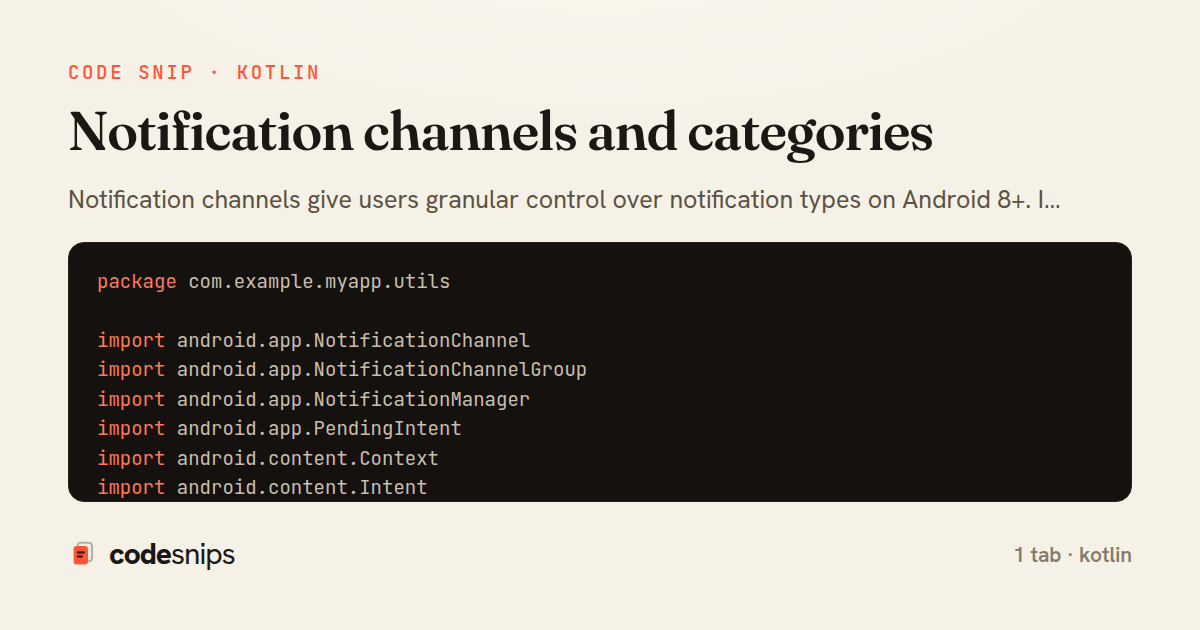
Notification channels give users granular control over notification types on Android 8+. I create channels with unique IDs, names, and importance levels. Channels group related notifications—messages, reminders, promotions. Users control vibration, sound, and visibility per channel. NotificationCompat.Builder specifies channel ID. Importance levels range from MIN (no sound) to HIGH (heads-up). Channel groups organize multiple channels. Once created, channels cannot be programmatically modified—only users can change settings. Notification categories hint system behavior for Do Not Disturb. Proper channel design respects user preferences and improves notification experience, preventing users from blocking all app notifications.
Related snips
package com.example.myapp

import android.app.Application
import dagger.hilt.android.HiltAndroidApp

@HiltAndroidApp
Dependency injection with Hilt
use std::sync::mpsc;
use std::thread;

fn main() {
    let (tx, rx) = mpsc::channel();
Channels (mpsc) for message passing between threads
package com.example.myapp.ui

import androidx.lifecycle.*
import kotlinx.coroutines.launch

class UserViewModel(
LiveData transformations and mediators
package com.example.myapp.utils

import android.os.Build
import android.os.StrictMode
import android.os.Trace
import timber.log.Timber
Performance optimization and profiling
package com.example.myapp.widget

import android.app.PendingIntent
import android.appwidget.AppWidgetManager
import android.appwidget.AppWidgetProvider
import android.content.Context
App widgets for home screen
package com.example.myapp.data.repository

import com.example.myapp.data.local.PostDao
import com.example.myapp.data.local.PostEntity
import com.example.myapp.data.remote.ApiService
import com.example.myapp.models.Post
Unit testing with JUnit and MockK
Share this code
Here's the card — post it anywhere.