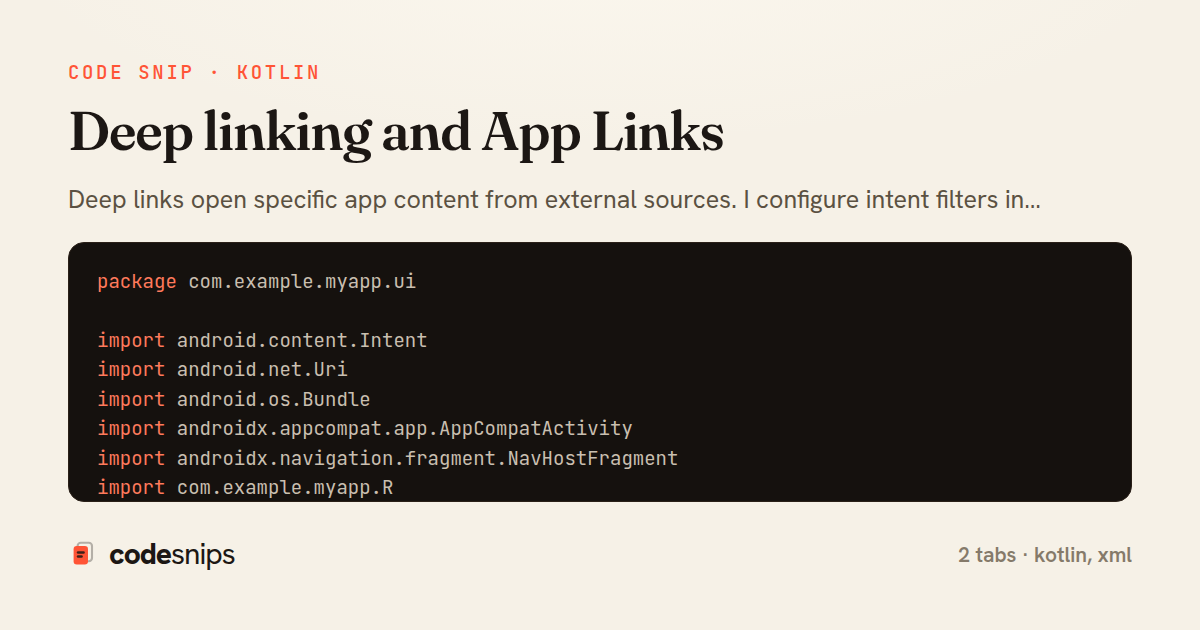
package com.example.myapp.ui

import android.content.Intent
import android.net.Uri
import android.os.Bundle
import androidx.appcompat.app.AppCompatActivity
import androidx.navigation.fragment.NavHostFragment
import com.example.myapp.R
import com.example.myapp.databinding.ActivityMainBinding

class MainActivity : AppCompatActivity() {

    private lateinit var binding: ActivityMainBinding

    override fun onCreate(savedInstanceState: Bundle?) {
        super.onCreate(savedInstanceState)
        binding = ActivityMainBinding.inflate(layoutInflater)
        setContentView(binding.root)

        handleDeepLink(intent)
    }

    override fun onNewIntent(intent: Intent?) {
        super.onNewIntent(intent)
        intent?.let { handleDeepLink(it) }
    }

    private fun handleDeepLink(intent: Intent) {
        val action = intent.action
        val data: Uri? = intent.data

        when {
            action == Intent.ACTION_VIEW && data != null -> {
                // Handle deep link
                val postId = data.lastPathSegment?.toIntOrNull()
                val query = data.getQueryParameter("q")

                when (data.host) {
                    "myapp.com" -> handleWebDeepLink(data, postId, query)
                    "app" -> handleCustomSchemeDeepLink(data, postId)
                }
            }
            intent.hasExtra("post_id") -> {
                // Handle notification click
                val postId = intent.getIntExtra("post_id", -1)
                if (postId != -1) {
                    navigateToPost(postId)
                }
            }
        }
    }

    private fun handleWebDeepLink(uri: Uri, postId: Int?, query: String?) {
        when {
            uri.path?.startsWith("/posts/") == true && postId != null -> {
                navigateToPost(postId)
            }
            uri.path == "/search" && query != null -> {
                navigateToSearch(query)
            }
            uri.path == "/profile" -> {
                navigateToProfile()
            }
            else -> {
                // Unknown deep link - show home
            }
        }
    }

    private fun handleCustomSchemeDeepLink(uri: Uri, postId: Int?) {
        // Handle custom scheme: myapp://post/{id}
        if (uri.host == "post" && postId != null) {
            navigateToPost(postId)
        }
    }

    private fun navigateToPost(postId: Int) {
        val navHostFragment = supportFragmentManager
            .findFragmentById(R.id.nav_host_fragment) as NavHostFragment
        val navController = navHostFragment.navController

        val bundle = Bundle().apply {
            putInt("postId", postId)
        }
        navController.navigate(R.id.postDetailFragment, bundle)
    }

    private fun navigateToSearch(query: String) {
        val navHostFragment = supportFragmentManager
            .findFragmentById(R.id.nav_host_fragment) as NavHostFragment
        val navController = navHostFragment.navController

        val bundle = Bundle().apply {
            putString("query", query)
        }
        navController.navigate(R.id.searchFragment, bundle)
    }

    private fun navigateToProfile() {
        val navHostFragment = supportFragmentManager
            .findFragmentById(R.id.nav_host_fragment) as NavHostFragment
        val navController = navHostFragment.navController

        navController.navigate(R.id.profileFragment)
    }
}
<activity
    android:name=".ui.MainActivity"
    android:exported="true">

    <!-- Default launcher intent -->
    <intent-filter>
        <action android:name="android.intent.action.MAIN" />
        <category android:name="android.intent.category.LAUNCHER" />
    </intent-filter>

    <!-- App Links for verified domains -->
    <intent-filter android:autoVerify="true">
        <action android:name="android.intent.action.VIEW" />
        <category android:name="android.intent.category.DEFAULT" />
        <category android:name="android.intent.category.BROWSABLE" />

        <data
            android:scheme="https"
            android:host="myapp.com"
            android:pathPrefix="/posts" />
        <data
            android:scheme="https"
            android:host="myapp.com"
            android:path="/search" />
    </intent-filter>

    <!-- Custom URL scheme -->
    <intent-filter>
        <action android:name="android.intent.action.VIEW" />
        <category android:name="android.intent.category.DEFAULT" />
        <category android:name="android.intent.category.BROWSABLE" />

        <data
            android:scheme="myapp"
            android:host="post" />
    </intent-filter>
</activity>
Deep links open specific app content from external sources. I configure intent filters in AndroidManifest with URL schemes—http, https, or custom. App Links verify ownership via assetlinks.json on your domain, providing seamless no-dialog opening. Intent.getData() extracts URI in Activity. Navigation component handles deep links declaratively in nav graph. Deferred deep links preserve attribution through install. Testing uses adb shell am commands. Dynamic Links create short URLs surviving install. Branch and Firebase provide advanced deep linking with analytics. Deep links improve user experience by directing users to relevant content, support marketing campaigns, and enable cross-platform flows between web and mobile.
Related snips
package com.example.myapp

import android.app.Application
import dagger.hilt.android.HiltAndroidApp

@HiltAndroidApp
Dependency injection with Hilt
package com.example.myapp.ui

import androidx.lifecycle.*
import kotlinx.coroutines.launch

class UserViewModel(
LiveData transformations and mediators
package com.example.myapp.utils

import android.os.Build
import android.os.StrictMode
import android.os.Trace
import timber.log.Timber
Performance optimization and profiling
<nav class="site-nav" data-controller="preload">
  <ul>
    <li>
      <%= link_to "Dashboard", dashboard_path,
            class: "nav-link",
            data: { turbo_preload: true } %>
Speed up perceived performance with Turbo preload links
package com.example.myapp.widget

import android.app.PendingIntent
import android.appwidget.AppWidgetManager
import android.appwidget.AppWidgetProvider
import android.content.Context
App widgets for home screen
package com.example.myapp.data.repository

import com.example.myapp.data.local.PostDao
import com.example.myapp.data.local.PostEntity
import com.example.myapp.data.remote.ApiService
import com.example.myapp.models.Post
Unit testing with JUnit and MockK
Share this code
Here's the card — post it anywhere.