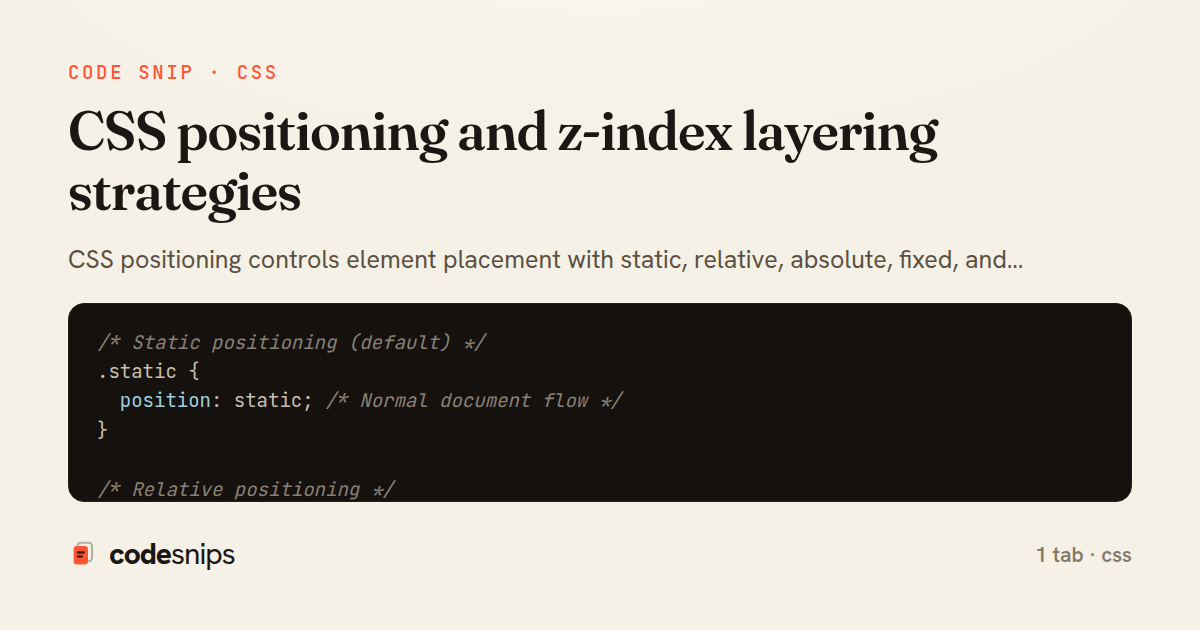
/* Static positioning (default) */
.static {
  position: static; /* Normal document flow */
}

/* Relative positioning */
.relative {
  position: relative;
  top: 20px;    /* Move down 20px from normal position */
  left: 10px;   /* Move right 10px from normal position */
  z-index: 1;   /* Can now use z-index */
}

/* Absolute positioning */
.parent-container {
  position: relative; /* Creates positioning context */
  width: 500px;
  height: 400px;
  border: 2px solid #333;
}

.absolute-child {
  position: absolute;
  top: 0;
  right: 0;
  width: 100px;
  height: 100px;
  background: coral;
  z-index: 10;
}

/* Centering with absolute positioning */
.centered-absolute {
  position: absolute;
  top: 50%;
  left: 50%;
  transform: translate(-50%, -50%); /* Perfect centering */
}

/* Alternative centering with inset */
.centered-inset {
  position: absolute;
  inset: 0; /* top: 0; right: 0; bottom: 0; left: 0 */
  margin: auto;
  width: 200px;
  height: 200px;
}

/* Fixed positioning (relative to viewport) */
.fixed-header {
  position: fixed;
  top: 0;
  left: 0;
  right: 0;
  height: 60px;
  background: white;
  box-shadow: 0 2px 4px rgba(0,0,0,0.1);
  z-index: 1000;
}

.fixed-footer {
  position: fixed;
  bottom: 0;
  left: 0;
  right: 0;
  padding: 1rem;
  background: #333;
  color: white;
}

/* Sticky positioning */
.sticky-nav {
  position: sticky;
  top: 0; /* Sticks when scrolled to top */
  background: white;
  z-index: 100;
  padding: 1rem;
}

.sticky-sidebar {
  position: sticky;
  top: 80px; /* Account for fixed header */
  height: fit-content;
}

/* Z-index layering system */
:root {
  --z-dropdown: 1000;
  --z-sticky: 1020;
  --z-fixed: 1030;
  --z-modal-backdrop: 1040;
  --z-modal: 1050;
  --z-popover: 1060;
  --z-tooltip: 1070;
}

.dropdown {
  position: absolute;
  z-index: var(--z-dropdown);
}

.modal-backdrop {
  position: fixed;
  inset: 0;
  background: rgba(0,0,0,0.5);
  z-index: var(--z-modal-backdrop);
}

.modal {
  position: fixed;
  top: 50%;
  left: 50%;
  transform: translate(-50%, -50%);
  z-index: var(--z-modal);
  background: white;
  padding: 2rem;
  border-radius: 8px;
}

/* Stacking context examples */
.stacking-context-1 {
  position: relative;
  z-index: 1;
  opacity: 0.99; /* Creates stacking context */
}

.stacking-context-2 {
  transform: translateZ(0); /* Creates stacking context */
}

.stacking-context-3 {
  isolation: isolate; /* Explicitly create stacking context */
}

/* Nested stacking contexts */
.parent-stack {
  position: relative;
  z-index: 1;
}

.child-in-parent {
  position: relative;
  z-index: 999; /* Won't escape parent's stacking context */
}

.sibling-stack {
  position: relative;
  z-index: 2; /* Will be above parent-stack despite child's z-index */
}

/* Practical examples */
.card-with-badge {
  position: relative;
  padding: 1rem;
  border: 1px solid #ddd;
}

.badge {
  position: absolute;
  top: -10px;
  right: -10px;
  background: red;
  color: white;
  padding: 0.25rem 0.5rem;
  border-radius: 12px;
  font-size: 0.75rem;
  z-index: 1;
}

/* Overlay pattern */
.image-container {
  position: relative;
  overflow: hidden;
}

.image-overlay {
  position: absolute;
  inset: 0;
  background: linear-gradient(to bottom, transparent, rgba(0,0,0,0.7));
  display: flex;
  align-items: flex-end;
  padding: 1rem;
  opacity: 0;
  transition: opacity 0.3s;
}

.image-container:hover .image-overlay {
  opacity: 1;
}

/* Full-screen menu */
.fullscreen-menu {
  position: fixed;
  inset: 0;
  background: white;
  z-index: var(--z-modal);
  transform: translateX(100%);
  transition: transform 0.3s;
}

.fullscreen-menu.open {
  transform: translateX(0);
}

/* Position absolute with all sides */
.stretched-absolute {
  position: absolute;
  top: 10px;
  right: 10px;
  bottom: 10px;
  left: 10px;
  /* Element stretches to fill with 10px margin */
}
CSS positioning controls element placement with static, relative, absolute, fixed, and sticky values. The position: relative creates a positioning context without removing from document flow. Using position: absolute removes elements from flow and positions relative to nearest positioned ancestor. The position: fixed positions relative to viewport and stays during scroll. Modern position: sticky combines relative and fixed behavior. The z-index property controls stacking order but only works on positioned elements. I create stacking contexts with positioning, opacity, transform, or isolation. Understanding the stacking context hierarchy prevents z-index battles. The isolation: isolate creates new stacking contexts without side effects.
Related snips
/* Interactive pseudo-classes */
a:link { color: blue; }
a:visited { color: purple; }
a:hover { text-decoration: underline; }
a:active { color: red; }
a:focus { outline: 2px solid orange; }
CSS pseudo-classes and pseudo-elements for advanced styling
import { useEffect, useRef, useState } from "react";

export type AsyncState<T> =
  | { status: "loading" }
  | { status: "error"; error: Error }
  | { status: "success"; data: T };
Frontend: skeleton loading instead of spinners
web: bin/rails server
css: bin/rails tailwindcss:watch
Tailwind CSS with Rails asset pipeline
// Theme switching with CSS variables
const themeToggle = document.getElementById('theme-toggle');
const root = document.documentElement;

// Load saved theme
const savedTheme = localStorage.getItem('theme') || 'light';
CSS custom properties (CSS variables) for dynamic theming
.turbo-progress-bar {
  height: 4px;
  background: linear-gradient(
    90deg,
    var(--progress-start, #6366f1),
    var(--progress-end, #ec4899)
Customize Turbo progress bar styling with Tailwind/CSS
import SwiftUI

// MARK: - Size Preference
struct SizePreferenceKey: PreferenceKey {
    static var defaultValue: CGSize = .zero
SwiftUI PreferenceKey for child-to-parent communication
Share this code
Here's the card — post it anywhere.