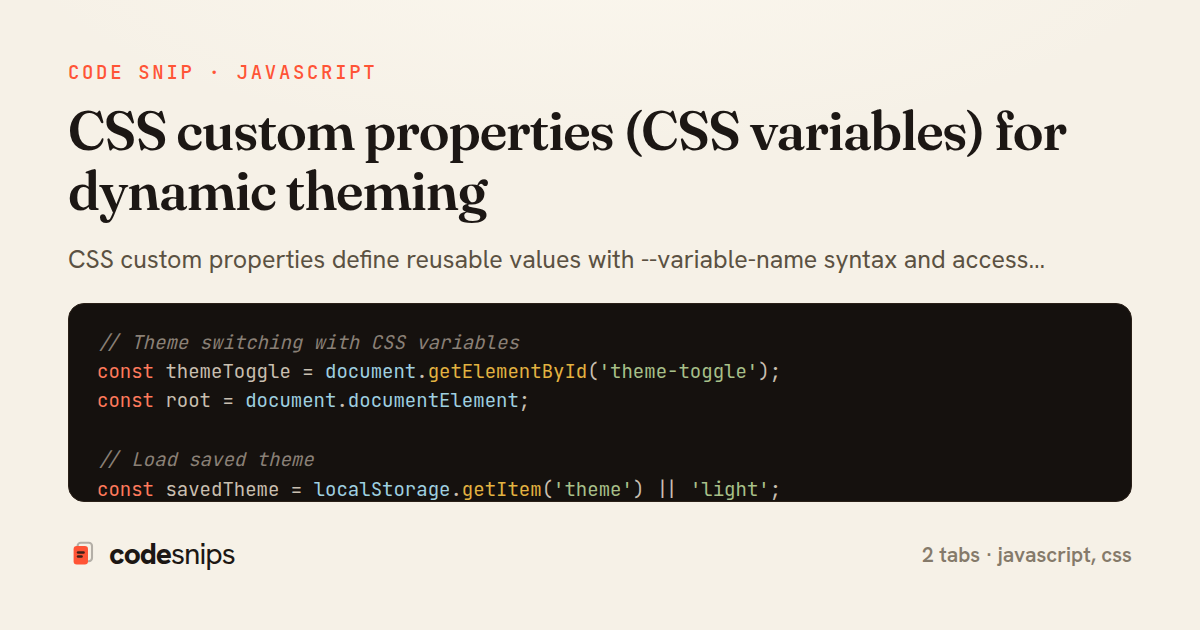
// Theme switching with CSS variables
const themeToggle = document.getElementById('theme-toggle');
const root = document.documentElement;

// Load saved theme
const savedTheme = localStorage.getItem('theme') || 'light';
root.setAttribute('data-theme', savedTheme);

themeToggle.addEventListener('click', () => {
  const currentTheme = root.getAttribute('data-theme');
  const newTheme = currentTheme === 'light' ? 'dark' : 'light';

  root.setAttribute('data-theme', newTheme);
  localStorage.setItem('theme', newTheme);
});

// Dynamic color adjustment
function setAccentColor(color) {
  root.style.setProperty('--color-primary', color);
  root.style.setProperty('--color-primary-dark', adjustBrightness(color, -20));
  root.style.setProperty('--color-primary-light', adjustBrightness(color, 20));
}

function adjustBrightness(color, percent) {
  const num = parseInt(color.replace('#', ''), 16);
  const amt = Math.round(2.55 * percent);
  const R = (num >> 16) + amt;
  const G = (num >> 8 & 0x00FF) + amt;
  const B = (num & 0x0000FF) + amt;
  return '#' + (
    0x1000000 +
    (R < 255 ? R < 1 ? 0 : R : 255) * 0x10000 +
    (G < 255 ? G < 1 ? 0 : G : 255) * 0x100 +
    (B < 255 ? B < 1 ? 0 : B : 255)
  ).toString(16).slice(1);
}

// Get computed CSS variable value
const primaryColor = getComputedStyle(root).getPropertyValue('--color-primary');
console.log('Primary color:', primaryColor);

// Create color scheme from single color
function createColorScheme(baseColor) {
  const colors = {
    primary: baseColor,
    light: adjustBrightness(baseColor, 20),
    dark: adjustBrightness(baseColor, -20),
    contrast: getContrastColor(baseColor)
  };

  Object.entries(colors).forEach(([name, value]) => {
    root.style.setProperty(`--color-${name}`, value);
  });
}

function getContrastColor(hexColor) {
  const r = parseInt(hexColor.substr(1, 2), 16);
  const g = parseInt(hexColor.substr(3, 2), 16);
  const b = parseInt(hexColor.substr(5, 2), 16);
  const yiq = ((r * 299) + (g * 587) + (b * 114)) / 1000;
  return (yiq >= 128) ? '#000000' : '#ffffff';
}
/* Global CSS variables at :root */
:root {
  /* Color palette */
  --color-primary: #3b82f6;
  --color-primary-dark: #2563eb;
  --color-primary-light: #60a5fa;
  --color-secondary: #8b5cf6;
  --color-accent: #f59e0b;

  /* Neutral colors */
  --color-text: #1f2937;
  --color-text-light: #6b7280;
  --color-background: #ffffff;
  --color-surface: #f9fafb;
  --color-border: #e5e7eb;

  /* Semantic colors */
  --color-success: #10b981;
  --color-warning: #f59e0b;
  --color-error: #ef4444;
  --color-info: #3b82f6;

  /* Spacing scale */
  --spacing-xs: 0.25rem;
  --spacing-sm: 0.5rem;
  --spacing-md: 1rem;
  --spacing-lg: 1.5rem;
  --spacing-xl: 2rem;
  --spacing-2xl: 3rem;
  --spacing-3xl: 4rem;

  /* Typography */
  --font-sans: 'Inter', system-ui, sans-serif;
  --font-serif: 'Georgia', serif;
  --font-mono: 'Fira Code', monospace;

  --font-size-xs: 0.75rem;
  --font-size-sm: 0.875rem;
  --font-size-base: 1rem;
  --font-size-lg: 1.125rem;
  --font-size-xl: 1.25rem;
  --font-size-2xl: 1.5rem;
  --font-size-3xl: 2rem;

  --line-height-tight: 1.25;
  --line-height-normal: 1.5;
  --line-height-relaxed: 1.75;

  /* Font weights */
  --font-weight-normal: 400;
  --font-weight-medium: 500;
  --font-weight-semibold: 600;
  --font-weight-bold: 700;

  /* Border radius */
  --radius-sm: 0.25rem;
  --radius-md: 0.5rem;
  --radius-lg: 1rem;
  --radius-full: 9999px;

  /* Shadows */
  --shadow-sm: 0 1px 2px 0 rgba(0, 0, 0, 0.05);
  --shadow-md: 0 4px 6px -1px rgba(0, 0, 0, 0.1);
  --shadow-lg: 0 10px 15px -3px rgba(0, 0, 0, 0.1);
  --shadow-xl: 0 20px 25px -5px rgba(0, 0, 0, 0.1);

  /* Transitions */
  --transition-fast: 150ms ease-in-out;
  --transition-base: 250ms ease-in-out;
  --transition-slow: 350ms ease-in-out;

  /* Layout */
  --max-width-sm: 640px;
  --max-width-md: 768px;
  --max-width-lg: 1024px;
  --max-width-xl: 1280px;

  /* Z-index scale */
  --z-dropdown: 1000;
  --z-sticky: 1020;
  --z-fixed: 1030;
  --z-modal: 1050;
  --z-tooltip: 1070;
}

/* Dark theme using data attribute */
[data-theme="dark"] {
  --color-text: #f9fafb;
  --color-text-light: #d1d5db;
  --color-background: #111827;
  --color-surface: #1f2937;
  --color-border: #374151;
}

/* Using CSS variables */
body {
  font-family: var(--font-sans);
  font-size: var(--font-size-base);
  line-height: var(--line-height-normal);
  color: var(--color-text);
  background-color: var(--color-background);
}

.container {
  max-width: var(--max-width-lg);
  margin: 0 auto;
  padding: var(--spacing-lg);
}

/* Buttons with variables */
.btn {
  padding: var(--spacing-sm) var(--spacing-lg);
  font-weight: var(--font-weight-medium);
  border-radius: var(--radius-md);
  transition: all var(--transition-base);
  border: none;
  cursor: pointer;
}

.btn-primary {
  background-color: var(--color-primary);
  color: white;
}

.btn-primary:hover {
  background-color: var(--color-primary-dark);
  box-shadow: var(--shadow-md);
}

/* Fallback values with var() */
.card {
  background: var(--card-bg, var(--color-surface));
  padding: var(--card-padding, var(--spacing-lg));
  border: 1px solid var(--color-border);
  border-radius: var(--radius-lg);
  box-shadow: var(--shadow-sm);
}

/* Local scoped variables */
.alert {
  --alert-color: var(--color-info);
  --alert-bg: color-mix(in srgb, var(--alert-color) 10%, transparent);

  background: var(--alert-bg);
  border-left: 4px solid var(--alert-color);
  padding: var(--spacing-md);
  border-radius: var(--radius-md);
}

.alert.success {
  --alert-color: var(--color-success);
}

.alert.warning {
  --alert-color: var(--color-warning);
}

.alert.error {
  --alert-color: var(--color-error);
}

/* Using calc() with variables */
.grid {
  display: grid;
  gap: var(--spacing-md);
  grid-template-columns: repeat(auto-fit, minmax(calc(var(--max-width-sm) / 3), 1fr));
}

.responsive-padding {
  padding: calc(var(--spacing-md) * 2) var(--spacing-lg);
}

/* Dynamic spacing scale */
.section {
  --section-multiplier: 1;
  margin-bottom: calc(var(--spacing-xl) * var(--section-multiplier));
}

.section.large {
  --section-multiplier: 2;
}

/* @property for type-safe custom properties */
@property --gradient-angle {
  syntax: '<angle>';
  initial-value: 0deg;
  inherits: false;
}

.animated-gradient {
  background: linear-gradient(
    var(--gradient-angle),
    var(--color-primary),
    var(--color-secondary)
  );
  animation: rotate 3s linear infinite;
}

@keyframes rotate {
  to {
    --gradient-angle: 360deg;
  }
}

/* Component variants with variables */
.badge {
  --badge-size: var(--spacing-md);
  --badge-color: var(--color-primary);

  display: inline-flex;
  align-items: center;
  justify-content: center;
  width: var(--badge-size);
  height: var(--badge-size);
  background: var(--badge-color);
  color: white;
  border-radius: var(--radius-full);
  font-size: calc(var(--badge-size) * 0.6);
}

.badge.lg {
  --badge-size: calc(var(--spacing-md) * 2);
}

/* Media queries with variables */
@media (min-width: 768px) {
  :root {
    --spacing-scale: 1.5;
  }

  .container {
    padding: calc(var(--spacing-lg) * var(--spacing-scale));
  }
}

/* CSS variables with JavaScript */
/*
// JavaScript
document.documentElement.style.setProperty('--color-primary', '#ff0000');
const primaryColor = getComputedStyle(document.documentElement)
  .getPropertyValue('--color-primary');
*/

/* Environment variables for safe areas */
.header {
  padding-top: env(safe-area-inset-top);
  padding-left: env(safe-area-inset-left);
  padding-right: env(safe-area-inset-right);
}

/* Color manipulation with color-mix() */
.hover-lighten:hover {
  background: color-mix(in srgb, var(--color-primary) 80%, white);
}

.hover-darken:hover {
  background: color-mix(in srgb, var(--color-primary) 80%, black);
}
CSS custom properties define reusable values with --variable-name syntax and access with var(--variable-name). I scope variables at :root for global access or within selectors for local scope. Variables cascade and inherit unlike preprocessor variables. The var() function accepts fallback values like var(--color, blue). Custom properties enable runtime theme switching with JavaScript. I organize design tokens as CSS variables for colors, spacing, typography. Using @property rule adds type checking and animation support. The env() function accesses environment variables like safe area insets. CSS variables work with calc() for dynamic calculations. They're perfect for responsive values, dark mode, and component variants.
Related snips
/* Interactive pseudo-classes */
a:link { color: blue; }
a:visited { color: purple; }
a:hover { text-decoration: underline; }
a:active { color: red; }
a:focus { outline: 2px solid orange; }
CSS pseudo-classes and pseudo-elements for advanced styling
import { useEffect, useRef, useState } from "react";

export type AsyncState<T> =
  | { status: "loading" }
  | { status: "error"; error: Error }
  | { status: "success"; data: T };
Frontend: skeleton loading instead of spinners
web: bin/rails server
css: bin/rails tailwindcss:watch
Tailwind CSS with Rails asset pipeline
.turbo-progress-bar {
  height: 4px;
  background: linear-gradient(
    90deg,
    var(--progress-start, #6366f1),
    var(--progress-end, #ec4899)
Customize Turbo progress bar styling with Tailwind/CSS
/* Basic flexbox container */
.flex-container {
  display: flex;
  /* flex-direction: row | row-reverse | column | column-reverse */
  flex-direction: row; /* default */
CSS Flexbox layout system fundamentals
/* Basic transitions */
.button {
  background-color: blue;
  color: white;
  padding: 1rem 2rem;
  transition: background-color 0.3s ease;
CSS animations and transitions for smooth interactions
Share this code
Here's the card — post it anywhere.