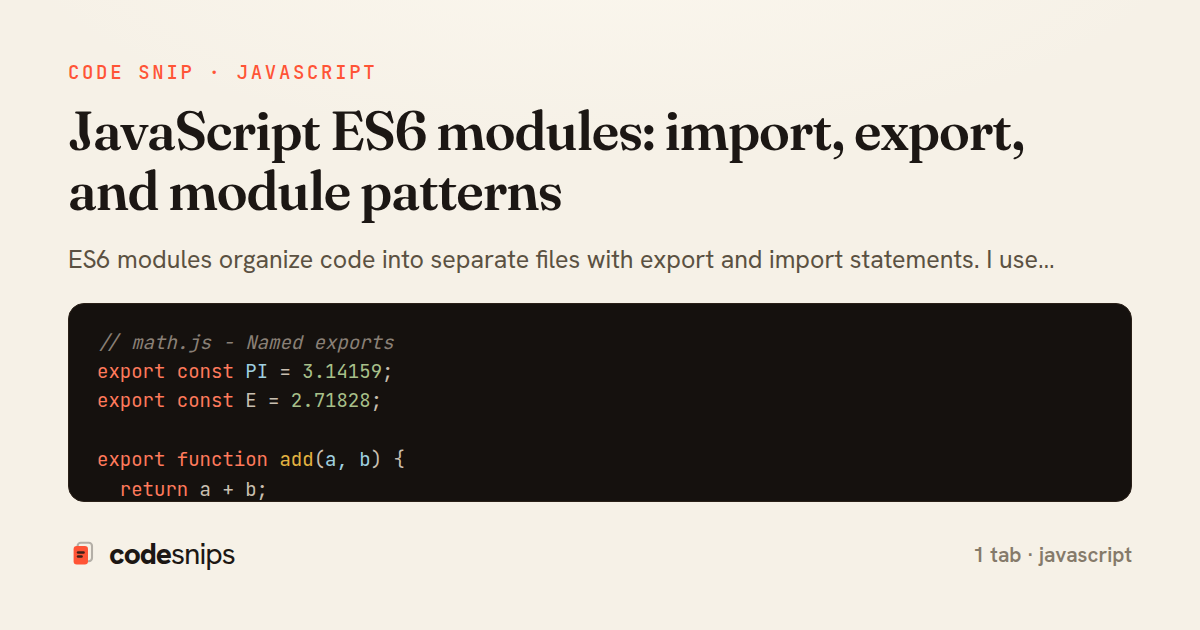
// math.js - Named exports
export const PI = 3.14159;
export const E = 2.71828;

export function add(a, b) {
  return a + b;
}

export class Calculator {
  add(a, b) {
    return a + b;
  }
}

// Alternative export syntax
const subtract = (a, b) => a - b;
const divide = (a, b) => a / b;
export { subtract, divide };

// ===== Importing in another file =====

// Import specific exports
import { add, PI } from './math.js';
console.log(add(5, 3)); // 8

// Import with alias
import { add as sum } from './math.js';
console.log(sum(5, 3)); // 8

// Import everything
import * as Math from './math.js';
console.log(MathUtils.add(5, 3));
console.log(MathUtils.PI);

// Default exports
// user.js
export default class User {
  constructor(name) {
    this.name = name;
  }
  greet() {
    return `Hello, ${this.name}!`;
  }
}

// Importing default
import User from './user.js';
const user = new User('Alice');

// Mixing default and named
// utils.js
export default function log(message) {
  console.log(message);
}
export const version = '1.0.0';

// Import both
import log, { version } from './utils.js';

// Re-exporting
export { add } from './math.js';
export { default as User } from './user.js';
export * from './constants.js';

// Dynamic imports
async function loadModule() {
  const module = await import('./heavy-module.js');
  module.default.init();
}

// Conditional loading
if (condition) {
  import('./module-a.js').then(m => m.init());
}

// Lazy loading
button.addEventListener('click', async () => {
  const { Chart } = await import('./chart.js');
  const chart = new Chart(data);
  chart.render();
});

// Module pattern (pre-ES6)
const MyModule = (function() {
  let privateVar = 'secret';

  return {
    publicMethod() {
      console.log('Public');
    }
  };
})();

// Singleton with modules
class Database {
  constructor() {
    if (Database.instance) {
      return Database.instance;
    }
    Database.instance = this;
  }
  connect() {
    this.connection = 'Connected';
  }
}
export default new Database();

// Factory pattern
export function createShape(type) {
  switch (type) {
    case 'circle':
      return new Circle();
    case 'rectangle':
      return new Rectangle();
    default:
      throw new Error('Unknown shape');
  }
}

// Module aggregation
// components/index.js
export { Button } from './Button.js';
export { Input } from './Input.js';
export { Modal } from './Modal.js';

// Import all from one place
import { Button, Input } from './components/index.js';

// HTML usage
/*
<script type="module">
  import { add } from './math.js';
  console.log(add(5, 3));
</script>
*/
ES6 modules organize code into separate files with export and import statements. I use export default for single main export and export { name } for named exports. The import { name } from './module.js' syntax imports specific exports. Using import * as Module from './module.js' imports everything as namespace object. The export { name as alias } renames exports while import { name as alias } renames imports. Dynamic imports with import('./module.js') load modules conditionally and return promises. Modules have their own scope, preventing global namespace pollution. The type="module" attribute enables ES6 modules in browsers. Module bundlers like Webpack and Rollup optimize module loading. Understanding module systems improves code organization and reusability.
Related snips
// Creating a Promise
const myPromise = new Promise((resolve, reject) => {
  const success = true;

  setTimeout(() => {
    if (success) {
Promises and async/await patterns for asynchronous JavaScript
import { Controller } from "@hotwired/stimulus"
import Mousetrap from "mousetrap"

export default class extends Controller {
  connect() {
    // Global shortcuts
Keyboard shortcuts with Stimulus and Mousetrap
// Get canvas and context
const canvas = document.getElementById('myCanvas');
const ctx = canvas.getContext('2d');

// 1. Basic shapes
// Rectangle (filled)
Canvas API for graphics and animations
// Basic event listener
const button = document.getElementById('myButton');

button.addEventListener('click', function(event) {
  console.log('Button clicked!');
  console.log('Event type:', event.type);
Event handling and event delegation patterns in JavaScript
// Basic GET request
fetch('https://api.example.com/users')
  .then(response => {
    console.log('Status:', response.status);
    console.log('OK:', response.ok);
    return response.json();
Fetch API for HTTP requests and AJAX communication
<turbo-stream action="set_title">
  <template><%= "Inbox (#{@unread_count})" %></template>
</turbo-stream>
Turbo Streams: update document title with a custom action
Share this code
Here's the card — post it anywhere.