javascript
208 lines · 1 tab
Alex Chang
Feb 2026
1 tab
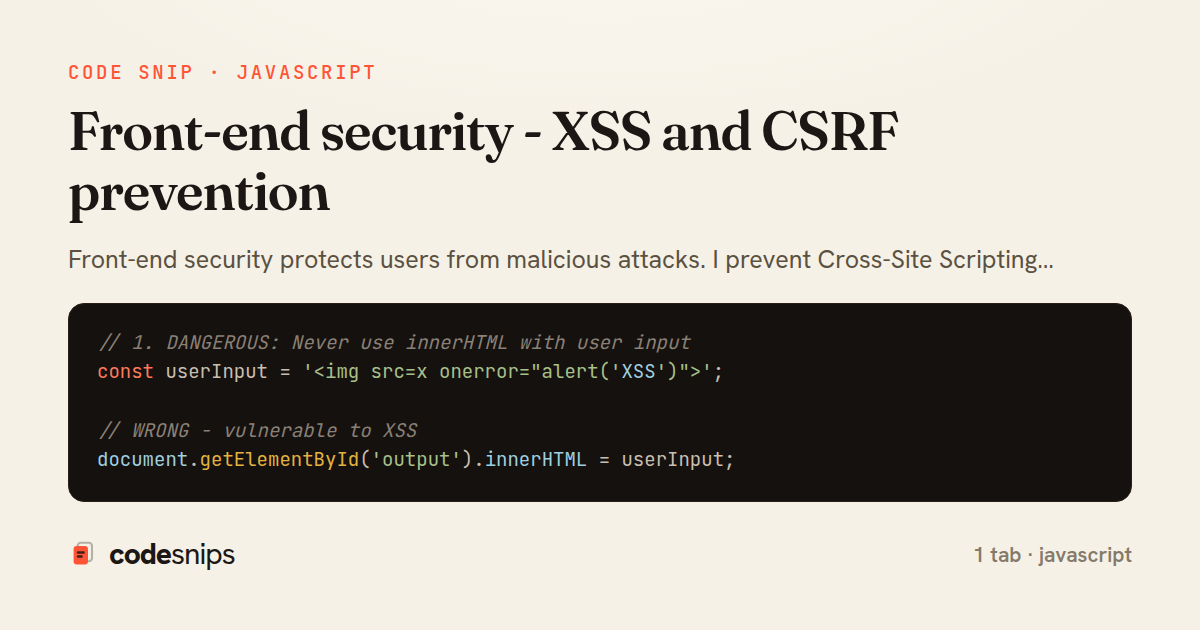
// 1. DANGEROUS: Never use innerHTML with user input
const userInput = '<img src=x onerror="alert('XSS')">';
// WRONG - vulnerable to XSS
document.getElementById('output').innerHTML = userInput;
// RIGHT - safe, treats as text
document.getElementById('output').textContent = userInput;
// 2. Safe DOM manipulation
function displayUserComment(comment) {
const commentEl = document.createElement('div');
commentEl.className = 'comment';
// Create text nodes (safe)
const authorEl = document.createElement('strong');
authorEl.textContent = comment.author; // Safe
const textEl = document.createElement('p');
textEl.textContent = comment.text; // Safe
commentEl.appendChild(authorEl);
commentEl.appendChild(textEl);
document.getElementById('comments').appendChild(commentEl);
}
// 3. Sanitize HTML with DOMPurify
import DOMPurify from 'dompurify';
function displayRichContent(html) {
const clean = DOMPurify.sanitize(html, {
ALLOWED_TAGS: ['b', 'i', 'em', 'strong', 'a', 'p'],
ALLOWED_ATTR: ['href'],
});
document.getElementById('content').innerHTML = clean;
}
// Usage
const userHTML = '<p>Hello <script>alert("XSS")</script></p>';
displayRichContent(userHTML); // Script tag removed
// 4. Escape user input for HTML context
function escapeHtml(unsafe) {
return unsafe
.replace(/&/g, '&')
.replace(/</g, '<')
.replace(/>/g, '>')
.replace(/"/g, '"')
.replace(/'/g, ''');
}
// Usage
const userText = '<script>alert("XSS")</script>';
const safe = escapeHtml(userText);
// Result: <script>alert("XSS")</script>
// 5. Validate and sanitize URLs
function isSafeUrl(url) {
try {
const parsed = new URL(url);
// Only allow http/https
return ['http:', 'https:'].includes(parsed.protocol);
} catch {
return false;
}
}
function createSafeLink(url, text) {
if (!isSafeUrl(url)) {
console.warn('Unsafe URL blocked:', url);
return document.createTextNode(text);
}
const link = document.createElement('a');
link.href = url;
link.textContent = text;
link.rel = 'noopener noreferrer'; // Security: prevent window.opener access
return link;
}
// 6. CSRF protection with tokens
async function submitForm(data) {
// Get CSRF token from meta tag
const token = document.querySelector('meta[name="csrf-token"]')?.content;
if (!token) {
throw new Error('CSRF token not found');
}
const response = await fetch('/api/submit', {
method: 'POST',
headers: {
'Content-Type': 'application/json',
'X-CSRF-Token': token,
},
credentials: 'same-origin', // Include cookies
body: JSON.stringify(data),
});
return response.json();
}
// HTML: <meta name="csrf-token" content="<%= csrf_token %>">
// 7. Input validation
function validateEmail(email) {
const regex = /^[^\s@]+@[^\s@]+\.[^\s@]+$/;
return regex.test(email);
}
function validateUsername(username) {
// Only alphanumeric and underscore, 3-20 characters
const regex = /^[a-zA-Z0-9_]{3,20}$/;
return regex.test(username);
}
function sanitizeInput(input, maxLength = 100) {
// Remove control characters and trim
return input
.replace(/[\x00-\x1F\x7F]/g, '')
.trim()
.slice(0, maxLength);
}
// 8. Prevent clickjacking
// Server-side header: X-Frame-Options: DENY
// Or use CSP: Content-Security-Policy: frame-ancestors 'none'
// Client-side check
if (window.top !== window.self) {
// Page is in an iframe
document.body.innerHTML = 'This page cannot be displayed in an iframe';
}
// 9. Secure cookie handling
// Server sets HTTP-only cookies
// Set-Cookie: sessionId=abc123; HttpOnly; Secure; SameSite=Strict
// Client can't access HTTP-only cookies
// But can read non-HTTP-only cookies
function getCookie(name) {
const cookies = document.cookie.split(';');
for (let cookie of cookies) {
const [key, value] = cookie.trim().split('=');
if (key === name) {
return decodeURIComponent(value);
}
}
return null;
}
// 10. Content Security Policy (CSP)
/*
Server-side header:
Content-Security-Policy:
default-src 'self';
script-src 'self' https://trusted-cdn.com;
style-src 'self' 'unsafe-inline';
img-src 'self' data: https:;
font-src 'self' https://fonts.gstatic.com;
connect-src 'self' https://api.example.com;
frame-ancestors 'none';
*/
// 11. Subresource Integrity (SRI)
/*
<script
src="https://cdn.example.com/library.js"
integrity="sha384-oqVuAfXRKap7fdgcCY5uykM6+R9GqQ8K/uxy9rx7HNQlGYl1kPzQho1wx4JwY8wC"
crossorigin="anonymous">
</script>
*/
// 12. Rate limiting on client
class RateLimiter {
constructor(maxRequests, windowMs) {
this.maxRequests = maxRequests;
this.windowMs = windowMs;
this.requests = [];
}
canMakeRequest() {
const now = Date.now();
this.requests = this.requests.filter(time => now - time < this.windowMs);
if (this.requests.length < this.maxRequests) {
this.requests.push(now);
return true;
}
return false;
}
}
// Usage
const limiter = new RateLimiter(5, 60000); // 5 requests per minute
async function makeApiCall() {
if (!limiter.canMakeRequest()) {
alert('Too many requests. Please wait.');
return;
}
await fetch('/api/data');
}
1 file · javascript
Explain with highlit
Front-end security protects users from malicious attacks. I prevent Cross-Site Scripting (XSS) by sanitizing user input and using textContent instead of innerHTML. Content Security Policy (CSP) headers restrict resource loading to trusted sources. Cross-Site Request Forgery (CSRF) tokens validate form submissions. HTTP-only cookies prevent JavaScript access to sensitive data. Input validation checks data on both client and server. The DOMPurify library safely sanitizes HTML. Escaping user input prevents script injection. HTTPS ensures encrypted data transmission. Understanding security vulnerabilities protects user data and builds trust.
Related snips
ruby
payload = {
  sub: user.id,
  iss: 'https://auth.example.com',
  aud: 'codesnips-api',
  exp: 15.minutes.from_now.to_i,
  iat: Time.now.to_i,
JWT issuance and verification without common footguns
jwt
authentication
api
by Kai Nakamura
2 tabs
javascript
// Creating a Promise
const myPromise = new Promise((resolve, reject) => {
  const success = true;

  setTimeout(() => {
    if (success) {
Promises and async/await patterns for asynchronous JavaScript
javascript
promises
async-await
by Alex Chang
1 tab
javascript
import { Controller } from "@hotwired/stimulus"
import Mousetrap from "mousetrap"

export default class extends Controller {
  connect() {
    // Global shortcuts
Keyboard shortcuts with Stimulus and Mousetrap
stimulus
javascript
ux
by Jordan Lee
2 tabs
bash
#!/usr/bin/env bash
set -euo pipefail

export VAULT_ADDR="https://vault.internal:8200"
export VAULT_TOKEN="${VAULT_TOKEN:?missing VAULT_TOKEN}"
Secrets management with environment isolation and Vault
secrets-management
vault
environment-variables
by Kai Nakamura
1 tab
typescript
import { randomBytes, createHash } from "crypto";
import jwt from "jsonwebtoken";
import { RefreshTokenStore } from "./store";

const ACCESS_SECRET = process.env.ACCESS_SECRET!;
const ACCESS_TTL = "15m";
JWT access + refresh token rotation (conceptual)
security
node
jwt
by codesnips
3 tabs
javascript
// Get canvas and context
const canvas = document.getElementById('myCanvas');
const ctx = canvas.getContext('2d');

// 1. Basic shapes
// Rectangle (filled)
Canvas API for graphics and animations
canvas
javascript
graphics
by Alex Chang
1 tab
Share this code
Here's the card — post it anywhere.