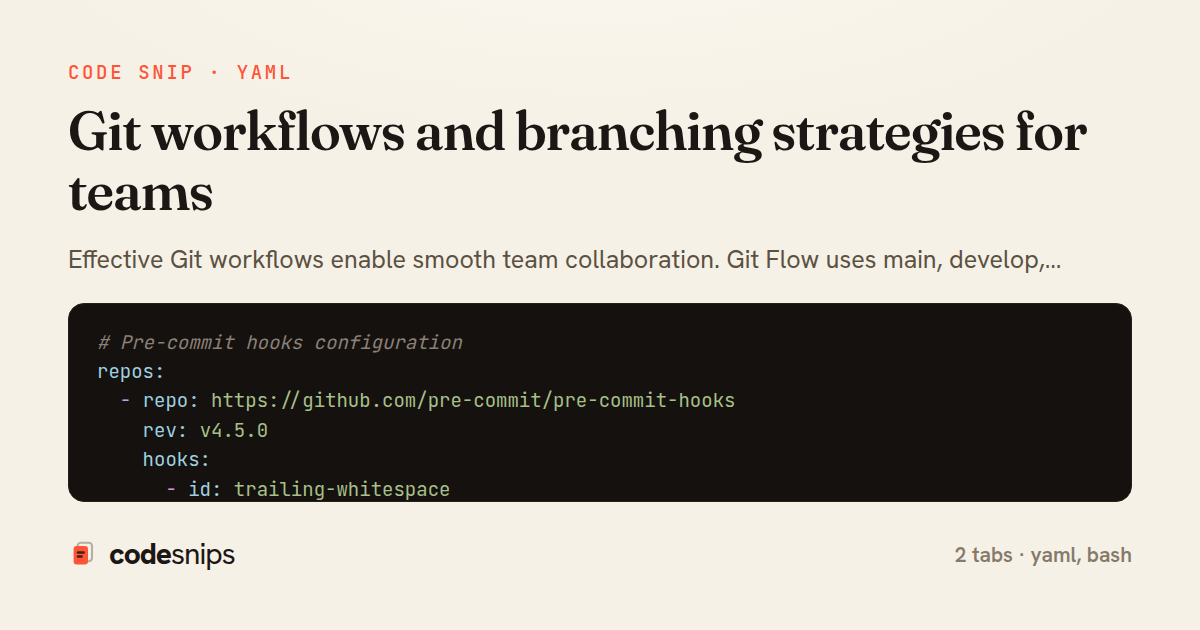
# Pre-commit hooks configuration
repos:
  - repo: https://github.com/pre-commit/pre-commit-hooks
    rev: v4.5.0
    hooks:
      - id: trailing-whitespace
      - id: end-of-file-fixer
      - id: check-yaml
      - id: check-json
      - id: check-merge-conflict
      - id: detect-private-key
      - id: no-commit-to-branch
        args: [--branch, main]

  - repo: https://github.com/commitizen-tools/commitizen
    rev: v3.13.0
    hooks:
      - id: commitizen
        stages: [commit-msg]

  - repo: https://github.com/pre-commit/mirrors-eslint
    rev: v8.56.0
    hooks:
      - id: eslint
        files: \.js$
        args: [--fix]

  - repo: https://github.com/pre-commit/mirrors-prettier
    rev: v3.1.0
    hooks:
      - id: prettier
        files: \.(js|ts|json|yaml|yml|md)$
#!/bin/bash
# Git workflow commands and patterns

# === GitHub Flow ===

# 1. Create feature branch from main
git checkout main
git pull origin main
git checkout -b feature/add-user-auth

# 2. Make commits (conventional commits)
git add -A
git commit -m "feat(auth): add JWT authentication middleware"
git commit -m "feat(auth): add login and registration endpoints"
git commit -m "test(auth): add unit tests for auth middleware"
git commit -m "docs(auth): update API documentation"

# 3. Push and create PR
git push -u origin feature/add-user-auth
# Then create PR on GitHub/GitLab

# 4. After review, merge (squash on GitHub)
git checkout main
git pull origin main
git branch -d feature/add-user-auth

# === Useful Git commands ===

# Interactive rebase (clean up last 5 commits)
git rebase -i HEAD~5

# Squash commits
# In interactive rebase, change 'pick' to 'squash' or 's'

# Amend last commit
git commit --amend -m "feat(auth): updated message"
git commit --amend --no-edit  # Keep message, add staged files

# Cherry-pick a commit to another branch
git checkout main
git cherry-pick abc1234

# Stash changes
git stash push -m "WIP: auth changes"
git stash list
git stash pop
git stash apply stash@{1}

# Find bug-introducing commit
git bisect start
git bisect bad HEAD
git bisect good v1.0.0
# Test each commit, then:
git bisect good  # or git bisect bad
git bisect reset

# View pretty log
git log --oneline --graph --all --decorate

# Show changes in a commit
git show abc1234

# Blame (who changed what)
git blame src/auth.js

# Search commit messages
git log --grep="auth" --oneline

# Search code changes
git log -S "authenticate" --oneline

# Undo last commit (keep changes)
git reset --soft HEAD~1

# Undo last commit (discard changes)
git reset --hard HEAD~1

# Restore a file from another branch
git checkout main -- src/config.js

# Clean untracked files
git clean -fd        # Remove untracked files and dirs
git clean -fdn       # Dry run

# Tags for releases
git tag -a v1.2.0 -m "Release v1.2.0: Add auth module"
git push origin v1.2.0
git push origin --tags
Effective Git workflows enable smooth team collaboration. Git Flow uses main, develop, feature/*, release/*, and hotfix/* branches. GitHub Flow simplifies to main plus short-lived feature branches with pull requests. Trunk-based development commits directly to main with feature flags. Conventional commits (feat:, fix:, chore:) standardize messages for changelog generation. Protected branches require reviews and passing CI. Squash merging keeps history clean. Interactive rebase with git rebase -i cleans up commit history before merging. git bisect finds bug-introducing commits. Cherry-pick transfers specific commits between branches. Pre-commit hooks enforce linting and formatting. Semantic versioning tags mark releases.
Related snips
// Express app with health checks and graceful shutdown
const express = require('express');
const { createServer } = require('http');

const app = express();
const server = createServer(app);
Container health checks and graceful shutdown patterns
// k6 Load Test Configuration
// Run: k6 run load-test.js --env BASE_URL=https://api.example.com

import http from 'k6/http';
import { check, sleep, group } from 'k6';
import { Rate, Trend, Counter } from 'k6/metrics';
Load testing APIs with k6 for performance validation
# Using the module

module "api_service" {
  source = "./modules/ecs_service"

  service_name       = "api"
Terraform modules for reusable infrastructure
#!/usr/bin/env bash
set -euo pipefail

# ==========================================================
# Production Incident Response Runbook
# ==========================================================
Incident response runbook and diagnostic scripts
#!/usr/bin/env bash
# Docker Networking Modes & Configuration

# === List networks ===
docker network ls
docker network inspect bridge
Docker networking: bridge, host, and overlay networks
# Main nginx.conf

worker_processes auto;
worker_rlimit_nofile 65535;

events {
Nginx reverse proxy and load balancing
Share this code
Here's the card — post it anywhere.