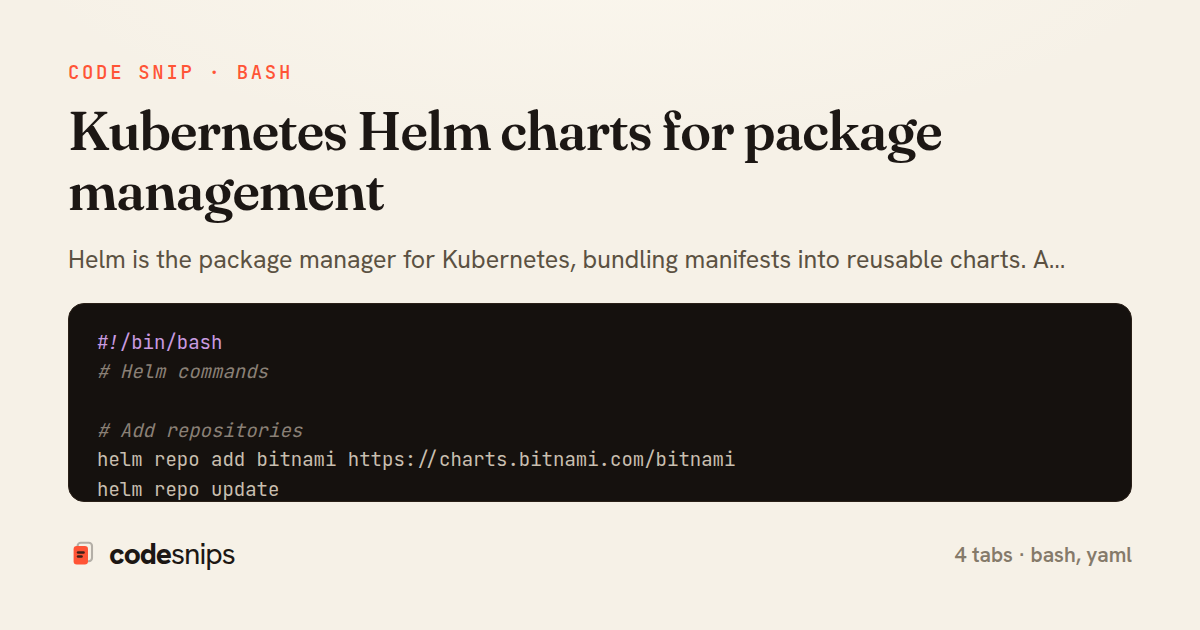
#!/bin/bash
# Helm commands

# Add repositories
helm repo add bitnami https://charts.bitnami.com/bitnami
helm repo update

# Install chart
helm install web-app ./charts/web-app   --namespace production   --create-namespace   --values values-production.yaml

# Upgrade
helm upgrade web-app ./charts/web-app   --namespace production   --values values-production.yaml   --set image.tag=1.3.0

# Rollback
helm rollback web-app 1 --namespace production

# List releases
helm list --namespace production

# Show values
helm get values web-app --namespace production

# Template (render without installing)
helm template web-app ./charts/web-app --values values-production.yaml

# Uninstall
helm uninstall web-app --namespace production

# Package chart
helm package ./charts/web-app
helm push web-app-0.3.0.tgz oci://registry.example.com/charts

# Update dependencies
helm dependency update ./charts/web-app
apiVersion: v2
name: web-app
description: A Helm chart for the web application
type: application
version: 0.3.0
appVersion: "1.2.0"

dependencies:
  - name: postgresql
    version: "13.x.x"
    repository: https://charts.bitnami.com/bitnami
    condition: postgresql.enabled
  - name: redis
    version: "18.x.x"
    repository: https://charts.bitnami.com/bitnami
    condition: redis.enabled
# Default values for web-app

replicaCount: 3

image:
  repository: registry.example.com/web-app
  tag: "1.2.0"
  pullPolicy: IfNotPresent

service:
  type: ClusterIP
  port: 80
  targetPort: 3000

ingress:
  enabled: true
  className: nginx
  annotations:
    cert-manager.io/cluster-issuer: letsencrypt-prod
  hosts:
    - host: app.example.com
      paths:
        - path: /
          pathType: Prefix
  tls:
    - secretName: app-tls
      hosts:
        - app.example.com

resources:
  requests:
    cpu: 250m
    memory: 256Mi
  limits:
    cpu: 500m
    memory: 512Mi

autoscaling:
  enabled: true
  minReplicas: 3
  maxReplicas: 20
  targetCPUUtilizationPercentage: 70

env:
  NODE_ENV: production
  LOG_LEVEL: info

secrets:
  databaseUrl: ""
  jwtSecret: ""

postgresql:
  enabled: true
  auth:
    database: myapp
  primary:
    persistence:
      size: 20Gi

redis:
  enabled: true
  architecture: standalone
  master:
    persistence:
      size: 5Gi
apiVersion: apps/v1
kind: Deployment
metadata:
  name: {{ include "web-app.fullname" . }}
  labels:
    {{- include "web-app.labels" . | nindent 4 }}
spec:
  {{- if not .Values.autoscaling.enabled }}
  replicas: {{ .Values.replicaCount }}
  {{- end }}
  selector:
    matchLabels:
      {{- include "web-app.selectorLabels" . | nindent 6 }}
  template:
    metadata:
      labels:
        {{- include "web-app.selectorLabels" . | nindent 8 }}
      annotations:
        checksum/config: {{ include (print $.Template.BasePath "/configmap.yaml") . | sha256sum }}
    spec:
      containers:
        - name: {{ .Chart.Name }}
          image: "{{ .Values.image.repository }}:{{ .Values.image.tag }}"
          imagePullPolicy: {{ .Values.image.pullPolicy }}
          ports:
            - name: http
              containerPort: {{ .Values.service.targetPort }}
          envFrom:
            - configMapRef:
                name: {{ include "web-app.fullname" . }}
            - secretRef:
                name: {{ include "web-app.fullname" . }}
          resources:
            {{- toYaml .Values.resources | nindent 12 }}
          readinessProbe:
            httpGet:
              path: /health
              port: http
            initialDelaySeconds: 5
            periodSeconds: 10
          livenessProbe:
            httpGet:
              path: /health
              port: http
            initialDelaySeconds: 15
            periodSeconds: 20
Helm is the package manager for Kubernetes, bundling manifests into reusable charts. A Chart.yaml defines chart metadata and dependencies. values.yaml provides default configuration that users can override. Templates in the templates/ directory use Go template syntax with {{ .Values.key }}. _helpers.tpl defines reusable template functions. helm install deploys a chart, helm upgrade updates it. helm rollback reverts to a previous release. helm repo add registers chart repositories. The --set flag overrides values at install time. Subcharts in charts/ manage dependencies. Hooks run jobs at lifecycle events like pre-install and post-upgrade. Helm simplifies deploying complex applications with configurable, versioned packages.
Related snips
require "timeout"

module HealthCheck
  class Probe
    Result = Struct.new(:name, :status, :latency_ms, :critical, :error, keyword_init: true) do
      def healthy?
Health Check Endpoint with Dependency Probes
// Express app with health checks and graceful shutdown
const express = require('express');
const { createServer } = require('http');

const app = express();
const server = createServer(app);
Container health checks and graceful shutdown patterns
apiVersion: v1
kind: ServiceAccount
metadata:
  name: metrics-reader
  namespace: production
---
Kubernetes RBAC roles with least privilege service accounts
# Headless Service for stable DNS
apiVersion: v1
kind: Service
metadata:
  name: postgres
  namespace: production
Kubernetes StatefulSets for stateful workloads
// k6 Load Test Configuration
// Run: k6 run load-test.js --env BASE_URL=https://api.example.com

import http from 'k6/http';
import { check, sleep, group } from 'k6';
import { Rate, Trend, Counter } from 'k6/metrics';
Load testing APIs with k6 for performance validation
# Using the module

module "api_service" {
  source = "./modules/ecs_service"

  service_name       = "api"
Terraform modules for reusable infrastructure
Share this code
Here's the card — post it anywhere.