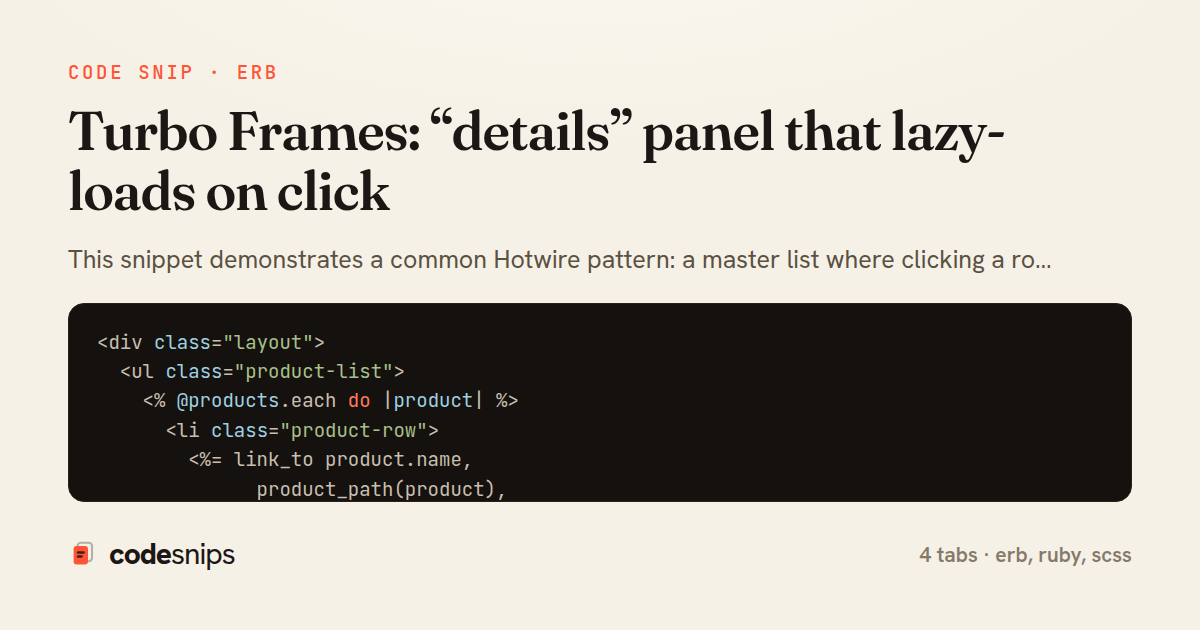
<div class="layout">
  <ul class="product-list">
    <% @products.each do |product| %>
      <li class="product-row">
        <%= link_to product.name,
              product_path(product),
              data: { turbo_frame: "details_panel" },
              class: "product-link" %>
        <span class="price"><%= number_to_currency(product.price) %></span>
      </li>
    <% end %>
  </ul>

  <%= turbo_frame_tag "details_panel", class: "details-panel" do %>
    <p class="empty-state">Select a product to see its details.</p>
  <% end %>
</div>
<%= turbo_frame_tag "details_panel", class: "details-panel" do %>
  <article class="product-detail">
    <header>
      <h2><%= @product.name %></h2>
      <%= link_to "Back", products_path,
            data: { turbo_frame: "details_panel" },
            class: "back-link" %>
    </header>

    <p class="description"><%= @product.description %></p>

    <dl class="stats">
      <dt>Price</dt>
      <dd><%= number_to_currency(@product.price) %></dd>
      <dt>In stock</dt>
      <dd><%= @product.stock_count %></dd>
      <dt>Sold last 30 days</dt>
      <dd><%= @product.recent_sales_count %></dd>
    </dl>
  </article>
<% end %>
class ProductsController < ApplicationController
  def index
    @products = Product.order(:name).select(:id, :name, :price)
  end

  def show
    @product = Product.find(params[:id])

    # Skip the app layout when Turbo is only swapping a frame.
    if turbo_frame_request?
      render :show, layout: false
    else
      render :show
    end
  end

  private

  def turbo_frame_request?
    request.headers["Turbo-Frame"].present?
  end
end
.layout {
  display: grid;
  grid-template-columns: 280px 1fr;
  gap: 1.5rem;
}

.product-list {
  list-style: none;
  padding: 0;

  .product-row {
    display: flex;
    justify-content: space-between;
    padding: 0.5rem 0.75rem;
    border-bottom: 1px solid #eee;
  }
}

.details-panel {
  min-height: 200px;
  padding: 1rem;
  border: 1px solid #ddd;
  border-radius: 8px;

  .empty-state {
    color: #999;
    font-style: italic;
  }

  .stats dt {
    font-weight: 600;
    margin-top: 0.5rem;
  }
}
This snippet demonstrates a common Hotwire pattern: a master list where clicking a row lazy-loads a detail panel over the wire, without writing any JavaScript. The technique relies on Turbo Frames, where a turbo_frame_tag acts as a scoped placeholder that Turbo only fills when it becomes activated, keeping the initial page light and the detail fetch on demand.
In products/index.html.erb the list of rows is rendered normally, but each link_to carries data: { turbo_frame: "details_panel" }. That attribute retargets the navigation: instead of replacing the whole page, Turbo intercepts the click, requests the linked URL, and swaps only the matching frame in the response into the on-page frame with the same id. An empty turbo_frame_tag "details_panel" sits alongside the list as the target, showing a placeholder prompt until a row is chosen.
The key to laziness lives in products/show.html.erb. The response wraps its content in a turbo_frame_tag "details_panel" whose id must match the frame that triggered the request; Turbo extracts exactly that fragment from the full HTML document and discards the rest. Because the frame is only requested when a link inside details_panel is clicked, the expensive detail rendering — associations, computed stats — never runs on the initial index load.
The ProductsController needs no special branching. show responds with a standard full page; Turbo's frame extraction happens client-side. The render layout: false guard is a small optimization: when the request targets a frame, skipping the application layout avoids sending the surrounding chrome that would be thrown away anyway, reducing payload size.
The main trade-off is that frame ids must stay consistent between the trigger and the response, or Turbo silently finds nothing to swap and logs a missing-frame warning. Another pitfall is that links outside the frame still navigate the whole page unless they also declare a turbo_frame. This pattern shines for detail views, inline edit forms, and tabbed content where a full SPA is overkill but a snappy partial update improves perceived performance. It degrades gracefully too: with JavaScript disabled the same links load the full show page.
Related snips
class CommentsController < ApplicationController
  before_action :set_post

  def create
    @comment = @post.comments.build(comment_params)
System test: asserting Turbo Stream responses
class Post < ApplicationRecord
  belongs_to :author, class_name: 'User'
  has_many :comments, dependent: :destroy

  scope :published, -> { where.not(published_at: nil).where('published_at <= ?', Time.current) }
  scope :draft, -> { where(published_at: nil) }
ActiveRecord scopes for reusable query logic
module Api
  module V1
    class UsersController < BaseController
      def show
        user = User.includes(:profile).find(params[:id])
ETags for conditional requests and caching
class PostsController < ApplicationController
  def index
    @posts = Post.includes(:author)
                 .order(created_at: :desc)
                 .page(params[:page])
                 .per(10)
Turbo Frames: infinite scroll with lazy-loading frame
<!DOCTYPE html>
<html lang="en">
<head>
  <meta charset="UTF-8">
  <meta name="viewport" content="width=device-width, initial-scale=1.0">
  <title>Semantic HTML Example</title>
Semantic HTML5 elements and accessibility best practices
require "csv"

class PeopleCsvStream
  include Enumerable

  HEADERS = %w[id full_name email signed_up_at plan].freeze
Resilient CSV Export as a Streamed Response
Share this code
Here's the card — post it anywhere.