html
236 lines · 2 tabs
Alex Chang
Feb 2026
2 tabs
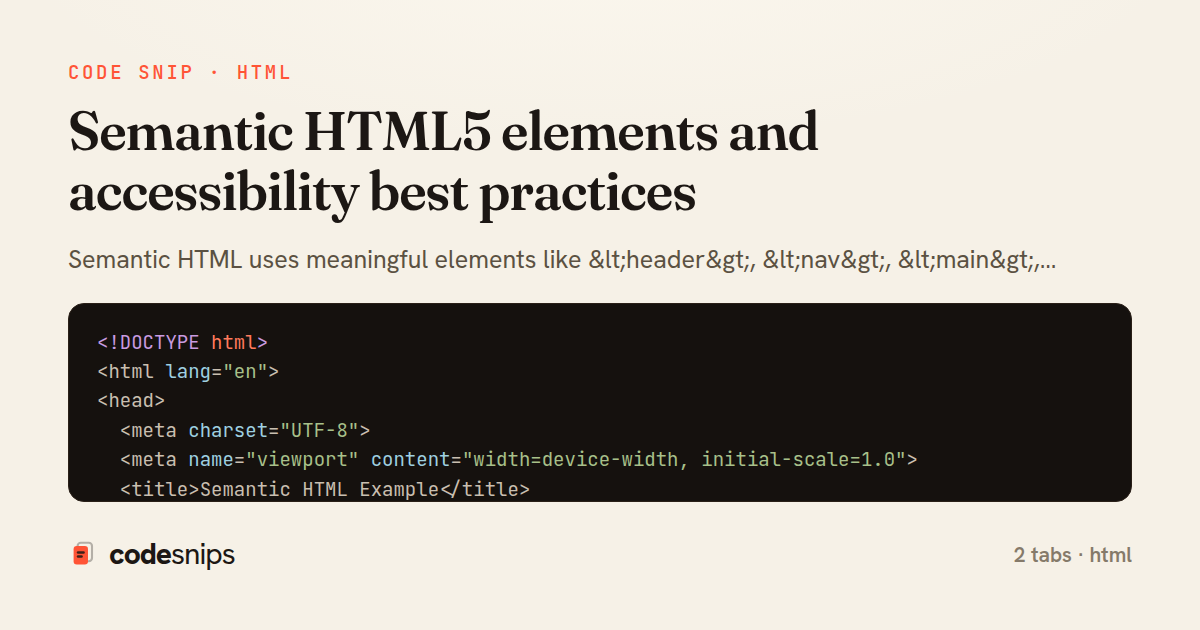
<!DOCTYPE html>
<html lang="en">
<head>
<meta charset="UTF-8">
<meta name="viewport" content="width=device-width, initial-scale=1.0">
<title>Semantic HTML Example</title>
</head>
<body>
<!-- Header with site navigation -->
<header>
<nav aria-label="Main navigation">
<ul>
<li><a href="/">Home</a></li>
<li><a href="/about">About</a></li>
<li><a href="/blog">Blog</a></li>
<li><a href="/contact">Contact</a></li>
</ul>
</nav>
</header>
<!-- Main content area -->
<main>
<!-- Article with proper heading hierarchy -->
<article>
<header>
<h1>Understanding Semantic HTML</h1>
<p>Published on <time datetime="2026-02-04">February 4, 2026</time></p>
<p>By <a href="/author/alex">Alex Chen</a></p>
</header>
<section>
<h2>What is Semantic HTML?</h2>
<p>Semantic HTML uses elements that clearly describe their meaning
to both the browser and the developer.</p>
<!-- Figure with caption -->
<figure>
<img src="semantic-html.jpg" alt="Diagram showing semantic HTML structure">
<figcaption>Semantic HTML element hierarchy</figcaption>
</figure>
</section>
<section>
<h2>Benefits of Semantic Markup</h2>
<ul>
<li><strong>Accessibility:</strong> Screen readers understand content structure</li>
<li><strong>SEO:</strong> Search engines better index your content</li>
<li><strong>Maintainability:</strong> Code is easier to read and update</li>
</ul>
</section>
<aside>
<h3>Related Articles</h3>
<ul>
<li><a href="/aria-guide">ARIA Roles Guide</a></li>
<li><a href="/accessibility">Web Accessibility 101</a></li>
</ul>
</aside>
</article>
<!-- Another section with different content -->
<section>
<h2>Latest Blog Posts</h2>
<article>
<h3><a href="/post-1">CSS Grid Layout</a></h3>
<p>Learn modern CSS Grid techniques...</p>
</article>
<article>
<h3><a href="/post-2">JavaScript Async/Await</a></h3>
<p>Master asynchronous JavaScript...</p>
</article>
</section>
</main>
<!-- Aside for supplementary content -->
<aside aria-label="Sidebar">
<section>
<h2>Newsletter Signup</h2>
<form>
<label for="email">Email:</label>
<input type="email" id="email" name="email" required>
<button type="submit">Subscribe</button>
</form>
</section>
</aside>
<!-- Footer with site information -->
<footer>
<nav aria-label="Footer navigation">
<ul>
<li><a href="/privacy">Privacy Policy</a></li>
<li><a href="/terms">Terms of Service</a></li>
</ul>
</nav>
<p>© 2026 Frontend Dev. All rights reserved.</p>
</footer>
</body>
</html>
<!-- ARIA roles and attributes for accessibility -->
<!-- Skip to main content link -->
<a href="#main-content" class="skip-link">Skip to main content</a>
<!-- Landmarks with ARIA roles -->
<header role="banner">
<h1>Site Title</h1>
</header>
<nav role="navigation" aria-label="Primary">
<ul>
<li><a href="/" aria-current="page">Home</a></li>
<li><a href="/about">About</a></li>
</ul>
</nav>
<main id="main-content" role="main">
<!-- Form with accessibility features -->
<form role="search">
<label for="search-input">Search:</label>
<input
type="search"
id="search-input"
aria-label="Search the website"
aria-describedby="search-hint"
>
<span id="search-hint" class="hint">Enter keywords to search</span>
<button type="submit">Search</button>
</form>
<!-- Alert for dynamic content -->
<div role="alert" aria-live="assertive">
<p>Form submitted successfully!</p>
</div>
<!-- Tab interface with ARIA -->
<div class="tabs">
<div role="tablist" aria-label="Content sections">
<button
role="tab"
aria-selected="true"
aria-controls="panel-1"
id="tab-1"
>
Tab 1
</button>
<button
role="tab"
aria-selected="false"
aria-controls="panel-2"
id="tab-2"
>
Tab 2
</button>
</div>
<div role="tabpanel" id="panel-1" aria-labelledby="tab-1">
<p>Content for tab 1</p>
</div>
<div role="tabpanel" id="panel-2" aria-labelledby="tab-2" hidden>
<p>Content for tab 2</p>
</div>
</div>
<!-- Button with state -->
<button
aria-pressed="false"
aria-label="Toggle dark mode"
class="toggle-theme"
>
<span aria-hidden="true">🌙</span>
Dark Mode
</button>
<!-- Disclosure widget (accordion) -->
<div class="accordion">
<h3>
<button
aria-expanded="false"
aria-controls="content-1"
id="accordion-header-1"
>
Section 1
</button>
</h3>
<div id="content-1" role="region" aria-labelledby="accordion-header-1" hidden>
<p>Hidden content revealed when expanded</p>
</div>
</div>
<!-- Image with proper alt text -->
<img
src="chart.png"
alt="Bar chart showing 60% increase in sales from 2025 to 2026"
>
<!-- Decorative image (hidden from screen readers) -->
<img src="decoration.png" alt="" role="presentation">
<!-- Loading state -->
<div aria-busy="true" aria-live="polite">
<p>Loading content...</p>
</div>
<!-- Custom select with ARIA -->
<div class="custom-select">
<button
aria-haspopup="listbox"
aria-expanded="false"
aria-labelledby="select-label"
id="select-button"
>
Select an option
</button>
<ul role="listbox" aria-labelledby="select-label" hidden>
<li role="option" aria-selected="false">Option 1</li>
<li role="option" aria-selected="false">Option 2</li>
<li role="option" aria-selected="true">Option 3</li>
</ul>
</div>
<!-- Progress indicator -->
<div
role="progressbar"
aria-valuenow="75"
aria-valuemin="0"
aria-valuemax="100"
aria-label="Upload progress"
>
75% complete
</div>
</main>
<footer role="contentinfo">
<p>© 2026 Accessible Website</p>
</footer>
2 files · html
Explain with highlit
Semantic HTML uses meaningful elements like <header>, <nav>, <main>, <article>, and <footer> instead of generic <div> tags. I structure content with proper heading hierarchy (<h1> to <h6>). Semantic markup improves SEO by helping search engines understand content structure. Screen readers navigate better with semantic elements and ARIA attributes. The <section> element groups related content, while <article> represents self-contained composition. Using <button> for actions and <a> for navigation ensures proper keyboard interaction. The alt attribute on images provides text alternatives. Proper semantic HTML creates accessible, maintainable websites that work for everyone.
Related snips
javascript
// Get canvas and context
const canvas = document.getElementById('myCanvas');
const ctx = canvas.getContext('2d');

// 1. Basic shapes
// Rectangle (filled)
Canvas API for graphics and animations
canvas
javascript
graphics
by Alex Chang
1 tab
html
<!DOCTYPE html>
<html lang="en">
<head>
  <meta charset="UTF-8">
  <title>Form Validation Example</title>
  <style>
HTML forms with validation and accessibility
html
forms
validation
by Alex Chang
1 tab
javascript
import { Application } from "@hotwired/stimulus"
import FormSubmitController from "./controllers/form_submit_controller"

const application = Application.start()
application.debug = false
Disable submit button while Turbo form is submitting
rails
hotwire
stimulus
by codesnips
3 tabs
erb
<div class="layout">
  <ul class="product-list">
    <% @products.each do |product| %>
      <li class="product-row">
        <%= link_to product.name,
              product_path(product),
Turbo Frames: “details” panel that lazy-loads on click
rails
turbo
hotwire
by codesnips
4 tabs
ruby
module LayoutlessTurboFrame
  extend ActiveSupport::Concern

  included do
    layout :layout_for_turbo
  end
Render without layout for Turbo Frame requests
rails
hotwire
turbo
by codesnips
4 tabs
typescript
import { useEffect } from 'react'

interface KeyboardHandlers {
  [key: string]: () => void
}
Keyboard navigation and focus management
react
accessibility
keyboard
by Maya Patel
2 tabs
Share this code
Here's the card — post it anywhere.