import { Controller } from "@hotwired/stimulus"

export default class extends Controller {
  static values = { keymap: Object }

  connect() {
    this.onKeydown = this.handleKeydown.bind(this)
    window.addEventListener("keydown", this.onKeydown)
  }

  disconnect() {
    window.removeEventListener("keydown", this.onKeydown)
  }

  handleKeydown(event) {
    if (this.shouldIgnore(event)) return

    const combo = this.normalize(event)
    const selector = this.keymapValue[combo]
    if (!selector) return

    event.preventDefault()
    this.dispatchShortcut(selector, combo)
  }

  shouldIgnore(event) {
    if (event.isComposing || event.repeat) return true
    const el = event.target
    if (!el || !el.tagName) return false
    const tag = el.tagName.toLowerCase()
    if (tag === "input" || tag === "textarea" || tag === "select") return true
    return el.isContentEditable === true
  }

  normalize(event) {
    const parts = []
    if (event.metaKey || event.ctrlKey) parts.push("mod")
    if (event.altKey) parts.push("alt")
    if (event.shiftKey) parts.push("shift")
    const key = event.key.length === 1 ? event.key.toLowerCase() : event.key
    parts.push(key)
    return parts.join("+")
  }

  dispatchShortcut(selector, combo) {
    const target = document.querySelector(`[data-shortcut="${selector}"]`)
    if (!target) return

    this.dispatch("invoked", { detail: { combo, selector }, prefix: "shortcuts" })
    target.click()
  }
}
<%# Attach to <body> so the controller survives Turbo body swaps %>
<% keymap = {
  "mod+k" => "command-palette",
  "g h"   => "go-home",
  "n"     => "new-record"
} %>

<body data-controller="shortcuts"
      data-shortcuts-keymap-value="<%= keymap.to_json %>"
      data-action="shortcuts:invoked->analytics#track">

  <button data-shortcut="command-palette"
          data-action="click->palette#open"
          class="sr-only">
    Open command palette
  </button>

  <%= link_to "Home", root_path, data: { shortcut: "go-home", turbo_action: "advance" } %>

  <%= link_to "New", new_record_path, data: { shortcut: "new-record" } %>

  <%= yield %>
</body>
import { Application } from "@hotwired/stimulus"
import ShortcutsController from "./controllers/shortcuts_controller"
import PaletteController from "./controllers/palette_controller"
import AnalyticsController from "./controllers/analytics_controller"

const application = Application.start()
application.debug = false

application.register("shortcuts", ShortcutsController)
application.register("palette", PaletteController)
application.register("analytics", AnalyticsController)

window.Stimulus = application
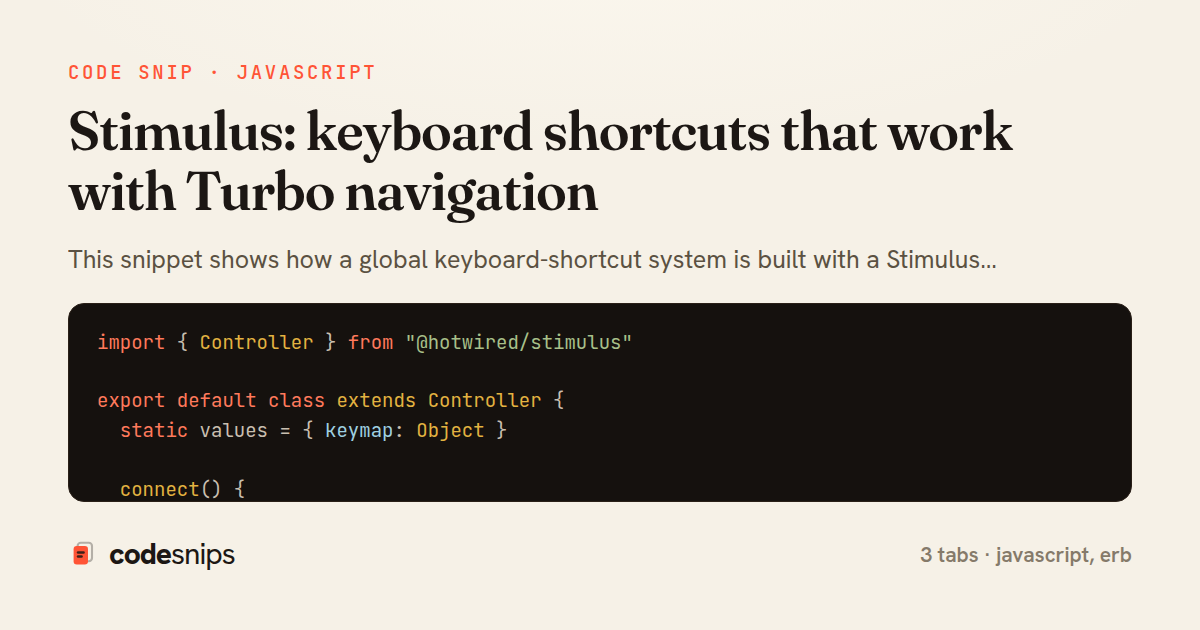
This snippet shows how a global keyboard-shortcut system is built with a Stimulus controller so it keeps working across Turbo Drive navigation. The core difficulty is that Turbo swaps the <body> on every navigation without a full page reload, so listeners bound directly to swapped elements are lost and lifecycle-based bindings must be idempotent. The design solves this by attaching the controller to <body> and listening on window, which persists cleanly between visits.
In shortcuts_controller.js, the connect() method registers a single keydown handler on window and stores the bound reference so disconnect() can remove exactly that function. This matters because Stimulus calls connect/disconnect around every Turbo visit; without symmetric add/remove the app would accumulate duplicate handlers and fire shortcuts multiple times. The shouldIgnore guard skips events originating in input, textarea, select, or contenteditable elements, and respects isComposing so IME input is never hijacked. Shortcuts are declared as data-shortcuts-keymap-value JSON, parsed into a lookup where a normalized key string like mod+k maps to a Stimulus action target. The normalize helper collapses metaKey/ctrlKey into a single mod token so the same binding works on macOS and Windows.
When a combo matches, dispatch finds the element carrying the matching data-shortcut attribute and calls .click() on it, reusing existing Turbo/Stimulus wiring rather than duplicating behavior. It also emits a shortcuts:invoked event for analytics or a help overlay.
The _shortcuts.html.erb partial wires everything declaratively: the keymap lives in a value, and each actionable element simply tags itself with data-shortcut. application.js registers the controller. The key trade-off is that window-level listeners are truly global, so shouldIgnore and scoped keymaps are essential to avoid surprising users mid-typing. This pattern is worth reaching for whenever an app needs command-palette-style shortcuts that must remain stable across the frequent DOM swaps that Turbo performs, without leaking listeners or requiring a heavyweight SPA framework.
Related snips
class CommentsController < ApplicationController
  before_action :set_post

  def create
    @comment = @post.comments.build(comment_params)
System test: asserting Turbo Stream responses
class Post < ApplicationRecord
  belongs_to :author, class_name: 'User'
  has_many :comments, dependent: :destroy

  scope :published, -> { where.not(published_at: nil).where('published_at <= ?', Time.current) }
  scope :draft, -> { where(published_at: nil) }
ActiveRecord scopes for reusable query logic
module Api
  module V1
    class UsersController < BaseController
      def show
        user = User.includes(:profile).find(params[:id])
ETags for conditional requests and caching
class PostsController < ApplicationController
  def index
    @posts = Post.includes(:author)
                 .order(created_at: :desc)
                 .page(params[:page])
                 .per(10)
Turbo Frames: infinite scroll with lazy-loading frame
<!DOCTYPE html>
<html lang="en">
<head>
  <meta charset="UTF-8">
  <meta name="viewport" content="width=device-width, initial-scale=1.0">
  <title>Semantic HTML Example</title>
Semantic HTML5 elements and accessibility best practices
require "csv"

class PeopleCsvStream
  include Enumerable

  HEADERS = %w[id full_name email signed_up_at plan].freeze
Resilient CSV Export as a Streamed Response
Share this code
Here's the card — post it anywhere.