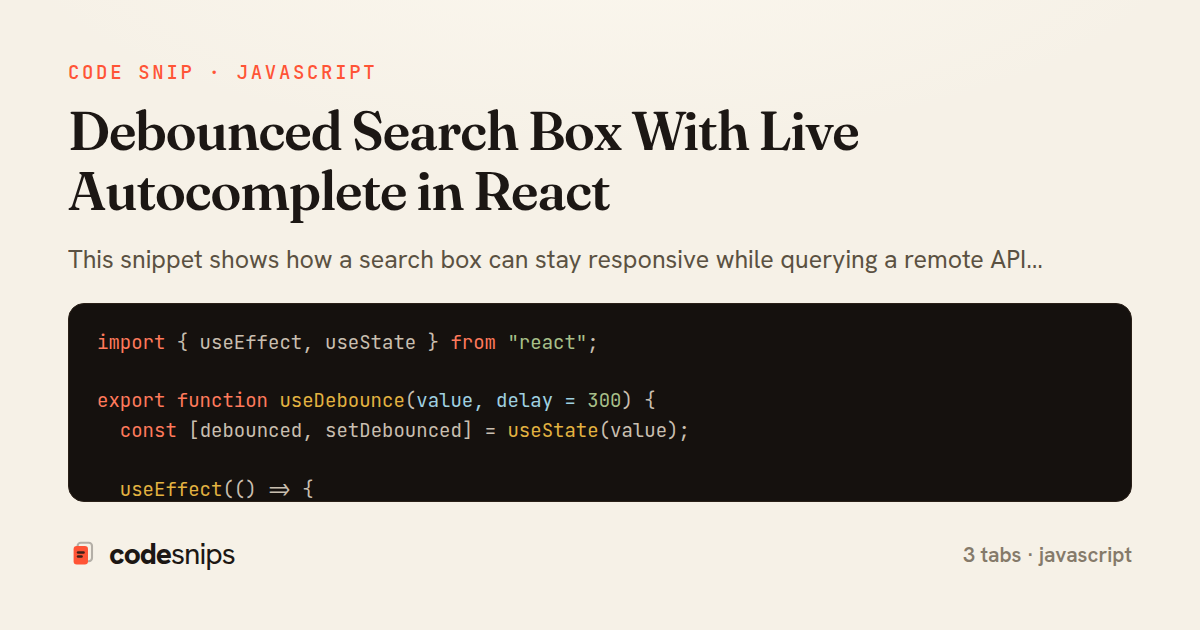
import { useEffect, useState } from "react";

export function useDebounce(value, delay = 300) {
  const [debounced, setDebounced] = useState(value);

  useEffect(() => {
    const timer = setTimeout(() => {
      setDebounced(value);
    }, delay);

    return () => clearTimeout(timer);
  }, [value, delay]);

  return debounced;
}
import { useEffect, useState } from "react";
import { useDebounce } from "./useDebounce";

export function useAutocomplete(query, { delay = 300 } = {}) {
  const term = useDebounce(query.trim(), delay);
  const [results, setResults] = useState([]);
  const [loading, setLoading] = useState(false);
  const [error, setError] = useState(null);

  useEffect(() => {
    if (!term) {
      setResults([]);
      setError(null);
      return;
    }

    const controller = new AbortController();
    setLoading(true);
    setError(null);

    fetch(`/api/suggest?q=${encodeURIComponent(term)}`, {
      signal: controller.signal,
    })
      .then((res) => {
        if (!res.ok) throw new Error(`Request failed: ${res.status}`);
        return res.json();
      })
      .then((data) => {
        setResults(data.suggestions ?? []);
        setLoading(false);
      })
      .catch((err) => {
        if (err.name === "AbortError") return; // superseded by a newer query
        setError(err.message);
        setLoading(false);
      });

    return () => controller.abort();
  }, [term]);

  return { results, loading, error };
}
import { useState } from "react";
import { useAutocomplete } from "./useAutocomplete";

export function SearchBox() {
  const [query, setQuery] = useState("");
  const { results, loading, error } = useAutocomplete(query, { delay: 250 });

  function handleSelect(label) {
    setQuery(label);
  }

  return (
    <div className="search-box">
      <input
        type="text"
        value={query}
        placeholder="Search products…"
        aria-label="Search"
        onChange={(e) => setQuery(e.target.value)}
      />

      {loading && <span className="search-box__hint">Searching…</span>}
      {error && <span className="search-box__error">{error}</span>}

      {results.length > 0 && (
        <ul className="search-box__list" role="listbox">
          {results.map((item) => (
            <li
              key={item.id}
              role="option"
              className="search-box__option"
              onClick={() => handleSelect(item.label)}
            >
              {item.label}
            </li>
          ))}
        </ul>
      )}
    </div>
  );
}
This snippet shows how a search box can stay responsive while querying a remote API only after the user pauses typing. The core idea is debouncing: instead of firing a request on every keystroke, the input value is buffered and a request is issued once the value has been stable for a short interval. This cuts network chatter dramatically and avoids hammering the backend on fast typists, at the cost of a small, deliberate latency before suggestions appear.
The useDebounce hook implements the primitive in isolation. It stores the latest value in state and schedules a setTimeout that copies the incoming value into debounced after delay milliseconds. The cleanup function returned from useEffect clears the pending timer whenever value changes, so rapid edits keep resetting the clock and only the final keystroke survives. This is the classic trailing-edge debounce, and keeping it as a generic hook means it can wrap any fast-changing value, not just search text.
The useAutocomplete hook layers data fetching on top. It debounces the raw query, then reacts to changes in the debounced term. Two subtleties matter here. First, an AbortController is created per request and torn down on cleanup, so if a newer query supersedes an in-flight one, the stale response is cancelled rather than racing to overwrite fresher results — this prevents the out-of-order response bug that plagues naive typeaheads. Second, empty or whitespace-only queries short-circuit to an empty list without touching the network. AbortError is swallowed intentionally because a cancelled request is expected, not a failure.
The SearchBox component wires the hook to the DOM. It is a controlled input driven by query state, and it renders loading, error, and the results list conditionally. Each suggestion is keyed by a stable id, and selecting one pushes its label back into the input. Because all timing and race logic lives in the hooks, the component stays declarative and easy to reason about.
A developer reaches for this pattern whenever live search, address lookup, or @-mention pickers are needed. The main pitfalls it addresses are excessive requests, flickering results, and stale responses overwriting new ones — all handled by combining debounce with request cancellation.
Related snips
export interface RetryOptions {
  retries: number;
  baseMs: number;
  maxMs: number;
  signal?: AbortSignal;
  onRetry?: (attempt: number, delay: number, err: unknown) => void;
Exponential backoff with jitter for retries
require "csv"

class PeopleCsvStream
  include Enumerable

  HEADERS = %w[id full_name email signed_up_at plan].freeze
Resilient CSV Export as a Streamed Response
Rails.application.configure do
  config.after_initialize do
    Bullet.enable = true
    Bullet.alert = false
    Bullet.bullet_logger = true
    Bullet.console = true
N+1 query detection with Bullet gem
import { Controller } from "@hotwired/stimulus"
import Mousetrap from "mousetrap"

export default class extends Controller {
  connect() {
    // Global shortcuts
Keyboard shortcuts with Stimulus and Mousetrap
import { Controller } from "@hotwired/stimulus"

export default class extends Controller {
  static targets = ["form"]
  static values = { delay: { type: Number, default: 250 } }
Debounced live search with Stimulus + Turbo Streams
json.array! @posts do |post|
  json.cache! ['v1', post], expires_in: 1.hour do
    json.id post.id
    json.title post.title
    json.excerpt post.excerpt
    json.published_at post.published_at
Fragment caching for expensive JSON serialization
Share this code
Here's the card — post it anywhere.