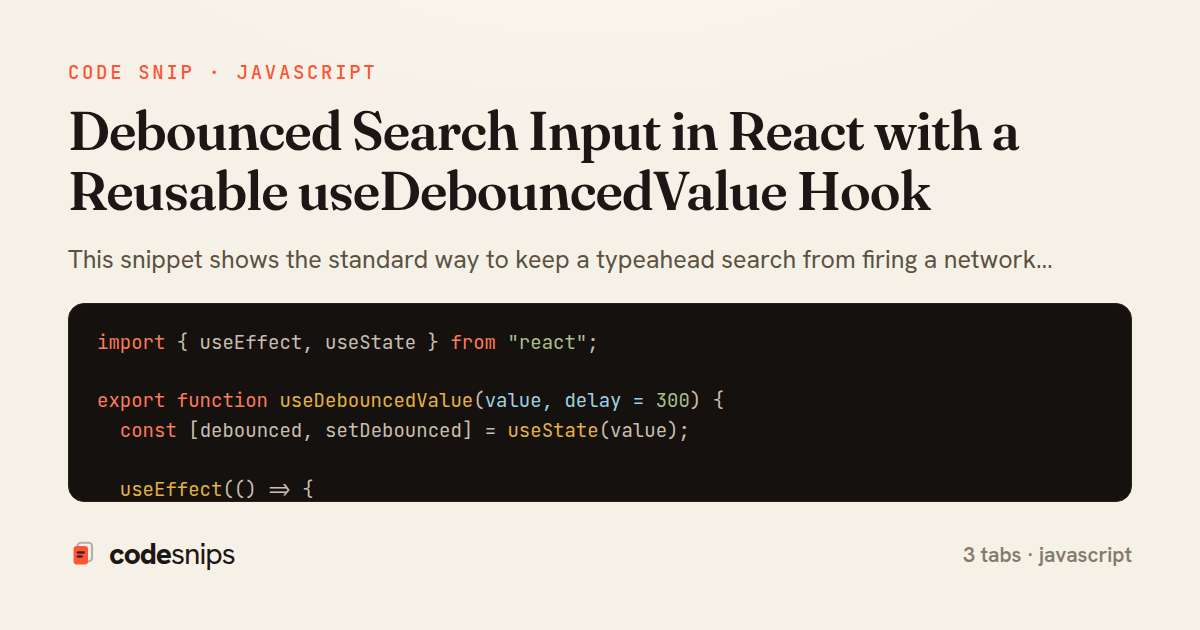
import { useEffect, useState } from "react";

export function useDebouncedValue(value, delay = 300) {
  const [debounced, setDebounced] = useState(value);

  useEffect(() => {
    const id = setTimeout(() => {
      setDebounced(value);
    }, delay);

    return () => clearTimeout(id);
  }, [value, delay]);

  return debounced;
}
import { useEffect, useState } from "react";
import { useDebouncedValue } from "./useDebouncedValue";

export function useSearch(query, delay = 300) {
  const debouncedQuery = useDebouncedValue(query, delay);
  const [results, setResults] = useState([]);
  const [loading, setLoading] = useState(false);
  const [error, setError] = useState(null);

  useEffect(() => {
    const term = debouncedQuery.trim();
    if (!term) {
      setResults([]);
      setError(null);
      return;
    }

    const controller = new AbortController();
    setLoading(true);
    setError(null);

    fetch(`/api/search?q=${encodeURIComponent(term)}`, {
      signal: controller.signal,
    })
      .then((res) => {
        if (!res.ok) throw new Error(`Search failed: ${res.status}`);
        return res.json();
      })
      .then((data) => {
        setResults(data.results);
        setLoading(false);
      })
      .catch((err) => {
        if (err.name === "AbortError") return;
        setError(err.message);
        setLoading(false);
      });

    return () => controller.abort();
  }, [debouncedQuery]);

  const isStale = query.trim() !== debouncedQuery.trim();
  return { results, loading: loading || isStale, error };
}
import { useState } from "react";
import { useSearch } from "./useSearch";

export function SearchBox() {
  const [query, setQuery] = useState("");
  const { results, loading, error } = useSearch(query, 300);

  return (
    <div className="search-box">
      <input
        type="search"
        value={query}
        placeholder="Search products..."
        onChange={(e) => setQuery(e.target.value)}
        aria-label="Search"
      />

      {loading && <span className="spinner" role="status">Searching…</span>}
      {error && <p className="error">{error}</p>}

      <ul className="results">
        {results.map((item) => (
          <li key={item.id}>{item.name}</li>
        ))}
      </ul>

      {!loading && query.trim() && results.length === 0 && (
        <p className="empty">No matches for “{query.trim()}”.</p>
      )}
    </div>
  );
}
This snippet shows the standard way to keep a typeahead search from firing a network request on every keystroke: the input state updates immediately for a responsive UI, but the value that drives the query is delayed until the user pauses typing. The logic is split into a small reusable hook and the component that consumes it.
In useDebouncedValue hook, the pattern is deliberately simple: it takes a live value and a delay, holds a separate debounced state, and starts a setTimeout inside a useEffect keyed on [value, delay]. Every time value changes, the effect's cleanup function runs and calls clearTimeout, cancelling the pending update before scheduling a fresh one. Only when the value stops changing for the full delay does the timer survive to commit the new debounced value. This cleanup-based cancellation is what makes debouncing in React feel natural — the effect lifecycle does the bookkeeping instead of a manually tracked timer ref.
The second hook, useSearch hook, layers async concerns on top. It debounces the raw query via useDebouncedValue, then runs a fetch whenever the debounced term changes. It uses an AbortController so that a stale in-flight request is aborted when a newer search starts or the component unmounts; the AbortError is swallowed on purpose because a cancelled request is expected, not a failure. It also trims the term and short-circuits empty input to avoid pointless requests, and tracks loading and error so the UI can reflect state.
SearchBox component wires it together. The <input> is fully controlled by query, giving instant feedback, while the results list reflects only the settled debounced term. Because the debounced value lags the input, the component can show a subtle loading indicator during the gap.
The main trade-off is latency versus request volume: a longer delay cuts backend load but makes results feel slower. Around 300ms is a common compromise. A pitfall worth noting is forgetting the cleanup, which leaks timers and can commit results out of order — both the clearTimeout and the AbortController guard against exactly that. This approach fits any search-as-you-type, autocomplete, or filter box where each keystroke would otherwise trigger expensive work.
Related snips
export interface RetryOptions {
  retries: number;
  baseMs: number;
  maxMs: number;
  signal?: AbortSignal;
  onRetry?: (attempt: number, delay: number, err: unknown) => void;
Exponential backoff with jitter for retries
require "csv"

class PeopleCsvStream
  include Enumerable

  HEADERS = %w[id full_name email signed_up_at plan].freeze
Resilient CSV Export as a Streamed Response
<form data-controller="query-sync" data-action="change->query-sync#apply">
  <select name="status" class="rounded border p-2">
    <option value="">Any</option>
    <option value="open">Open</option>
    <option value="closed">Closed</option>
  </select>
Filter UI that syncs query params via Stimulus (no front-end router)
Rails.application.configure do
  config.after_initialize do
    Bullet.enable = true
    Bullet.alert = false
    Bullet.bullet_logger = true
    Bullet.console = true
N+1 query detection with Bullet gem
import { Controller } from "@hotwired/stimulus"

export default class extends Controller {
  static targets = ["form"]
  static values = { delay: { type: Number, default: 250 } }
Debounced live search with Stimulus + Turbo Streams
json.array! @posts do |post|
  json.cache! ['v1', post], expires_in: 1.hour do
    json.id post.id
    json.title post.title
    json.excerpt post.excerpt
    json.published_at post.published_at
Fragment caching for expensive JSON serialization
Share this code
Here's the card — post it anywhere.