import React, { useMemo } from 'react';
import { VirtualList } from './VirtualList';

interface LogEntry {
  id: number;
  level: 'info' | 'warn' | 'error';
  message: string;
}

export function LogViewer({ entries }: { entries: LogEntry[] }) {
  const colors = useMemo(
    () => ({ info: '#94a3b8', warn: '#f59e0b', error: '#ef4444' }),
    []
  );

  return (
    <VirtualList
      items={entries}
      itemHeight={28}
      height={480}
      overscan={5}
      renderItem={(entry) => (
        <div
          style={{
            display: 'flex',
            gap: 8,
            padding: '4px 12px',
            fontFamily: 'monospace',
            color: colors[entry.level],
          }}
        >
          <span>[{entry.level.toUpperCase()}]</span>
          <span>{entry.message}</span>
        </div>
      )}
    />
  );
}
import { useMemo, useState, useCallback, useRef } from 'react';

interface VirtualRange {
  startIndex: number;
  endIndex: number;
  totalHeight: number;
  offsetY: number;
}

interface Options {
  itemCount: number;
  itemHeight: number;
  containerHeight: number;
  overscan?: number;
}

export function useVirtualList(opts: Options) {
  const { itemCount, itemHeight, containerHeight, overscan = 3 } = opts;
  const [scrollTop, setScrollTop] = useState(0);
  const frame = useRef<number | null>(null);

  const handleScroll = useCallback((e: React.UIEvent<HTMLDivElement>) => {
    const next = e.currentTarget.scrollTop;
    if (frame.current != null) return;
    frame.current = requestAnimationFrame(() => {
      frame.current = null;
      setScrollTop(next);
    });
  }, []);

  const range: VirtualRange = useMemo(() => {
    const visibleCount = Math.ceil(containerHeight / itemHeight);
    const first = Math.floor(scrollTop / itemHeight);
    const startIndex = Math.max(0, first - overscan);
    const endIndex = Math.min(itemCount - 1, first + visibleCount + overscan);
    return {
      startIndex,
      endIndex,
      totalHeight: itemCount * itemHeight,
      offsetY: startIndex * itemHeight,
    };
  }, [scrollTop, itemCount, itemHeight, containerHeight, overscan]);

  return { ...range, handleScroll };
}
import React from 'react';
import { useVirtualList } from './useVirtualList';

interface VirtualListProps<T> {
  items: T[];
  itemHeight: number;
  height: number;
  overscan?: number;
  renderItem: (item: T, index: number) => React.ReactNode;
}

const Row = React.memo(function Row(props: {
  top: number;
  height: number;
  children: React.ReactNode;
}) {
  return (
    <div
      style={{
        position: 'absolute',
        top: props.top,
        left: 0,
        right: 0,
        height: props.height,
      }}
    >
      {props.children}
    </div>
  );
});

export function VirtualList<T>(props: VirtualListProps<T>) {
  const { items, itemHeight, height, overscan, renderItem } = props;
  const { startIndex, endIndex, totalHeight, handleScroll } = useVirtualList({
    itemCount: items.length,
    itemHeight,
    containerHeight: height,
    overscan,
  });

  const rows = [];
  for (let i = startIndex; i <= endIndex; i++) {
    rows.push(
      <Row key={i} top={i * itemHeight} height={itemHeight}>
        {renderItem(items[i], i)}
      </Row>
    );
  }

  return (
    <div
      onScroll={handleScroll}
      style={{ height, overflow: 'auto', position: 'relative' }}
    >
      <div style={{ height: totalHeight, position: 'relative' }}>{rows}</div>
    </div>
  );
}
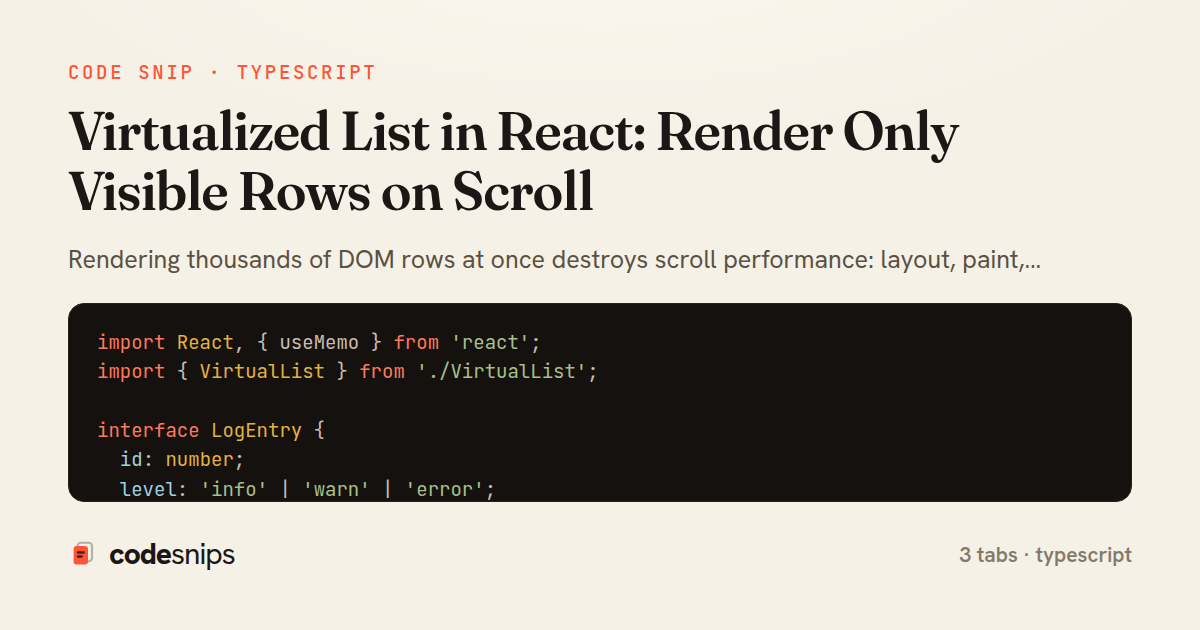
Rendering thousands of DOM rows at once destroys scroll performance: layout, paint, and memory all scale with node count. Virtualization (also called windowing) fixes this by only mounting the rows that intersect the visible viewport plus a small buffer, while a spacer element preserves the correct total scroll height so the scrollbar behaves normally.
The useVirtualList hook encapsulates the math. Given a scrollTop value from the container and a fixed itemHeight, it computes the first visible index as scrollTop / itemHeight and derives how many rows fit in containerHeight. An overscan count extends the window above and below the viewport so fast scrolling does not reveal blank gaps before React can render. The hook returns startIndex, endIndex, the totalHeight used to size the scroll spacer, and an offsetY translate value that positions the rendered slice at its true location.
A key detail is that the visible rows are absolutely offset rather than left in normal flow. The hook exposes offsetY = startIndex * itemHeight, and the component applies it with a transform: translateY, which is compositor-friendly and avoids triggering layout on every scroll frame. State updates are throttled through requestAnimationFrame in handleScroll so scroll events, which can fire many times per frame, collapse into at most one render per paint.
In VirtualList component, the outer div owns the scroll and is given a fixed height with overflow: auto. An inner div of totalHeight reserves the full scrollable space, and the sliced children are rendered inside a translated wrapper. The component is generic over T, taking an items array and a renderItem callback so it stays decoupled from any particular row shape. React.memo on Row prevents re-rendering rows whose props are unchanged.
This approach assumes uniform itemHeight; variable heights require measuring rows and maintaining an offset index, which is significantly more complex. The trade-off is worth it for large, mostly-uniform lists such as logs, chat history, or data tables, where keeping the DOM small is the difference between a smooth 60fps scroll and a janky one.
Related snips
require "csv"

class PeopleCsvStream
  include Enumerable

  HEADERS = %w[id full_name email signed_up_at plan].freeze
Resilient CSV Export as a Streamed Response
Rails.application.configure do
  config.after_initialize do
    Bullet.enable = true
    Bullet.alert = false
    Bullet.bullet_logger = true
    Bullet.console = true
N+1 query detection with Bullet gem
export type Settled<R> =
  | { status: 'fulfilled'; value: R }
  | { status: 'rejected'; reason: unknown };

export interface ConcurrencyOptions {
  limit: number;
Simple concurrency limiter for batch operations
import { Controller } from "@hotwired/stimulus"

export default class extends Controller {
  static targets = ["form"]
  static values = { delay: { type: Number, default: 250 } }
Debounced live search with Stimulus + Turbo Streams
json.array! @posts do |post|
  json.cache! ['v1', post], expires_in: 1.hour do
    json.id post.id
    json.title post.title
    json.excerpt post.excerpt
    json.published_at post.published_at
Fragment caching for expensive JSON serialization
import axios, { AxiosError } from 'axios'
import { v4 as uuidv4 } from 'uuid'

const api = axios.create({
  baseURL: import.meta.env.VITE_API_URL || 'http://localhost:3000/api/v1',
  timeout: 15000,
Axios API client with interceptors
Share this code
Here's the card — post it anywhere.