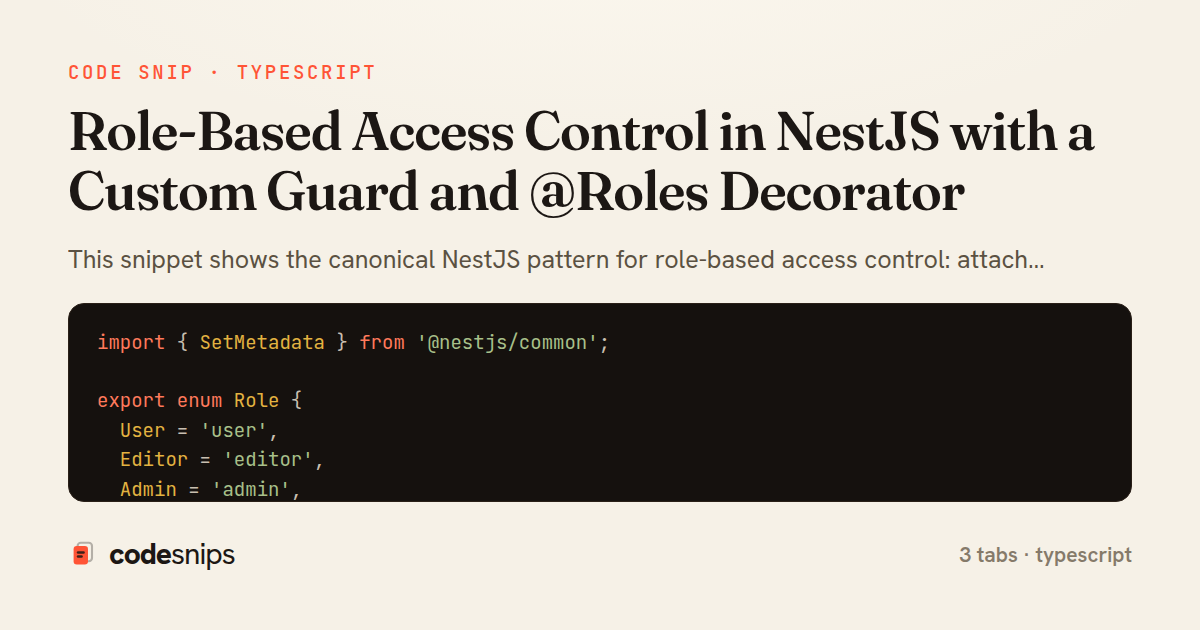
import { SetMetadata } from '@nestjs/common';

export enum Role {
  User = 'user',
  Editor = 'editor',
  Admin = 'admin',
}

export const ROLES_KEY = 'roles';

export const Roles = (...roles: Role[]) => SetMetadata(ROLES_KEY, roles);
import {
  CanActivate,
  ExecutionContext,
  ForbiddenException,
  Injectable,
} from '@nestjs/common';
import { Reflector } from '@nestjs/core';
import { ROLES_KEY, Role } from './roles.decorator';

interface AuthenticatedUser {
  id: string;
  roles: Role[];
}

@Injectable()
export class RolesGuard implements CanActivate {
  constructor(private readonly reflector: Reflector) {}

  canActivate(context: ExecutionContext): boolean {
    const requiredRoles = this.reflector.getAllAndOverride<Role[]>(ROLES_KEY, [
      context.getHandler(),
      context.getClass(),
    ]);

    if (!requiredRoles || requiredRoles.length === 0) {
      return true;
    }

    const request = context.switchToHttp().getRequest();
    const user = request.user as AuthenticatedUser | undefined;

    if (!user || !Array.isArray(user.roles)) {
      throw new ForbiddenException('Missing role information');
    }

    const hasRole = requiredRoles.some((role) => user.roles.includes(role));
    if (!hasRole) {
      throw new ForbiddenException('Insufficient permissions');
    }

    return true;
  }
}
import { Body, Controller, Delete, Param, Post, UseGuards } from '@nestjs/common';
import { JwtAuthGuard } from '../auth/jwt-auth.guard';
import { RolesGuard } from './roles.guard';
import { Roles, Role } from './roles.decorator';
import { AdminService } from './admin.service';

@Controller('admin')
@UseGuards(JwtAuthGuard, RolesGuard)
@Roles(Role.Admin)
export class AdminController {
  constructor(private readonly adminService: AdminService) {}

  @Post('users')
  createUser(@Body() dto: { email: string; role: Role }) {
    return this.adminService.createUser(dto);
  }

  @Delete('users/:id')
  @Roles(Role.Admin)
  removeUser(@Param('id') id: string) {
    return this.adminService.removeUser(id);
  }

  @Post('drafts')
  @Roles(Role.Editor, Role.Admin)
  createDraft(@Body() dto: { title: string }) {
    return this.adminService.createDraft(dto);
  }
}
This snippet shows the canonical NestJS pattern for role-based access control: attach required roles to a route with a metadata decorator, then read that metadata inside a guard and compare it against the authenticated user. The design keeps authorization declarative at the controller level while centralizing the enforcement logic in one reusable class.
In roles.decorator.ts, a custom @Roles(...) decorator is built on top of SetMetadata. Rather than hardcoding the metadata key as a raw string in multiple places, the key is exported as ROLES_KEY so both the decorator and the guard reference the same constant. The Role enum gives the allowed values a single source of truth, which prevents typos like 'admin' versus 'Admin' from silently disabling a check. SetMetadata simply stores the passed roles array against the route handler and controller class for later retrieval.
In roles.guard.ts, the RolesGuard implements the CanActivate interface and injects Reflector, the NestJS utility for reading metadata. It calls getAllAndOverride with both the handler and the class as targets, which lets a method-level @Roles override a controller-level default. When no roles are attached, the guard returns true, treating the route as public so that adding RBAC is opt-in per route. The request is pulled from the ExecutionContext, and the user (assumed to be populated by an earlier authentication guard such as a JWT strategy) is matched against the required roles with some. Throwing ForbiddenException yields a proper 403 rather than a generic error.
In admin.controller.ts, the guards are composed with @UseGuards(JwtAuthGuard, RolesGuard) so authentication runs before authorization, guaranteeing request.user exists when the role check runs. Ordering matters here: an unauthenticated request should fail with 401 before role logic executes.
The trade-off of this approach is that the guard trusts whatever populated request.user, so it must always be paired with authentication. Registering RolesGuard globally is possible but then every route needs explicit roles or a public marker. Keeping it per-controller, as shown, makes the security surface easy to audit. This pattern is the go-to whenever access depends on a user's role rather than raw authentication.
Related snips
payload = {
  sub: user.id,
  iss: 'https://auth.example.com',
  aud: 'codesnips-api',
  exp: 15.minutes.from_now.to_i,
  iat: Time.now.to_i,
JWT issuance and verification without common footguns
package com.example.myapp

import android.app.Application
import dagger.hilt.android.HiltAndroidApp

@HiltAndroidApp
Dependency injection with Hilt
#!/usr/bin/env bash
set -euo pipefail

export VAULT_ADDR="https://vault.internal:8200"
export VAULT_TOKEN="${VAULT_TOKEN:?missing VAULT_TOKEN}"
Secrets management with environment isolation and Vault
<?php

namespace App\Providers;

use App\Contracts\PaymentGateway;
use App\Services\StripePaymentGateway;
Laravel service container and dependency injection
import { randomBytes, createHash } from "crypto";
import jwt from "jsonwebtoken";
import { RefreshTokenStore } from "./store";

const ACCESS_SECRET = process.env.ACCESS_SECRET!;
const ACCESS_TTL = "15m";
JWT access + refresh token rotation (conceptual)
package files

import (
  "context"
  "time"
Presigned S3 upload URLs (AWS SDK v2)
Share this code
Here's the card — post it anywhere.