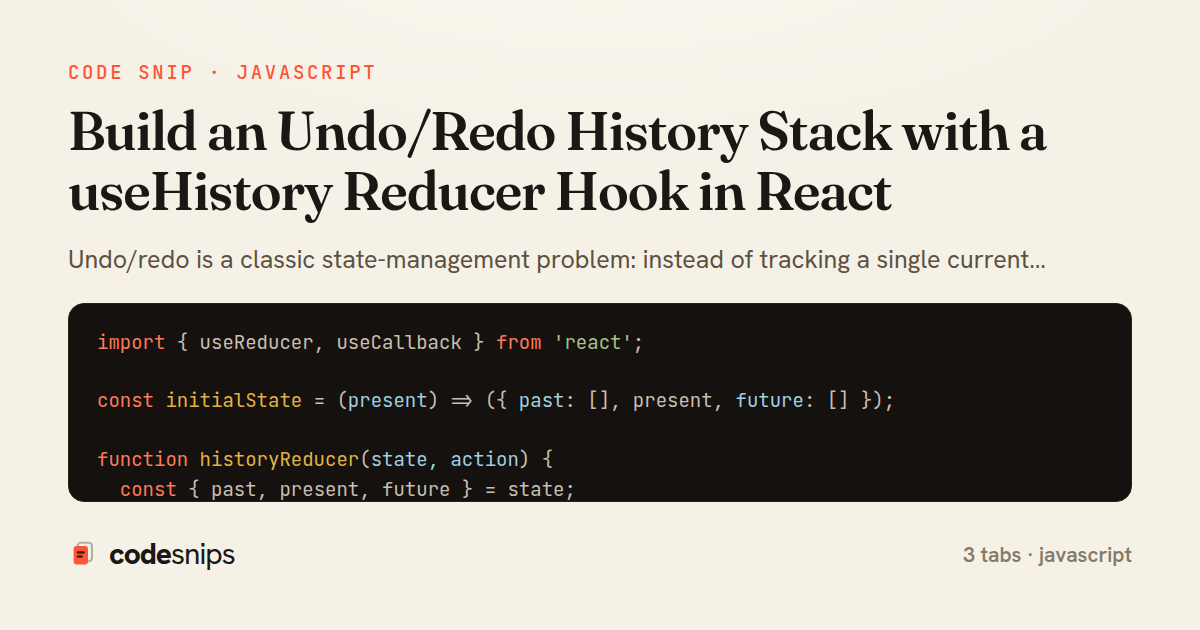
import { useReducer, useCallback } from 'react';

const initialState = (present) => ({ past: [], present, future: [] });

function historyReducer(state, action) {
  const { past, present, future } = state;

  switch (action.type) {
    case 'SET': {
      if (Object.is(action.value, present)) return state;
      return { past: [...past, present], present: action.value, future: [] };
    }
    case 'UNDO': {
      if (past.length === 0) return state;
      const previous = past[past.length - 1];
      return {
        past: past.slice(0, -1),
        present: previous,
        future: [present, ...future],
      };
    }
    case 'REDO': {
      if (future.length === 0) return state;
      const next = future[0];
      return {
        past: [...past, present],
        present: next,
        future: future.slice(1),
      };
    }
    case 'RESET':
      return initialState(action.value);
    default:
      return state;
  }
}

export function useHistory(initialPresent) {
  const [state, dispatch] = useReducer(historyReducer, initialPresent, initialState);

  const set = useCallback((value) => dispatch({ type: 'SET', value }), []);
  const undo = useCallback(() => dispatch({ type: 'UNDO' }), []);
  const redo = useCallback(() => dispatch({ type: 'REDO' }), []);
  const reset = useCallback((value) => dispatch({ type: 'RESET', value }), []);

  return {
    state: state.present,
    set,
    undo,
    redo,
    reset,
    canUndo: state.past.length > 0,
    canRedo: state.future.length > 0,
  };
}
import { useEffect } from 'react';

export function useUndoRedoShortcuts({ undo, redo, enabled = true }) {
  useEffect(() => {
    if (!enabled) return undefined;

    const handler = (event) => {
      const mod = event.metaKey || event.ctrlKey;
      if (!mod) return;

      const target = event.target;
      const tag = target && target.tagName;
      const typing = tag === 'INPUT' || tag === 'TEXTAREA' || (target && target.isContentEditable);

      const key = event.key.toLowerCase();
      const isRedo = (key === 'z' && event.shiftKey) || key === 'y';
      const isUndo = key === 'z' && !event.shiftKey;

      if (!isRedo && !isUndo) return;
      if (typing && tag !== 'TEXTAREA') return;

      event.preventDefault();
      if (isRedo) redo();
      else undo();
    };

    window.addEventListener('keydown', handler);
    return () => window.removeEventListener('keydown', handler);
  }, [undo, redo, enabled]);
}
import React from 'react';
import { useHistory } from './useHistory';
import { useUndoRedoShortcuts } from './useUndoRedoShortcuts';

export default function TextEditor() {
  const { state, set, undo, redo, reset, canUndo, canRedo } = useHistory('');

  useUndoRedoShortcuts({ undo, redo });

  return (
    <div className="editor">
      <div className="toolbar">
        <button type="button" onClick={undo} disabled={!canUndo}>
          Undo
        </button>
        <button type="button" onClick={redo} disabled={!canRedo}>
          Redo
        </button>
        <button type="button" onClick={() => reset('')}>
          Clear
        </button>
      </div>

      <textarea
        value={state}
        onChange={(event) => set(event.target.value)}
        placeholder="Type something, then press Ctrl/Cmd+Z..."
        rows={8}
      />

      <p className="count">{state.length} characters</p>
    </div>
  );
}
Undo/redo is a classic state-management problem: instead of tracking a single current value, the application must track a timeline of values with a cursor that can move backward and forward. The clean way to model this in React is to treat the whole history as one reducer state — a past array, a present value, and a future array — so every transition is a pure function that shifts values between those three buckets.
In useHistory.js, the state shape is exactly that triple, and historyReducer handles four actions. SET pushes the current present onto past, installs the new value as present, and clears future; clearing future is important because making a fresh edit after undoing must invalidate the redo branch, matching how every editor behaves. It also short-circuits when the new value equals the old one to avoid polluting history with no-op entries. UNDO pops the last item from past and moves the current present into future, while REDO does the mirror image. RESET collapses everything back to a single present with empty stacks.
The hook wraps the reducer with useReducer and exposes a small, stable API via useCallback: set, undo, redo, reset, plus derived canUndo and canRedo booleans computed from array lengths. Because the reducer treats present immutably and never mutates the arrays, React's referential-equality checks work correctly and components re-render only when the timeline actually changes.
useUndoRedoShortcuts.js is a thin companion hook that binds Ctrl/Cmd+Z and Ctrl/Cmd+Shift+Z (or Ctrl+Y) to the callbacks, guarding against firing while the user types in an input. It re-attaches the listener whenever the guarded flag or handlers change.
TextEditor.js ties it together: a controlled textarea calls set on change, the buttons are disabled using canUndo/canRedo, and the shortcut hook is wired in. A subtle trade-off worth noting is that a full snapshot per keystroke can grow memory for large documents; production editors often debounce set or cap past length. This pattern shines for form-heavy UIs, drawing tools, and any feature where reversible edits matter, and it keeps all history logic isolated and testable outside the component tree.
Related snips
class Money
  include Comparable

  attr_reader :amount, :currency

  def initialize(amount, currency = 'USD')
Value objects for domain modeling
import { Controller } from "@hotwired/stimulus"
import Mousetrap from "mousetrap"

export default class extends Controller {
  connect() {
    // Global shortcuts
Keyboard shortcuts with Stimulus and Mousetrap
import { Controller } from "@hotwired/stimulus"

export default class extends Controller {
  static targets = ["form"]
  static values = { delay: { type: Number, default: 250 } }
Debounced live search with Stimulus + Turbo Streams
import axios, { AxiosError } from 'axios'
import { v4 as uuidv4 } from 'uuid'

const api = axios.create({
  baseURL: import.meta.env.VITE_API_URL || 'http://localhost:3000/api/v1',
  timeout: 15000,
Axios API client with interceptors
import { create } from 'zustand'
import { persist } from 'zustand/middleware'

interface FilterState {
  search: string
  category: string | null
Zustand for lightweight state management
import SwiftUI

struct ContentView: View {
    @State private var username = ""
    @State private var isLoggedIn = false
    @StateObject private var viewModel = LoginViewModel()
SwiftUI declarative UI with state management
Share this code
Here's the card — post it anywhere.