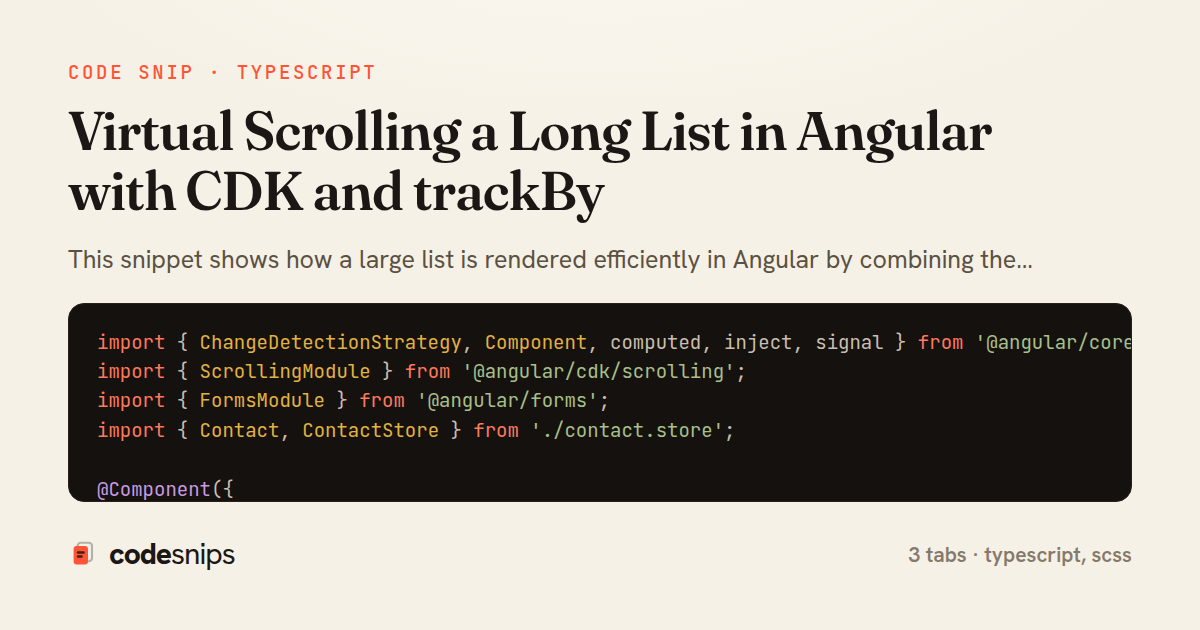
import { ChangeDetectionStrategy, Component, computed, inject, signal } from '@angular/core';
import { ScrollingModule } from '@angular/cdk/scrolling';
import { FormsModule } from '@angular/forms';
import { Contact, ContactStore } from './contact.store';

@Component({
  selector: 'app-contact-list',
  standalone: true,
  imports: [ScrollingModule, FormsModule],
  changeDetection: ChangeDetectionStrategy.OnPush,
  template: `
    <input
      class="search"
      placeholder="Filter contacts"
      [ngModel]="query()"
      (ngModelChange)="query.set($event)" />

    <cdk-virtual-scroll-viewport [itemSize]="56" class="viewport">
      <div *cdkVirtualFor="let c of contacts(); trackBy: trackById" class="row">
        <span class="avatar">{{ c.name.charAt(0) }}</span>
        <div class="meta">
          <strong>{{ c.name }}</strong>
          <small>{{ c.email }}</small>
        </div>
        <button type="button" (click)="store.remove(c.id)">Remove</button>
      </div>
    </cdk-virtual-scroll-viewport>
  `,
  styleUrl: './styles.scss',
})
export class ContactListComponent {
  protected readonly store = inject(ContactStore);
  protected readonly query = signal('');

  protected readonly contacts = computed(() => {
    const q = this.query().trim().toLowerCase();
    const all = this.store.contacts();
    if (!q) return all;
    return all.filter(
      (c) => c.name.toLowerCase().includes(q) || c.email.toLowerCase().includes(q),
    );
  });

  protected trackById(_index: number, item: Contact): string {
    return item.id;
  }
}
import { Injectable, signal, WritableSignal } from '@angular/core';

export interface Contact {
  id: string;
  name: string;
  email: string;
}

@Injectable({ providedIn: 'root' })
export class ContactStore {
  private readonly _contacts: WritableSignal<Contact[]> = signal([]);
  readonly contacts = this._contacts.asReadonly();

  load(contacts: Contact[]): void {
    // replace the reference so OnPush + signals re-render
    this._contacts.set([...contacts]);
  }

  add(contact: Contact): void {
    this._contacts.update((list) => [contact, ...list]);
  }

  remove(id: string): void {
    this._contacts.update((list) => list.filter((c) => c.id !== id));
  }
}
$row-height: 56px;

.search {
  width: 100%;
  padding: 8px 12px;
  margin-bottom: 8px;
  box-sizing: border-box;
}

.viewport {
  height: 480px; // bounded height is required for the scroll area
  border: 1px solid #e2e2e2;
  border-radius: 6px;
}

.row {
  height: $row-height; // must match [itemSize]="56"
  display: flex;
  align-items: center;
  gap: 12px;
  padding: 0 12px;
  box-sizing: border-box;
  border-bottom: 1px solid #f0f0f0;

  .avatar {
    display: inline-flex;
    align-items: center;
    justify-content: center;
    width: 32px;
    height: 32px;
    border-radius: 50%;
    background: #dfe7ff;
    font-weight: 600;
  }

  .meta {
    display: flex;
    flex-direction: column;
    flex: 1 1 auto;
    small { color: #777; }
  }
}
This snippet shows how a large list is rendered efficiently in Angular by combining the CDK's cdk-virtual-scroll-viewport with a stable trackBy function so the DOM only ever holds the rows currently in view. The core idea behind virtual scrolling is that painting thousands of DOM nodes is expensive and mostly wasteful — the user can only see a handful at a time — so a viewport of fixed height recycles a small pool of elements as the user scrolls, translating them into position with transform. This keeps layout, style recalculation, and change detection bounded regardless of collection size.
In ContactListComponent, the template wires an *cdkVirtualFor over a signal-backed contacts() source, delegates to trackById for identity, and drives itemSize with FixedSizeVirtualScrollStrategy. Using *cdkVirtualFor instead of a plain *ngFor is essential: it is the directive that talks to the viewport and asks only for the visible slice via the scrolling range. The trackById method returns each row's stable id, which lets Angular reuse existing DOM nodes across data changes instead of destroying and recreating them; without it, the recycled node pool churns on every scroll and much of the performance win evaporates.
The component uses OnPush change detection and reads data through a signal, so re-renders are only triggered when the signal's reference actually changes. The filter computed derives a filtered view without mutating the source, and the fixed itemSize of 56 must match the CSS row height exactly — if they disagree, rows overlap or gaps appear because the viewport miscalculates scroll offsets.
ContactStore is a small injectable that owns the list state as a WritableSignal, exposing load and remove. Keeping mutation behind the store means the component stays declarative and the signal reference updates cleanly, which is what actually notifies OnPush. The styles.scss tab defines the row height and forces the viewport to a bounded height, which is the other non-negotiable requirement: a virtual viewport needs a constrained height to have a scrollable area at all. A common pitfall is variable-height rows — those require autoSizeVirtualScroll rather than the fixed strategy. This pattern is the right tool whenever a list can grow past a few hundred items and rows are uniform in height.
Related snips
export interface RetryOptions {
  retries: number;
  baseMs: number;
  maxMs: number;
  signal?: AbortSignal;
  onRetry?: (attempt: number, delay: number, err: unknown) => void;
Exponential backoff with jitter for retries
class Product(models.Model):
    name = models.CharField(max_length=200)
    slug = models.SlugField(blank=True)
    price = models.DecimalField(max_digits=10, decimal_places=2)
    cost = models.DecimalField(max_digits=10, decimal_places=2)
    margin = models.DecimalField(max_digits=5, decimal_places=2, blank=True)
Django model signals vs overriding save
require "csv"

class PeopleCsvStream
  include Enumerable

  HEADERS = %w[id full_name email signed_up_at plan].freeze
Resilient CSV Export as a Streamed Response
Rails.application.configure do
  config.after_initialize do
    Bullet.enable = true
    Bullet.alert = false
    Bullet.bullet_logger = true
    Bullet.console = true
N+1 query detection with Bullet gem
json.array! @posts do |post|
  json.cache! ['v1', post], expires_in: 1.hour do
    json.id post.id
    json.title post.title
    json.excerpt post.excerpt
    json.published_at post.published_at
Fragment caching for expensive JSON serialization
import axios, { AxiosError } from 'axios'
import { v4 as uuidv4 } from 'uuid'

const api = axios.create({
  baseURL: import.meta.env.VITE_API_URL || 'http://localhost:3000/api/v1',
  timeout: 15000,
Axios API client with interceptors
Share this code
Here's the card — post it anywhere.