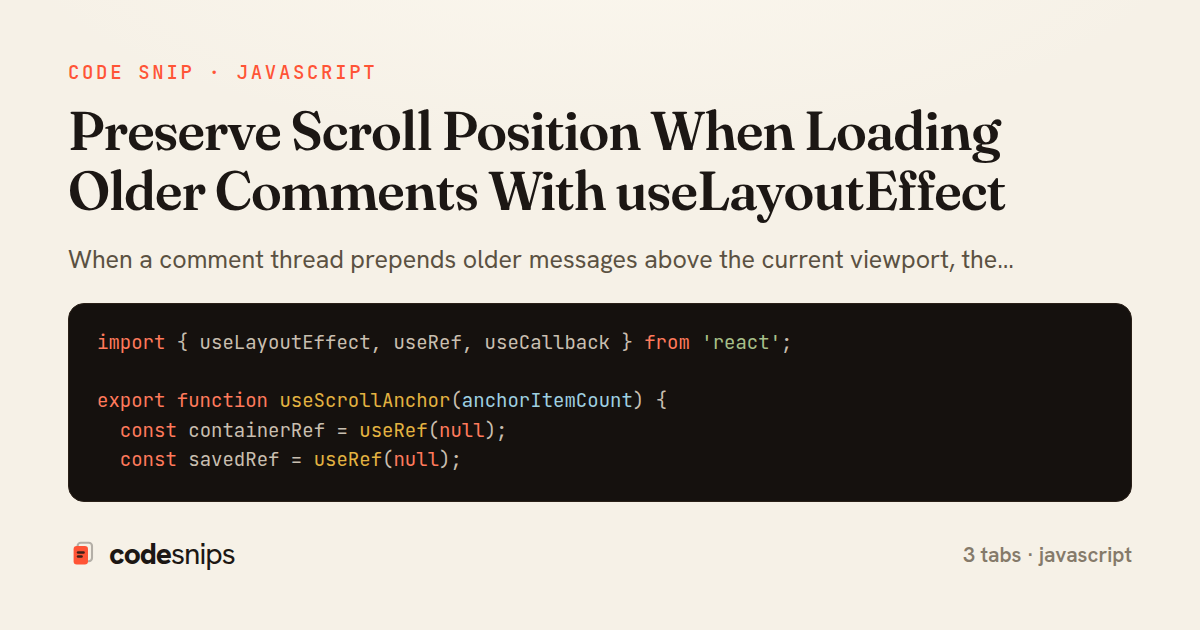
import { useLayoutEffect, useRef, useCallback } from 'react';

export function useScrollAnchor(anchorItemCount) {
  const containerRef = useRef(null);
  const savedRef = useRef(null);

  const capture = useCallback(() => {
    const el = containerRef.current;
    if (!el) return;
    savedRef.current = {
      height: el.scrollHeight,
      top: el.scrollTop,
    };
  }, []);

  useLayoutEffect(() => {
    const el = containerRef.current;
    const saved = savedRef.current;
    if (!el || !saved) return;

    const delta = el.scrollHeight - saved.height;
    if (delta > 0) {
      el.scrollTop = saved.top + delta;
    }
    savedRef.current = null;
  }, [anchorItemCount]);

  return { containerRef, capture };
}
import { useState, useCallback, useRef } from 'react';

export function useLoadMoreComments(threadId, initial) {
  const [comments, setComments] = useState(initial.items);
  const [cursor, setCursor] = useState(initial.nextCursor);
  const [hasMore, setHasMore] = useState(Boolean(initial.nextCursor));
  const inFlight = useRef(false);

  const loadOlder = useCallback(async () => {
    if (inFlight.current || !hasMore) return;
    inFlight.current = true;
    try {
      const params = new URLSearchParams({ before: cursor, limit: '25' });
      const res = await fetch(`/api/threads/${threadId}/comments?${params}`);
      if (!res.ok) throw new Error(`Failed: ${res.status}`);
      const page = await res.json();

      setComments(prev => [...page.items, ...prev]);
      setCursor(page.nextCursor);
      setHasMore(Boolean(page.nextCursor));
    } finally {
      inFlight.current = false;
    }
  }, [threadId, cursor, hasMore]);

  return { comments, loadOlder, hasMore };
}
import { useState, useCallback } from 'react';
import { useScrollAnchor } from './useScrollAnchor';
import { useLoadMoreComments } from './useLoadMoreComments';
import Comment from './Comment';

export default function CommentThread({ threadId, initial }) {
  const { comments, loadOlder, hasMore } = useLoadMoreComments(threadId, initial);
  const { containerRef, capture } = useScrollAnchor(comments.length);
  const [loading, setLoading] = useState(false);

  const onLoadMore = useCallback(async () => {
    if (loading) return;
    setLoading(true);
    capture(); // snapshot layout before rows are prepended
    try {
      await loadOlder();
    } finally {
      setLoading(false);
    }
  }, [loading, capture, loadOlder]);

  return (
    <div ref={containerRef} className="comment-scroll">
      {hasMore && (
        <button className="load-more" onClick={onLoadMore} disabled={loading}>
          {loading ? 'Loading\u2026' : 'Load more'}
        </button>
      )}
      <ul className="comment-list">
        {comments.map(c => (
          <li key={c.id}>
            <Comment comment={c} />
          </li>
        ))}
      </ul>
    </div>
  );
}
When a comment thread prepends older messages above the current viewport, the browser keeps the same scrollTop, which visually yanks the content the reader was looking at downward. This snippet shows the standard fix: measure the scroll container's height before the DOM paints with the new rows, then restore the reader's relative position synchronously so no flicker is visible.
The core trick lives in useScrollAnchor hook. It exposes a containerRef for the scroll element and a capture() function that a caller invokes right before triggering a state update that prepends items. capture() stashes the current scrollHeight and scrollTop in a ref. A useLayoutEffect keyed on anchorItemCount then runs after React mutates the DOM but before the browser paints, computes how much taller the container became (scrollHeight - prev.height), and adds that delta back to scrollTop. Because it uses useLayoutEffect rather than useEffect, this adjustment happens in the same frame, so the reader never sees the jump.
Using a ref for the saved measurement matters: it must survive the render caused by the state change without itself triggering another render. The effect also clears the saved value after applying it so a later append (which grows the bottom, not the top) is left untouched.
In CommentThread component, useLoadMoreComments hook supplies the comments array plus a loadOlder async action and a hasMore flag. The onLoadMore handler calls anchor.capture() immediately before await loadOlder(), guaranteeing the height snapshot reflects the pre-prepend layout. The 'Load more' button sits at the top of the list because that is where new rows appear.
useLoadMoreComments hook handles the data side: cursor-based paging keyed on the oldest loaded id, an inFlight guard to prevent overlapping requests, and prepending with setComments(prev => [...page.items, ...prev]). Cursor pagination is preferred over offset here because the list mutates as people post, so offsets would skip or duplicate rows.
The main pitfall this avoids is a race between measurement and paint; doing the math in useEffect would let the browser paint the shifted layout first. Reach for this pattern for chat backfills, activity feeds, or any reverse-chronological list that grows upward.
Related snips
class PostsController < ApplicationController
  def index
    @posts = Post.includes(:author)
                 .order(created_at: :desc)
                 .page(params[:page])
                 .per(10)
Turbo Frames: infinite scroll with lazy-loading frame
import { Controller } from "@hotwired/stimulus"
import Mousetrap from "mousetrap"

export default class extends Controller {
  connect() {
    // Global shortcuts
Keyboard shortcuts with Stimulus and Mousetrap
import axios, { AxiosError } from 'axios'
import { v4 as uuidv4 } from 'uuid'

const api = axios.create({
  baseURL: import.meta.env.VITE_API_URL || 'http://localhost:3000/api/v1',
  timeout: 15000,
Axios API client with interceptors
import { create } from 'zustand'
import { persist } from 'zustand/middleware'

interface FilterState {
  search: string
  category: string | null
Zustand for lightweight state management
<!DOCTYPE html>
<html lang="en">
<head>
  <meta charset="UTF-8">
  <title>Form Validation Example</title>
  <style>
HTML forms with validation and accessibility
import { Application } from "@hotwired/stimulus"
import FormSubmitController from "./controllers/form_submit_controller"

const application = Application.start()
application.debug = false
Disable submit button while Turbo form is submitting
Share this code
Here's the card — post it anywhere.