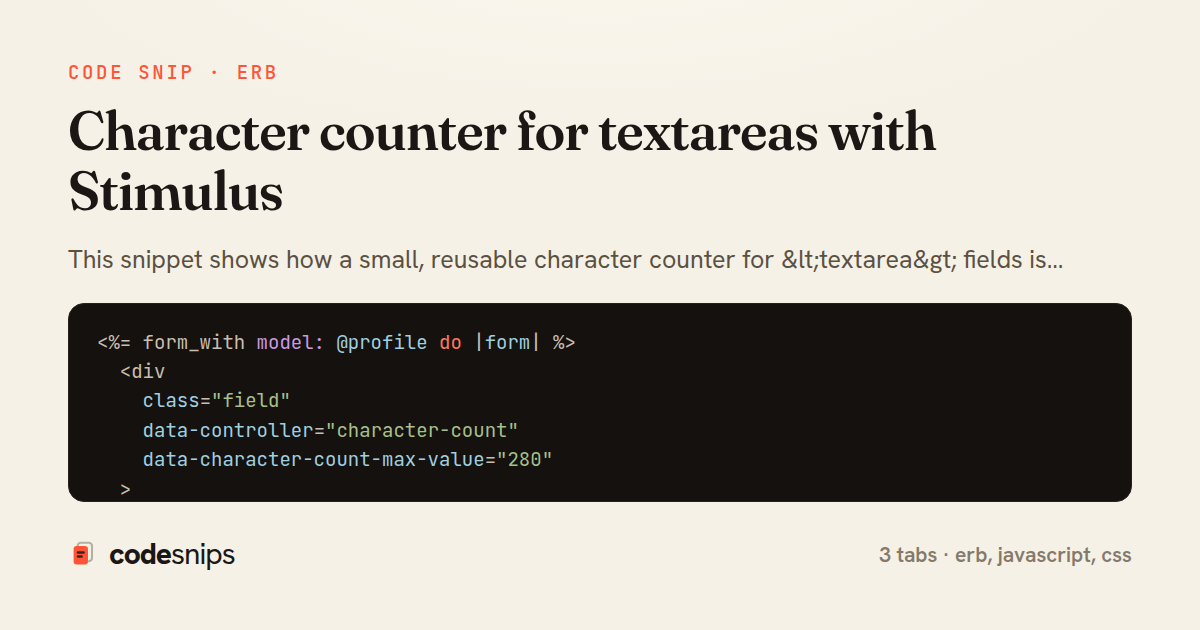
<%= form_with model: @profile do |form| %>
  <div
    class="field"
    data-controller="character-count"
    data-character-count-max-value="280"
  >
    <%= form.label :bio, "About you" %>

    <%= form.text_area :bio,
          rows: 5,
          maxlength: 280,
          data: {
            character_count_target: "field",
            action: "input->character-count#update"
          } %>

    <p class="counter"
       aria-live="polite"
       data-character-count-target="counter">
    </p>
  </div>

  <%= form.submit "Save profile" %>
<% end %>
import { Controller } from "@hotwired/stimulus"

export default class extends Controller {
  static targets = ["field", "counter"]
  static values = { max: Number }

  connect() {
    this.update()
  }

  update() {
    const used = this.fieldTarget.value.length
    const remaining = this.remaining

    this.counterTarget.textContent = `${remaining} characters left`

    this.counterTarget.classList.toggle(
      "near-limit",
      remaining <= 10 && remaining >= 0
    )
    this.counterTarget.classList.toggle("over-limit", remaining < 0)
  }

  get remaining() {
    return this.maxValue - this.fieldTarget.value.length
  }
}
.counter {
  margin-top: 0.25rem;
  font-size: 0.8125rem;
  color: #6b7280;
  transition: color 0.15s ease-in-out;
}

.counter.near-limit {
  color: #b45309;
}

.counter.over-limit {
  color: #b91c1c;
  font-weight: 600;
}
This snippet shows how a small, reusable character counter for <textarea> fields is built with Stimulus, the JavaScript framework that ships with Rails' Hotwire stack. The pattern is a classic "progressive enhancement" case: the form works with plain HTML, and the controller layers on live feedback without any custom event wiring in the view.
The _bio_form.html.erb tab renders the markup that connects HTML to behavior. The wrapping div carries data-controller="character-count" and a value attribute, data-character-count-max-value, so the limit lives in the DOM rather than being hard-coded in JavaScript. The textarea declares two targets and an input->character-count#update action; the counter element is a separate data-character-count-target="counter" span with aria-live="polite" so screen readers announce changes. Passing maxlength to the textarea gives a native hard cap even before JS loads.
The character_count_controller.js tab holds the logic. Stimulus wires static targets and static values to the data-* attributes automatically, so this.fieldTarget, this.counterTarget, and this.maxValue are populated on connect(). Calling update() from connect() seeds the initial count, which matters for edit forms where the field is pre-filled. The remaining getter centralizes the arithmetic, and update() toggles a near-limit and over-limit class using classList.toggle's boolean second argument, keeping styling declarative. Because maxlength already prevents overflow, over-limit mostly serves as a defensive state for programmatically set values.
The character_count.css tab styles the states. The counter uses a muted default color, an amber warning when within ten characters of the limit, and red plus bold when exceeded.
The main trade-off is that the limit is duplicated between maxlength and the Stimulus value; a helper could render both from one source. The payoff is a self-contained, dependency-free component that any textarea can opt into by adding a few data attributes, with no per-form JavaScript and graceful behavior when scripts are disabled.
Related snips
class CommentsController < ApplicationController
  before_action :set_post

  def create
    @comment = @post.comments.build(comment_params)
System test: asserting Turbo Stream responses
class Post < ApplicationRecord
  belongs_to :author, class_name: 'User'
  has_many :comments, dependent: :destroy

  scope :published, -> { where.not(published_at: nil).where('published_at <= ?', Time.current) }
  scope :draft, -> { where(published_at: nil) }
ActiveRecord scopes for reusable query logic
module Api
  module V1
    class UsersController < BaseController
      def show
        user = User.includes(:profile).find(params[:id])
ETags for conditional requests and caching
class PostsController < ApplicationController
  def index
    @posts = Post.includes(:author)
                 .order(created_at: :desc)
                 .page(params[:page])
                 .per(10)
Turbo Frames: infinite scroll with lazy-loading frame
<!DOCTYPE html>
<html lang="en">
<head>
  <meta charset="UTF-8">
  <meta name="viewport" content="width=device-width, initial-scale=1.0">
  <title>Semantic HTML Example</title>
Semantic HTML5 elements and accessibility best practices
require "csv"

class PeopleCsvStream
  include Enumerable

  HEADERS = %w[id full_name email signed_up_at plan].freeze
Resilient CSV Export as a Streamed Response
Share this code
Here's the card — post it anywhere.