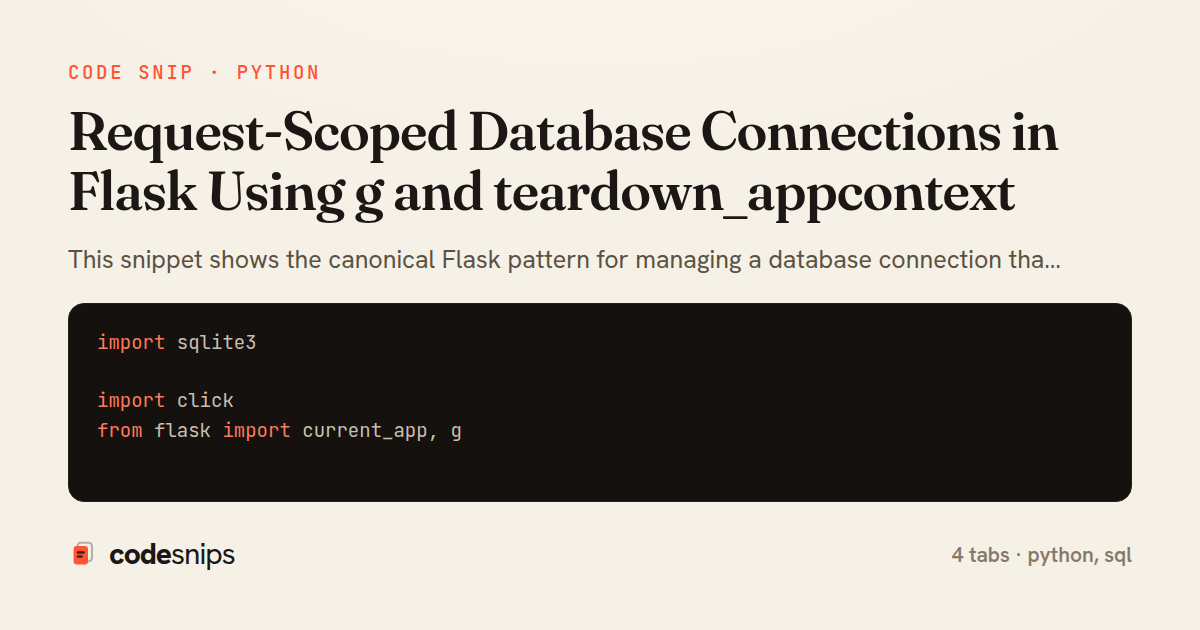
import sqlite3

import click
from flask import current_app, g


def get_db():
    if 'db' not in g:
        g.db = sqlite3.connect(
            current_app.config['DATABASE'],
            detect_types=sqlite3.PARSE_DECLTYPES,
        )
        g.db.row_factory = sqlite3.Row
    return g.db


def close_db(exception=None):
    db = g.pop('db', None)
    if db is not None:
        db.close()


@click.command('init-db')
def init_db_command():
    db = get_db()
    with current_app.open_resource('schema.sql') as f:
        db.executescript(f.read().decode('utf8'))
    click.echo('Initialized the database.')


def init_app(app):
    app.teardown_appcontext(close_db)
    app.cli.add_command(init_db_command)
import os

from flask import Flask

import db
import posts


def create_app(test_config=None):
    app = Flask(__name__, instance_relative_config=True)
    app.config.from_mapping(
        SECRET_KEY='dev',
        DATABASE=os.path.join(app.instance_path, 'app.sqlite'),
    )

    if test_config is not None:
        app.config.update(test_config)

    os.makedirs(app.instance_path, exist_ok=True)

    db.init_app(app)
    app.register_blueprint(posts.bp)

    return app
from flask import Blueprint, abort, jsonify, request

from db import get_db

bp = Blueprint('posts', __name__, url_prefix='/posts')


@bp.get('/<int:post_id>')
def show(post_id):
    db = get_db()
    row = db.execute(
        'SELECT id, title, body FROM post WHERE id = ?',
        (post_id,),
    ).fetchone()
    if row is None:
        abort(404)
    return jsonify(dict(row))


@bp.post('/')
def create():
    data = request.get_json(silent=True) or {}
    title = data.get('title')
    if not title:
        abort(400, description='title is required')

    db = get_db()
    cursor = db.execute(
        'INSERT INTO post (title, body) VALUES (?, ?)',
        (title, data.get('body', '')),
    )
    db.commit()
    return jsonify(id=cursor.lastrowid), 201
DROP TABLE IF EXISTS post;

CREATE TABLE post (
    id INTEGER PRIMARY KEY AUTOINCREMENT,
    title TEXT NOT NULL,
    body TEXT NOT NULL DEFAULT '',
    created TIMESTAMP NOT NULL DEFAULT CURRENT_TIMESTAMP
);
This snippet shows the canonical Flask pattern for managing a database connection that lives exactly as long as a single request (or CLI invocation): open it lazily on first use, stash it on the g object, and guarantee it is closed by registering a teardown handler. The g object is a per-application-context namespace, so anything stored on it is automatically isolated between concurrent requests — no globals leaking across threads.
In db.py, get_db is the accessor every view calls. It checks g with 'db' not in g and only opens a real sqlite3.Connection if one is not already attached, which makes repeated calls within the same request cheap and consistent — every caller shares the same connection and therefore the same transaction. sqlite3.Row is set as the row factory so results behave like dicts. The key piece is close_db, wired via teardown_appcontext: Flask calls every registered teardown function when the application context is torn down at the end of the request, passing an optional exception. Using g.pop('db', None) both retrieves and removes the connection so the handler is idempotent and never fails if the connection was never opened.
Because teardown_appcontext fires even when the view raises, the connection is released on both success and error paths — this is why the pattern is preferred over closing the connection manually at the end of each view, where an exception would skip the cleanup. init_app registers the teardown and adds a CLI command so the same connection machinery works outside HTTP requests.
In app.py, the application factory calls db.init_app(app) once at startup; the teardown registration is a one-time setup, not per-request. The route in posts.py demonstrates the payoff: get_db() is called wherever data is needed without any explicit open/close bookkeeping, and a commit() is issued for writes since autocommit is off.
A subtle pitfall worth noting: teardown functions must not assume the request succeeded — the passed exception may be non-None, and any error raised inside a teardown handler is logged but not propagated. Reaching for this pattern makes sense whenever a resource is expensive to create, must be scoped to one request, and must be reliably closed regardless of outcome.
Related snips
package com.example.myapp

import android.app.Application
import dagger.hilt.android.HiltAndroidApp

@HiltAndroidApp
Dependency injection with Hilt
# Vulnerable: user input is concatenated directly into SQL.
email = params[:email]
password = params[:password]

sql = "SELECT * FROM users WHERE email = '#{email}' AND password_hash = '#{password}'"
user = ActiveRecord::Base.connection.execute(sql).first
SQL injection prevention with unsafe and safe query patterns
<?php

namespace App\Providers;

use App\Contracts\PaymentGateway;
use App\Services\StripePaymentGateway;
Laravel service container and dependency injection
-- EXPLAIN ANALYZE (actual execution statistics)
EXPLAIN ANALYZE
SELECT u.username, COUNT(o.id) AS order_count
FROM users u
LEFT JOIN orders o ON u.id = o.user_id
WHERE u.created_at >= '2024-01-01'
Advanced query optimization techniques
from django.db.models import Count, Avg, Sum, Q, F
from django.views.generic import TemplateView
from products.models import Product, Order, OrderItem


class DashboardView(TemplateView):
Django aggregation with annotate for statistics
class ReportQuery
  SQL = <<~SQL.freeze
    SELECT date_trunc('day', events.created_at) AS day,
           count(*) AS total,
           count(*) FILTER (WHERE events.kind = 'purchase') AS purchases
    FROM events
Safe Raw SQL with exec_query + Binds
Share this code
Here's the card — post it anywhere.