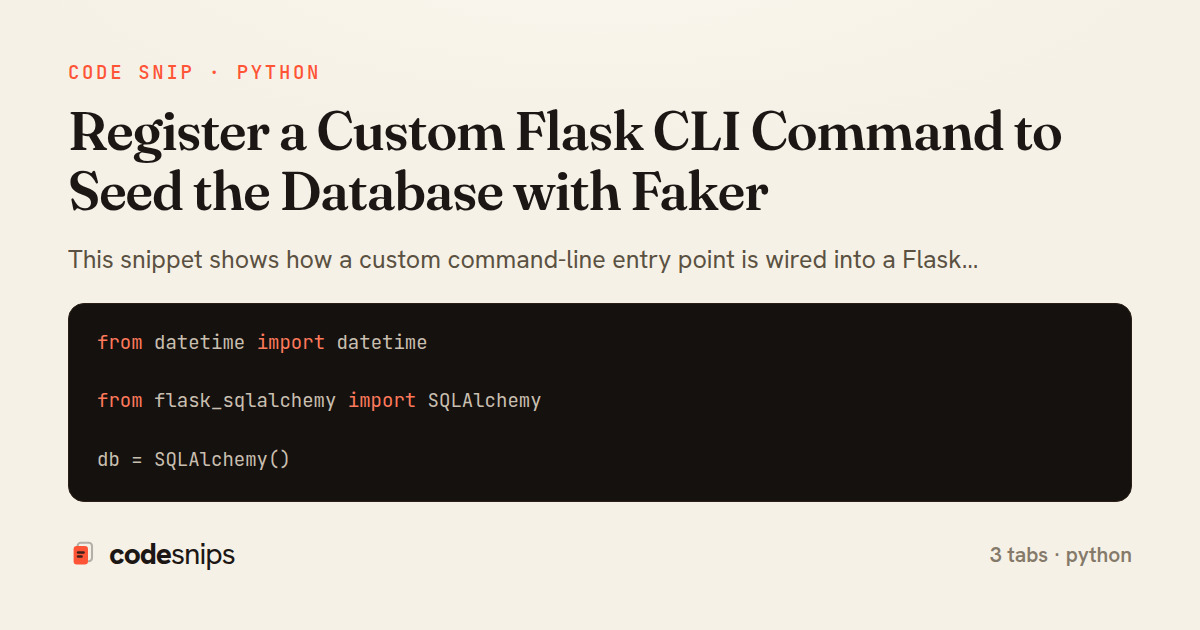
from datetime import datetime

from flask_sqlalchemy import SQLAlchemy

db = SQLAlchemy()


class User(db.Model):
    __tablename__ = "users"

    id = db.Column(db.Integer, primary_key=True)
    name = db.Column(db.String(120), nullable=False)
    email = db.Column(db.String(255), unique=True, nullable=False)
    created_at = db.Column(db.DateTime, default=datetime.utcnow)

    posts = db.relationship("Post", backref="author", cascade="all, delete-orphan")

    def __repr__(self):
        return "<User {}>".format(self.email)


class Post(db.Model):
    __tablename__ = "posts"

    id = db.Column(db.Integer, primary_key=True)
    title = db.Column(db.String(200), nullable=False)
    body = db.Column(db.Text, nullable=False)
    user_id = db.Column(db.Integer, db.ForeignKey("users.id"), nullable=False)
    created_at = db.Column(db.DateTime, default=datetime.utcnow)
import click
from faker import Faker
from flask.cli import with_appcontext

from models import db, User, Post

fake = Faker()


@click.command("seed-db")
@click.option("--count", default=10, show_default=True, help="Number of users to create.")
@click.option("--wipe", is_flag=True, help="Delete existing rows before seeding.")
@with_appcontext
def seed_db(count, wipe):
    if wipe:
        click.echo("Wiping existing data...")
        Post.query.delete()
        User.query.delete()

    created = 0
    for _ in range(count):
        user = User(name=fake.name(), email=fake.unique.email())
        db.session.add(user)

        for _ in range(fake.random_int(min=0, max=4)):
            user.posts.append(
                Post(title=fake.sentence(nb_words=6), body=fake.paragraph(nb_sentences=5))
            )
        created += 1

    db.session.commit()
    click.secho("Seeded {} users.".format(created), fg="green")
import os

from flask import Flask

from models import db
from commands import seed_db


def create_app(config=None):
    app = Flask(__name__)
    app.config["SQLALCHEMY_DATABASE_URI"] = os.environ.get(
        "DATABASE_URL", "sqlite:///app.db"
    )
    app.config["SQLALCHEMY_TRACK_MODIFICATIONS"] = False

    if config:
        app.config.update(config)

    db.init_app(app)

    app.cli.add_command(seed_db)

    @app.route("/health")
    def health():
        return {"status": "ok"}

    return app


app = create_app()
This snippet shows how a custom command-line entry point is wired into a Flask application so that developers can populate the database with realistic sample data using a single flask seed-db invocation. The pattern relies on Flask's integration with click, exposed through app.cli, and works cleanly with the application-factory layout that most non-trivial Flask apps adopt.
In models.py, two ordinary SQLAlchemy models are defined against a shared db object created with SQLAlchemy() but not yet bound to an app. Keeping db unbound at import time is what makes the factory pattern possible: the same models can be reused across the real app, tests, and CLI invocations without importing a live application. The User and Post models form a simple one-to-many relationship so the seed data can exercise a foreign key.
In commands.py, the actual seeding logic lives inside seed_db, a click.command decorated with @click.option flags for --count and --wipe. Because the function runs under Flask's CLI, it executes inside an active application context, so db.session is already usable. The command uses Faker to generate plausible names, emails, and paragraphs, batches everything into the session, and commits once. The --wipe flag demonstrates a destructive-but-guarded reset that only removes existing rows when explicitly requested, which is a sensible default for a tool that can be run against the wrong database.
A subtle but important detail is with_appcontext, applied to seed_db so the command can be registered as a bare click command yet still gain access to the current app and its extensions. Flask injects the context automatically for commands attached via app.cli.add_command.
In app.py, the factory create_app builds the app, binds db.init_app(app), and calls app.cli.add_command(seed_db) to register the command under its name. This keeps command registration explicit and testable rather than relying on global decorators. The trade-off is a small amount of wiring in exchange for clean separation: commands stay importable and unit-testable in isolation. Developers reach for this approach whenever repetitive setup — demo data, admin users, reference tables — needs to be reproducible and scriptable without ad-hoc REPL sessions. Guarding destructive actions and committing once per run are the main pitfalls worth respecting.
Related snips
use clap::Parser;

#[derive(Parser, Debug)]
#[command(author, version, about)]
struct Args {
    #[arg(short, long)]
clap for CLI argument parsing with derive macros
# Vulnerable: user input is concatenated directly into SQL.
email = params[:email]
password = params[:password]

sql = "SELECT * FROM users WHERE email = '#{email}' AND password_hash = '#{password}'"
user = ActiveRecord::Base.connection.execute(sql).first
SQL injection prevention with unsafe and safe query patterns
-- EXPLAIN ANALYZE (actual execution statistics)
EXPLAIN ANALYZE
SELECT u.username, COUNT(o.id) AS order_count
FROM users u
LEFT JOIN orders o ON u.id = o.user_id
WHERE u.created_at >= '2024-01-01'
Advanced query optimization techniques
from django.db.models import Count, Avg, Sum, Q, F
from django.views.generic import TemplateView
from products.models import Product, Order, OrderItem


class DashboardView(TemplateView):
Django aggregation with annotate for statistics
class ReportQuery
  SQL = <<~SQL.freeze
    SELECT date_trunc('day', events.created_at) AS day,
           count(*) AS total,
           count(*) FILTER (WHERE events.kind = 'purchase') AS purchases
    FROM events
Safe Raw SQL with exec_query + Binds
<?php

use Illuminate\Database\Migrations\Migration;
use Illuminate\Database\Schema\Blueprint;
use Illuminate\Support\Facades\Schema;
Laravel database migrations for schema management
Share this code
Here's the card — post it anywhere.