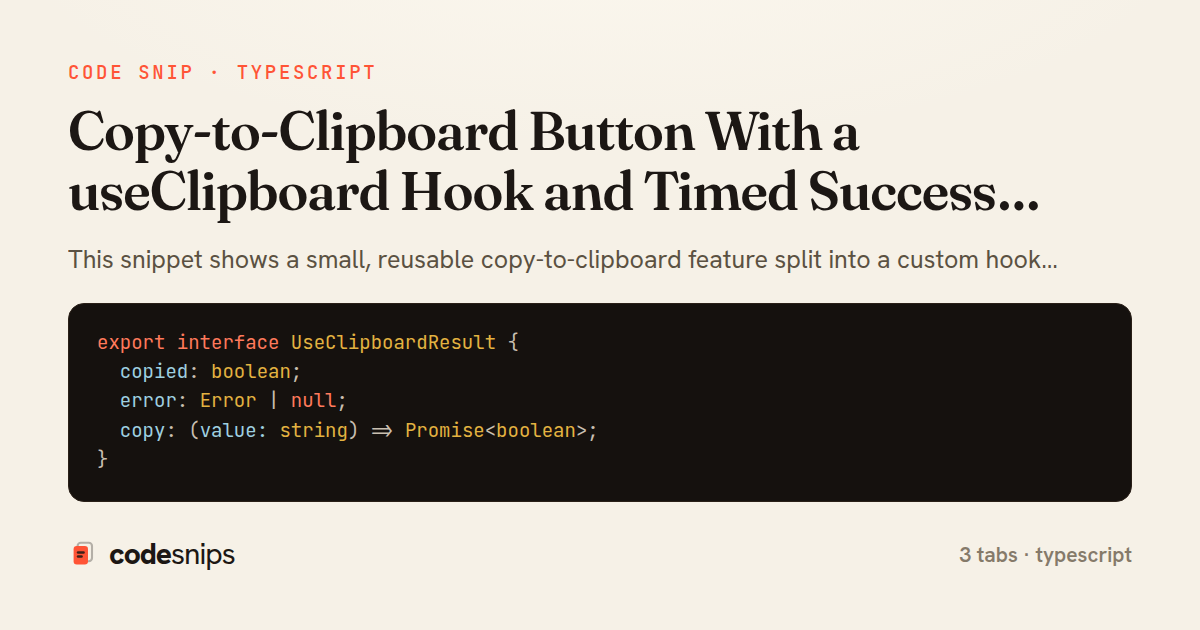
export interface UseClipboardResult {
  copied: boolean;
  error: Error | null;
  copy: (value: string) => Promise<boolean>;
}

export interface CopyButtonProps {
  text: string;
  label?: string;
  copiedLabel?: string;
  timeout?: number;
}
import { useCallback, useEffect, useRef, useState } from 'react';
import type { UseClipboardResult } from './types';

export function useClipboard(timeout = 2000): UseClipboardResult {
  const [copied, setCopied] = useState(false);
  const [error, setError] = useState<Error | null>(null);
  const timerRef = useRef<ReturnType<typeof setTimeout> | null>(null);

  const clearTimer = () => {
    if (timerRef.current) {
      clearTimeout(timerRef.current);
      timerRef.current = null;
    }
  };

  const copy = useCallback(
    async (value: string): Promise<boolean> => {
      clearTimer();
      setError(null);

      if (!navigator?.clipboard?.writeText) {
        setError(new Error('Clipboard API is unavailable in this context'));
        setCopied(false);
        return false;
      }

      try {
        await navigator.clipboard.writeText(value);
        setCopied(true);
        timerRef.current = setTimeout(() => setCopied(false), timeout);
        return true;
      } catch (err) {
        setError(err instanceof Error ? err : new Error('Copy failed'));
        setCopied(false);
        return false;
      }
    },
    [timeout]
  );

  useEffect(() => clearTimer, []);

  return { copied, error, copy };
}
import React from 'react';
import { useClipboard } from './useClipboard';
import type { CopyButtonProps } from './types';

export function CopyButton({
  text,
  label = 'Copy',
  copiedLabel = 'Copied!',
  timeout = 2000,
}: CopyButtonProps) {
  const { copied, error, copy } = useClipboard(timeout);

  return (
    <span className="copy-button">
      <button
        type="button"
        onClick={() => copy(text)}
        disabled={copied}
        aria-label={copied ? copiedLabel : `${label}: ${text}`}
        data-state={copied ? 'copied' : 'idle'}
      >
        <span aria-hidden="true">{copied ? '\u2713 ' : ''}</span>
        {copied ? copiedLabel : label}
      </button>
      <span role="status" aria-live="polite" className="visually-hidden">
        {copied ? copiedLabel : error ? 'Copy failed' : ''}
      </span>
    </span>
  );
}
This snippet shows a small, reusable copy-to-clipboard feature split into a custom hook and the button that consumes it. The separation matters: the hook owns the async browser interaction and the transient UI state, while the component stays declarative and focused on rendering. This is the standard way to make clipboard logic reusable across a codebase without duplicating timers and error handling.
In useClipboard hook, the core is the async copy callback wrapping navigator.clipboard.writeText. The Clipboard API is promise-based and can reject — for example when the page lacks a secure context or the user denies permission — so the call is wrapped in a try/catch that records the outcome as copied or error. The timeout parameter drives a self-resetting success state: after a successful copy, a setTimeout flips copied back to false so the UI naturally returns to its idle label.
A subtle but important detail is timer cleanup. The pending timeout id is stored in a useRef so that rapid repeated clicks don't stack timers; each new copy clears the previous one via clearTimeout, and an unmount useEffect clears it too, preventing a state update on an unmounted component. The hook also guards against a missing navigator.clipboard so it degrades gracefully in older or insecure environments rather than throwing.
The returned tuple { copied, error, copy } gives the consumer exactly what it needs and nothing more. copy is wrapped in useCallback keyed on timeout so its identity is stable, which keeps it safe to pass into memoized children or dependency arrays.
In CopyButton component, the hook is invoked with the text to copy. The button's aria-live region and swapped label communicate the result to assistive technology and sighted users alike — the copied flag toggles the visible text and a check state, while error surfaces a fallback message. The button is disabled briefly through the copied state to signal the action landed.
The types tab defines the small contracts shared between the two files. Reaching for this pattern makes sense whenever copy affordances appear in more than one place — code blocks, share links, API keys — since the timing, cleanup, and error edge cases are solved once and reused.
Related snips
export interface RetryOptions {
  retries: number;
  baseMs: number;
  maxMs: number;
  signal?: AbortSignal;
  onRetry?: (attempt: number, delay: number, err: unknown) => void;
Exponential backoff with jitter for retries
<!DOCTYPE html>
<html lang="en">
<head>
  <meta charset="UTF-8">
  <meta name="viewport" content="width=device-width, initial-scale=1.0">
  <title>Semantic HTML Example</title>
Semantic HTML5 elements and accessibility best practices
// Creating a Promise
const myPromise = new Promise((resolve, reject) => {
  const success = true;

  setTimeout(() => {
    if (success) {
Promises and async/await patterns for asynchronous JavaScript
import { Controller } from "@hotwired/stimulus"
import Mousetrap from "mousetrap"

export default class extends Controller {
  connect() {
    // Global shortcuts
Keyboard shortcuts with Stimulus and Mousetrap
export type Settled<R> =
  | { status: 'fulfilled'; value: R }
  | { status: 'rejected'; reason: unknown };

export interface ConcurrencyOptions {
  limit: number;
Simple concurrency limiter for batch operations
import { Controller } from "@hotwired/stimulus"

export default class extends Controller {
  static targets = ["form"]
  static values = { delay: { type: Number, default: 250 } }
Debounced live search with Stimulus + Turbo Streams
Share this code
Here's the card — post it anywhere.